Why You're Seeing "SMART*" on Your Bank Statement
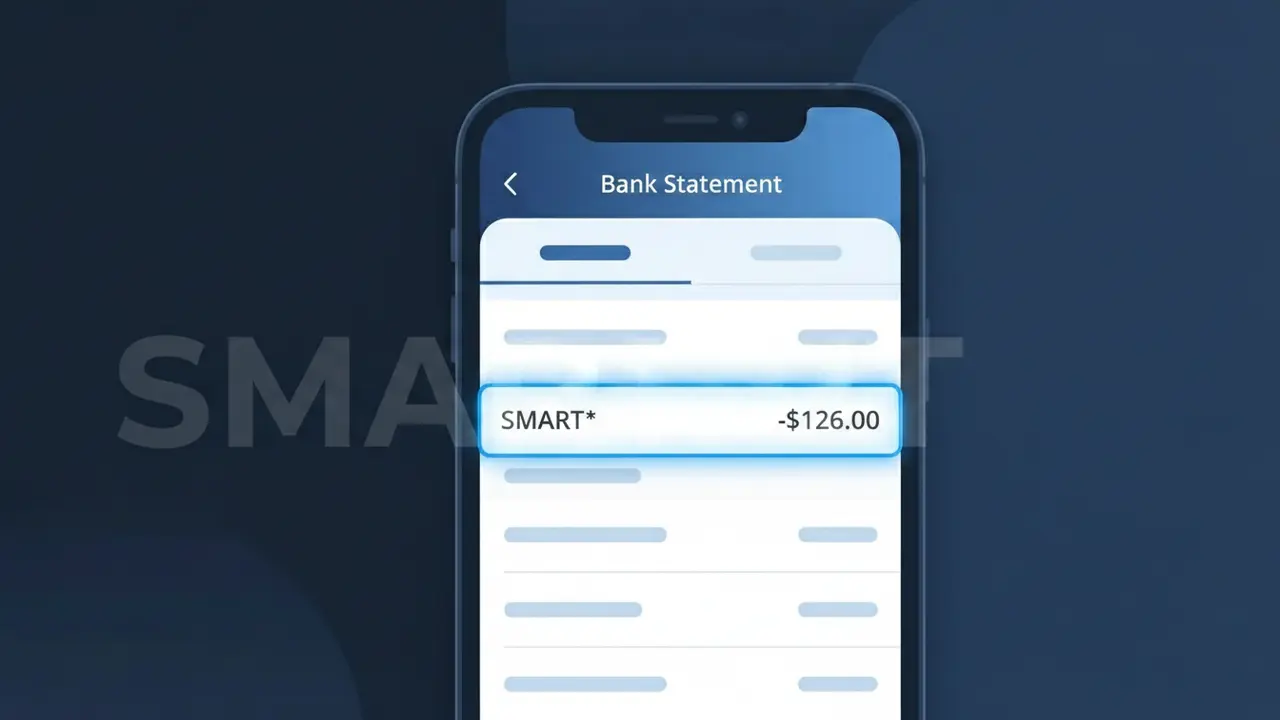
Why You're Seeing "SMART*" on Your Bank Statement
The SMART* charge on your bank statement comes from Smart Communications, one of the Philippines' largest mobile network providers. This charge typically represents your monthly mobile bill, which may include postpaid plan fees, data add-ons, or other subscription services from Smart. The descriptor 'SMART*' followed by additional characters is how Smart Communications identifies itself in electronic billing transactions processed through Philippine banks. If you have an active Smart postpaid plan or any recurring Smart service, this is almost certainly the source of the charge.
Smart Communications uses the shortened billing descriptor SMART* because payment processors and banks have strict character limits on transaction descriptors, often capping them at 22 characters or fewer. This truncated format is a standard practice among Philippine telcos when submitting charges through card payment networks like Visa and Mastercard. The asterisk following 'SMART' is commonly used as a separator, with additional text sometimes appended to indicate the specific service or billing reference.
Is the SMART* Charge Legitimate or Fraud?
The SMART* charge on your bank or credit card statement is most commonly a legitimate billing descriptor used by Smart Communications, a major telecommunications provider. This prefix appears when Smart Communications processes payments for mobile plans, data services, or add-on subscriptions directly to your card. However, if you don't recognize the charge, it's worth investigating to rule out unauthorized use.
- Smart Communications uses the SMART* descriptor for postpaid and prepaid mobile billing transactions
- The charge may appear for auto-renewed data packs, roaming add-ons, or digital content subscriptions
- Family plan members or shared account holders may trigger a SMART* charge on the primary billing card
- Fraudsters occasionally mimic telecom billing descriptors — verify if you have no active Smart Communications account
How to Verify the SMART* Charge
- 1
Log into your Smart Communications account
Visit the Smart Communications website or open the GigaLife app and review your recent billing history to match the SMART* charge amount and date.
- 2
Search your email for Smart Communications receipts
Search your inbox for emails from Smart Communications or noreply@smart.com.ph around the date the SMART* charge appeared on your statement.
- 3
Check with household members
If you share a Smart Communications family plan, ask other members whether they purchased an add-on, data pack, or premium service that could have triggered the SMART* charge.
- 4
Review active subscriptions and add-ons
Log into your Smart Communications account and navigate to 'My Subscriptions' to see any recurring data, roaming, or content services that bill under the SMART* descriptor.
- 5
Contact your bank for transaction details
Ask your bank for the full merchant details behind the SMART* charge, including the merchant ID, which can help confirm whether it originated from Smart Communications.
How to Dispute a SMART* Charge
- 1
Act within 60 days of the charge
Most banks allow chargebacks within 60 days of a SMART* charge appearing on your statement. Acting quickly improves your chances of a successful dispute resolution.
- 2
Contact Smart Communications directly first
Call the Smart Communications hotline at *888 (on-net) or 1-800-10-888-1111, or chat via the GigaLife app, to report the unrecognized SMART* charge and request a billing review.
- 3
File a chargeback with your bank
If Smart Communications cannot resolve the issue, contact your bank or card issuer to formally dispute the SMART* charge as unauthorized and submit any supporting documentation.
- 4
Request a new card number
If the SMART* charge is confirmed as fraudulent and unrelated to Smart Communications, ask your bank to issue a new card to prevent further unauthorized transactions.
Tips for Managing Smart Communications Charges
Enable billing alerts in the GigaLife app so you're notified the moment a SMART* charge is processed to your card.
Download your Smart Communications monthly statement and cross-reference every SMART* line item with your bank statement.
Secure your Smart Communications account with a strong password and two-factor authentication to prevent unauthorized purchases.
Note your Smart Communications billing cycle date so you can anticipate when recurring SMART* charges will hit your account.
Set a spending limit on add-on purchases in your Smart Communications account settings to avoid surprise SMART* charges.
Use WhatIsThisCharge.net to identify related charges that may appear alongside SMART* on your statement.
Frequently Asked Questions About the SMART* Charge
ℹ️ Note
In most cases, a SMART* charge is a routine, legitimate transaction from Smart Communications — often an auto-renewed data pack or monthly postpaid plan billing. A quick check of your GigaLife app account history will typically confirm the charge within minutes.
Was this article helpful?