Why You're Seeing "ソフトバンク SB" on Your Bank Statement
Why You're Seeing "ソフトバンク SB" on Your Bank Statement
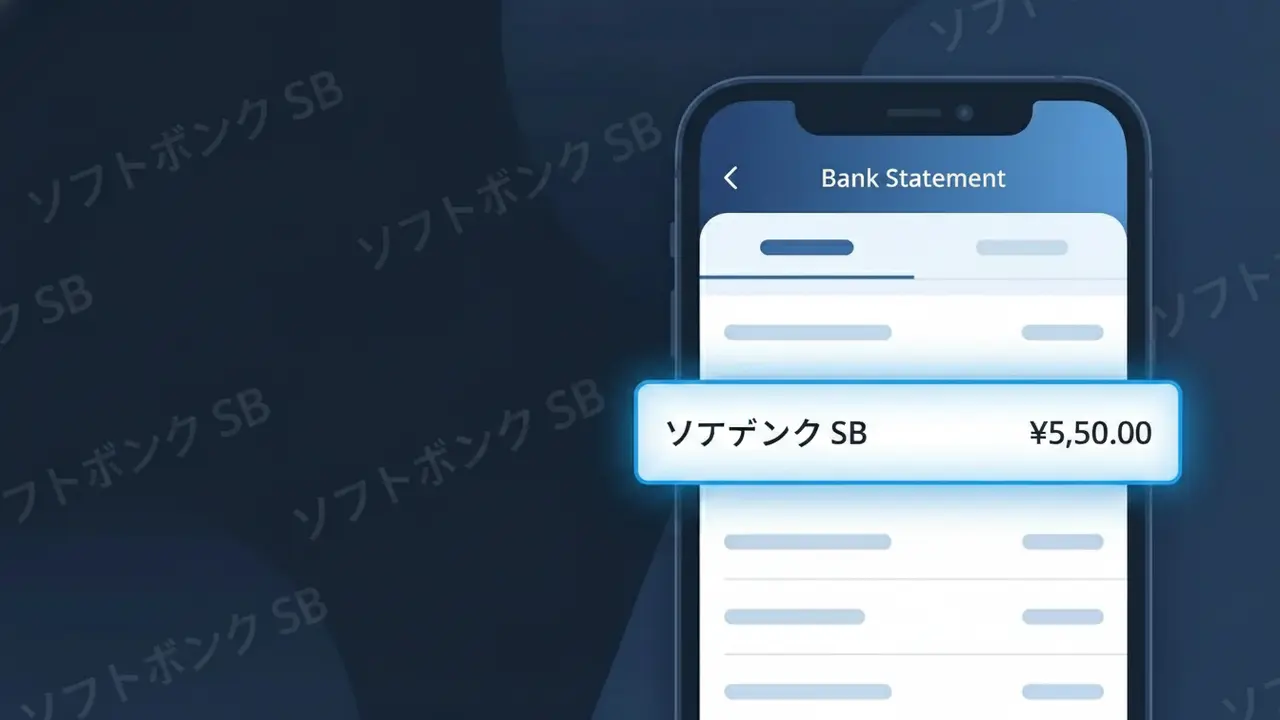
The charge descriptor 'ソフトバンク SB' on your bank statement represents a payment to SoftBank, one of Japan's largest telecommunications companies. This charge typically appears when you are billed for your monthly mobile phone plan, home internet service, or bundled communication package through SoftBank Japan. SoftBank serves tens of millions of customers across Japan, offering everything from smartphone contracts to fiber broadband and device installment payments. If you see this descriptor, it almost certainly relates to a recurring telecom service you have active with SoftBank.
The descriptor 'ソフトバンク SB' appears on your bank statement because Japanese billing systems often use a combination of the company's Japanese-language name (ソフトバンク, meaning 'SoftBank') alongside the abbreviated initials 'SB' to identify the merchant within character-limited payment fields. Banks and payment processors in Japan frequently truncate or stylize company names to fit standardized transaction record formats. This means even though the charge comes directly from SoftBank Japan, the descriptor may look unfamiliar if you were expecting to see the English brand name 'SoftBank' spelled out in full.
Is the ソフトバンク SB Charge Legitimate or Fraud?
The ソフトバンク SB charge appearing on your bank or credit card statement is almost certainly a legitimate billing from SoftBank Japan, one of Japan's largest telecommunications providers. SoftBank Japan commonly uses abbreviated descriptors like 'ソフトバンク SB' when processing payments through their billing systems. If you or someone in your household holds a SoftBank Japan mobile, home internet, or bundled service plan, this charge is expected and valid.
- SoftBank Japan uses 'ソフトバンク SB' as a standard shortened billing descriptor for telecom service charges
- The charge may cover monthly mobile plans, Y!mobile sub-brands, or SoftBank Hikari home internet services
- SoftBank Japan processes recurring monthly billing on a fixed cycle, which explains regular identical amounts
- Add-on services such as SoftBank TV, cloud storage, or device insurance can generate separate ソフトバンク SB line items
How to Verify the ソフトバンク SB Charge
- 1
Log into your SoftBank Japan account
Visit My SoftBank at softbank.jp and sign in to review your billing history. Your itemized invoice will show exactly what the ソフトバンク SB charge corresponds to, including plan fees and add-ons.
- 2
Search your email for SoftBank Japan receipts
Search your inbox for keywords like 'SoftBank', 'ソフトバンク', or 'SB' to locate monthly billing emails. SoftBank Japan sends electronic invoices that will match the amount on your statement.
- 3
Check with household or family plan members
SoftBank Japan offers family bundle plans where one card is billed for multiple lines. Ask family members whether they added a new line, upgraded a device, or enrolled in a service recently under a shared plan.
- 4
Review active SoftBank Japan subscriptions
Check for active add-ons in My SoftBank, including SoftBank TV, Manabi放題, or device protection plans. These subscriptions each generate individual ソフトバンク SB charges on your billing statement.
- 5
Contact your bank for transaction details
Ask your bank for the full merchant details behind the ソフトバンク SB charge, including the merchant ID and transaction date. This can help you cross-reference it with your SoftBank Japan account activity.
How to Dispute a ソフトバンク SB Charge
- 1
Act within 60 days of the charge
Most banks and credit card issuers require disputes to be filed within 60 days of the ソフトバンク SB charge appearing on your statement. Do not delay — gather your SoftBank Japan billing records immediately.
- 2
Contact SoftBank Japan customer support first
Call SoftBank Japan's customer service at 157 (from a SoftBank mobile) or 0800-919-0157 (toll-free). Explain the unexpected ソフトバンク SB charge and request a detailed breakdown or refund if applicable.
- 3
File a chargeback with your bank or card issuer
If SoftBank Japan cannot resolve the issue, contact your bank to initiate a formal chargeback for the ソフトバンク SB charge. Provide your correspondence with SoftBank Japan as supporting evidence for the dispute.
- 4
Request a new card number if fraud is suspected
If you do not have any SoftBank Japan account and cannot account for the ソフトバンク SB charge, request a card replacement immediately. Report the transaction as potential fraud to both your bank and SoftBank Japan.
Tips for Managing SoftBank Japan Charges
Enable billing alerts in My SoftBank so you're notified the moment a ソフトバンク SB charge is processed each month.
Download your SoftBank Japan monthly invoice as a PDF and save it for at least 12 months for easy charge reconciliation.
Keep your My SoftBank login credentials updated so you can quickly access account details whenever a ソフトバンク SB charge appears unexpectedly.
SoftBank Japan bills on a fixed monthly cycle — note your billing date to anticipate when ソフトバンク SB will appear on your statement.
Regularly audit your active SoftBank Japan add-ons and cancel unused services to avoid surprise ソフトバンク SB charges each month.
Use WhatIsThisCharge.net to identify related charges that may appear alongside ソフトバンク SB on your statement.
Frequently Asked Questions About the ソフトバンク SB Charge
ℹ️ Note
Seeing ソフトバンク SB on your statement is typically nothing to worry about — it's simply how SoftBank Japan identifies their telecom billing charges when space is limited on bank descriptors. If the amount matches your monthly plan or a recent service activation, the charge is valid and expected.
🔍 Decode this charge instantly
Search our database for ソフトバンク SB and similar charges.
Decode ソフトバンク SB →Was this article helpful?