Why You're Seeing "SOUTHWEST*" on Your Bank Statement
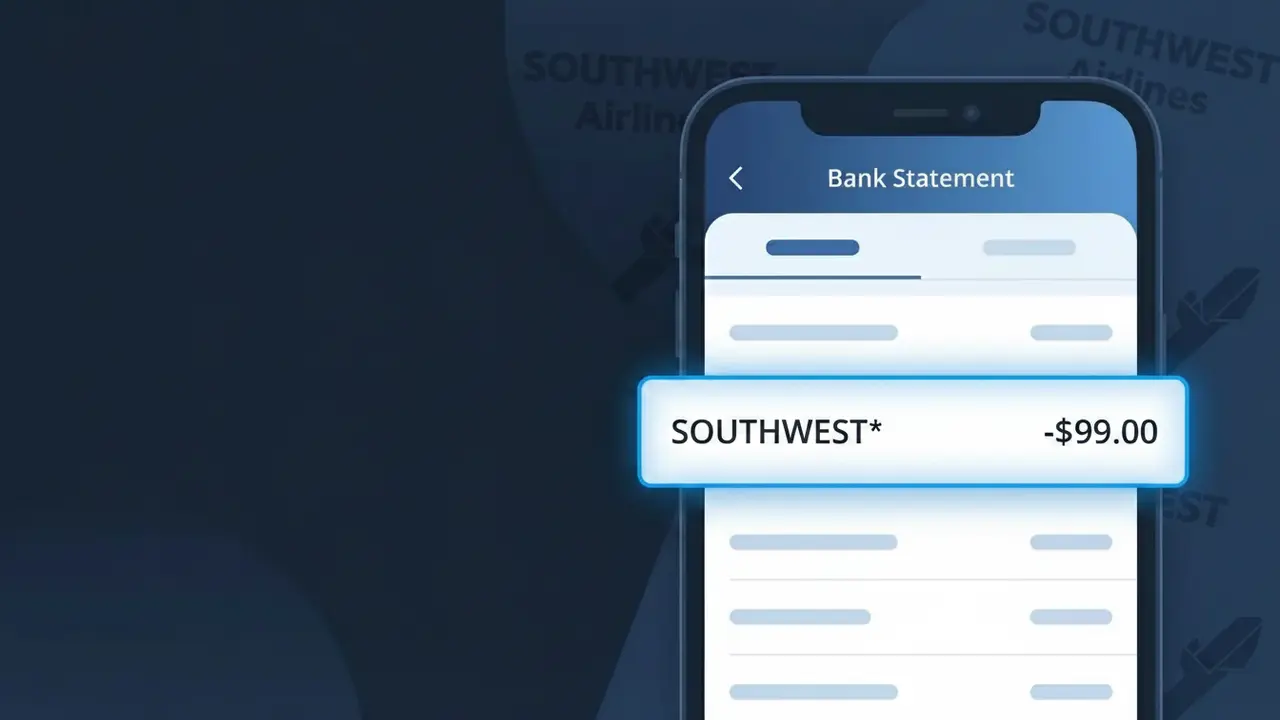
Why You're Seeing "SOUTHWEST*" on Your Bank Statement
A charge showing SOUTHWEST* on your bank or credit card statement comes from Southwest Airlines, one of the largest low-cost carriers in the United States. This charge typically represents the purchase of a flight ticket, though it can also appear for fare upgrades, EarlyBird Check-In add-ons, or other Southwest travel-related purchases. If you recently booked a trip through Southwest's website, app, or customer service line, this descriptor is how that transaction shows up. Seeing SOUTHWEST* followed by additional characters or numbers is completely normal and simply reflects how Southwest Airlines submits charges to payment processors.
Southwest Airlines uses the abbreviated merchant descriptor SOUTHWEST* when submitting transactions to banks and card networks, which is a common practice among large travel companies that process payments through multiple systems or regional gateways. The asterisk often indicates a parent merchant code or a specific booking channel, and additional alphanumeric characters after the asterisk may reference a confirmation number, booking platform, or regional processing center. This truncated format is standard across the payment industry and does not indicate any issue with your purchase or account.
Is the SOUTHWEST* Charge Legitimate or Fraud?
If you see SOUTHWEST* on your bank or credit card statement, it is almost certainly a legitimate charge from Southwest Airlines. This descriptor appears when Southwest processes payments for flights, upgrades, or travel-related purchases through their billing system. However, if you don't recall booking a trip, it's worth investigating further before assuming fraud.
- You or a family member recently booked a Southwest Airlines flight online or via the app
- You purchased EarlyBird Check-In, upgraded boarding, or in-flight extras through Southwest
- You redeemed or purchased Southwest Rapid Rewards points that triggered a billing event
- A travel agent or third-party service booked a Southwest Airlines ticket on your behalf
How to Verify the SOUTHWEST* Charge
- 1
Check your Southwest Airlines account
Log into your account at southwest.com and review your upcoming trips and purchase history. Any recent flight bookings or add-ons will be listed there with matching amounts.
- 2
Search your email for Southwest receipts
Look for confirmation emails from Southwest Airlines sent to your inbox or spam folder. Search for terms like 'Southwest booking confirmation' or 'noreply@southwest.com' to locate matching receipts.
- 3
Check with household members
Ask family members or travel companions whether they used your card to book a Southwest Airlines flight. Shared cards are a common reason for unexpected SOUTHWEST* charges.
- 4
Review Southwest Rapid Rewards activity
If you are a Rapid Rewards member, check your account for any recent point purchases or companion pass transactions that may have triggered the SOUTHWEST* charge.
- 5
Contact your bank
If you still cannot identify the SOUTHWEST* charge, call the number on the back of your card. Your bank can provide the exact transaction date and last four digits of the card used to help you trace it.
How to Dispute a SOUTHWEST* Charge
- 1
Act within 60 days
Report any unauthorized SOUTHWEST* charge to your bank or card issuer within 60 days of the statement date to remain eligible for a chargeback under federal consumer protection rules.
- 2
Contact Southwest Airlines first
Call Southwest Airlines customer service at 1-800-435-9792 or visit southwest.com to report the issue. Southwest may resolve refunds or errors directly and faster than a bank dispute.
- 3
File a chargeback with your bank
If Southwest Airlines cannot resolve the issue, contact your card issuer to formally dispute the SOUTHWEST* charge. Provide your confirmation number, transaction date, and any email correspondence as evidence.
- 4
Request a new card if fraud is confirmed
If the SOUTHWEST* charge is confirmed as fraudulent and your card details were compromised, ask your bank to cancel the card and issue a replacement to prevent further unauthorized transactions.
Tips for Managing Southwest Airlines Charges
Set up bank alerts to get notified instantly when a SOUTHWEST* charge hits your account.
Always save your Southwest Airlines booking confirmation email until the charge clears your statement.
Keep your Southwest Airlines Rapid Rewards account secured with a strong, unique password to prevent unauthorized bookings.
Note that EarlyBird Check-In charges from Southwest may appear days after your original booking date.
Use a credit card (not debit) for Southwest purchases — credit cards offer stronger fraud dispute protections.
Use WhatIsThisCharge.net to identify related charges from Southwest Airlines or similar travel merchants.
Frequently Asked Questions About the SOUTHWEST* Charge
ℹ️ Note
In most cases, a SOUTHWEST* charge is simply Southwest Airlines billing you for a flight, EarlyBird Check-In, or travel add-on you recently purchased — checking your email for a booking confirmation is usually all it takes to put your mind at ease.
🔍 Decode this charge instantly
Search our database for SOUTHWEST* and similar charges.
Decode SOUTHWEST* →Was this article helpful?