Why You're Seeing "SQUARESPACE*" on Your Bank Statement
Why You're Seeing "SQUARESPACE*" on Your Bank Statement
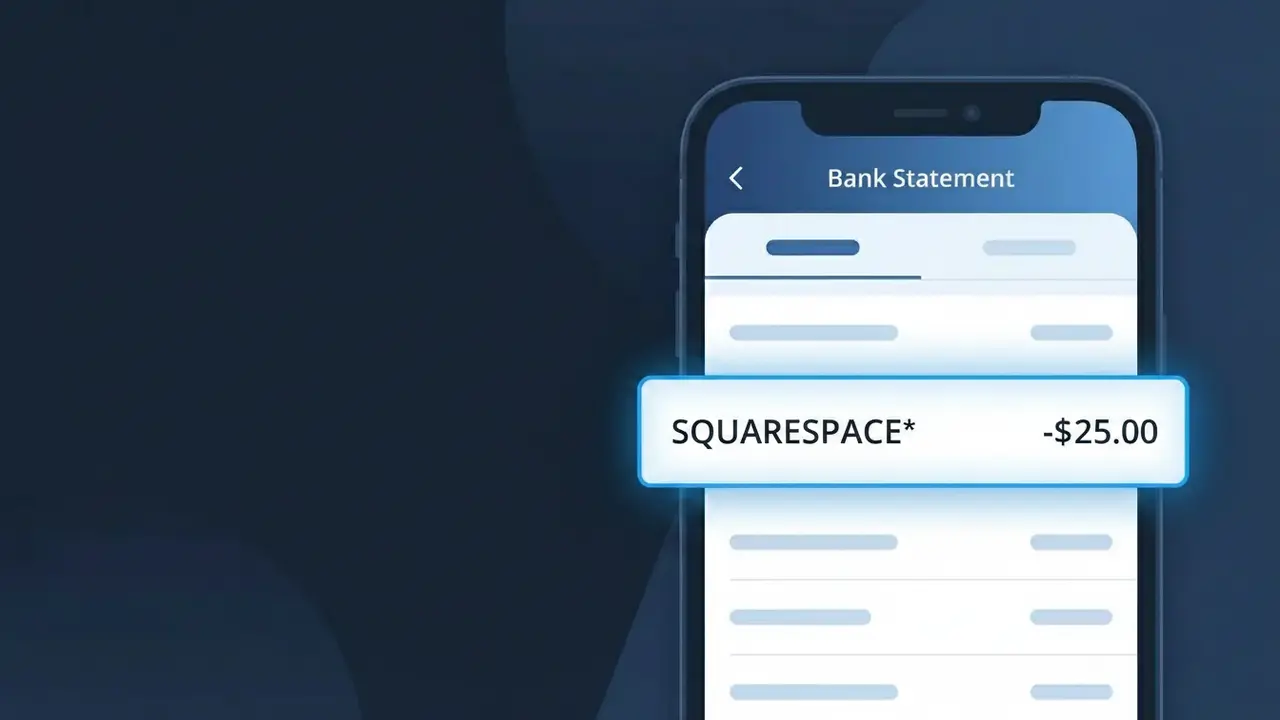
The SQUARESPACE* charge on your bank statement comes from Squarespace, the popular website building and hosting platform. This charge represents a recurring subscription fee for one of Squarespace's website plans, which allow individuals and businesses to create and maintain a professional online presence. If you or someone with access to your payment method signed up for a Squarespace website plan, this is the billing you'll see. The charge recurs either monthly or annually depending on the billing cycle chosen at signup.
The descriptor SQUARESPACE* appears on your bank statement because payment processors often truncate or format merchant names with a prefix or asterisk to fit within the character limits of bank transaction fields. The asterisk following the name is a common formatting convention used by many subscription-based services to indicate a recurring digital charge. In some cases, additional characters after the asterisk may indicate a specific plan type or account identifier associated with your subscription.
Is the SQUARESPACE* Charge Legitimate or Fraud?
A SQUARESPACE* charge on your bank or credit card statement is almost always a legitimate billing from Squarespace, the popular website-building and hosting platform. This charge appears when you pay for a Squarespace website plan, domain registration, or add-on service. Common reasons you may see SQUARESPACE* on your statement include:
- An annual or monthly Squarespace website subscription renewal (Personal, Business, Basic Commerce, or Advanced Commerce plans)
- A domain name registration or renewal purchased through Squarespace
- A Squarespace Email Campaigns or Squarespace Scheduling add-on subscription
- A trial period that converted to a paid Squarespace plan without a cancellation
How to Verify the SQUARESPACE* Charge
- 1
Log into your Squarespace account
Visit account.squarespace.com and navigate to Billing & Account to review all active subscriptions and recent invoices associated with your account.
- 2
Search your email for Squarespace receipts
Search your inbox for emails from 'noreply@squarespace.com' or 'billing@squarespace.com' — Squarespace sends a receipt every time a SQUARESPACE* charge is processed.
- 3
Check if a household member has a Squarespace site
A family member or partner may have signed up for Squarespace using a shared payment method, resulting in an unexpected SQUARESPACE* charge on your statement.
- 4
Review all your Squarespace websites
If you have multiple sites under one Squarespace account or separate accounts, each site has its own billing cycle, meaning multiple SQUARESPACE* charges can appear in a single month.
- 5
Contact your bank to clarify the charge
If you still cannot identify the SQUARESPACE* charge, call your bank's number on the back of your card and ask them for the full merchant details and transaction date to help narrow it down.
How to Dispute a SQUARESPACE* Charge
- 1
Act within 60 days of the charge
Most banks require you to dispute an unrecognized SQUARESPACE* charge within 60 days of the statement date, so act quickly to preserve your right to a chargeback.
- 2
Contact Squarespace support first
Reach out to Squarespace directly at support.squarespace.com — they can verify the charge, issue a refund for accidental renewals, and cancel subscriptions faster than a bank dispute.
- 3
File a chargeback with your bank
If Squarespace does not resolve the issue, contact your bank or card issuer to file a formal chargeback for the SQUARESPACE* charge, providing any email receipts or account screenshots as evidence.
- 4
Request a new card number if fraud is suspected
If you believe the SQUARESPACE* charge is the result of unauthorized use of your card details, ask your bank to issue a replacement card to prevent any further fraudulent charges.
Tips for Managing Squarespace Charges
Enable billing email alerts in your Squarespace account so you're notified before each SQUARESPACE* renewal charge hits your card.
Keep a list of all active Squarespace sites and their renewal dates to avoid surprise SQUARESPACE* charges on your statement.
Audit your Squarespace account annually to deactivate any unused websites, preventing unwanted SQUARESPACE* subscription renewals.
Switch to annual billing on Squarespace to reduce the frequency of SQUARESPACE* charges and often save up to 30% versus monthly plans.
Use a virtual card number for your Squarespace subscription so you can easily block charges without replacing your primary card.
Use WhatIsThisCharge.net to identify any related charges that may appear alongside SQUARESPACE* on your bank statement.
Frequently Asked Questions About the SQUARESPACE* Charge
ℹ️ Note
In most cases, a SQUARESPACE* charge simply means your Squarespace website plan or domain has automatically renewed — a routine billing event for the millions of users who host their sites on Squarespace. Logging into your Squarespace account is usually all it takes to confirm and manage the charge.
🔍 Decode this charge instantly
Search our database for SQUARESPACE* and similar charges.
Decode SQUARESPACE* →Was this article helpful?