Why You're Seeing "TATAPLAY*" on Your Bank Statement
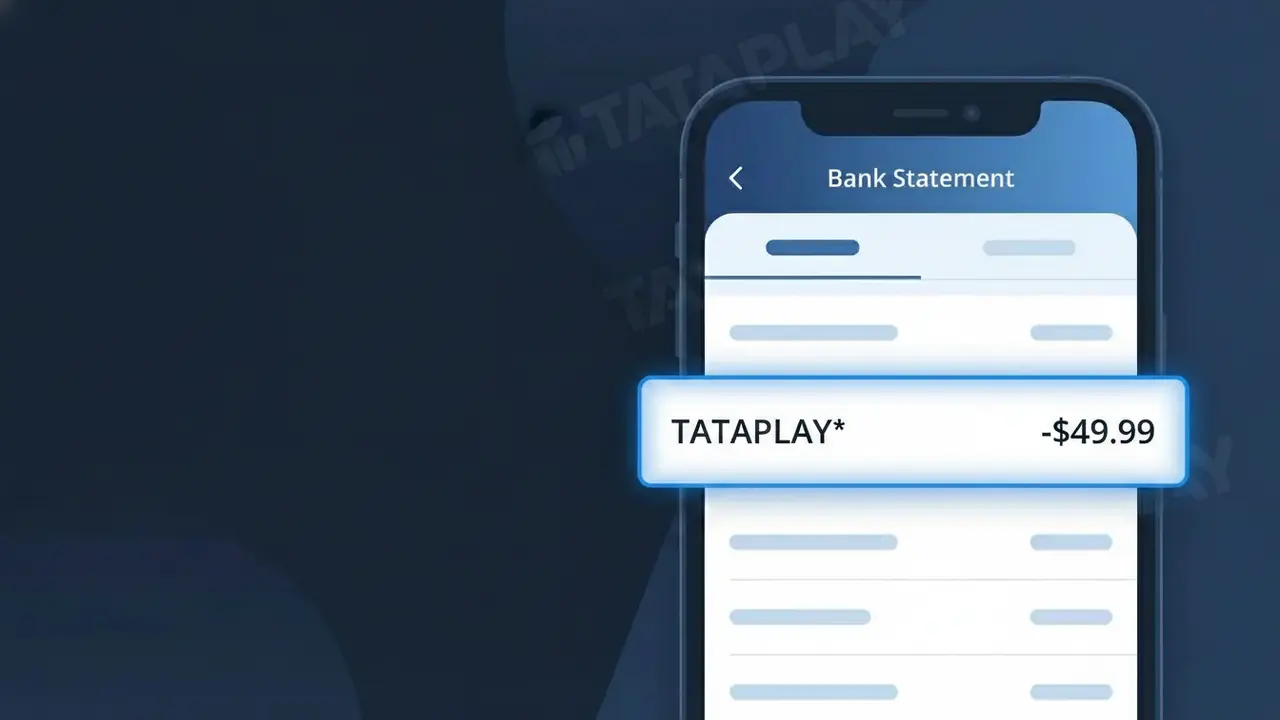
Why You're Seeing "TATAPLAY*" on Your Bank Statement
A charge showing TATAPLAY* on your bank statement comes from Tata Play, India's leading DTH (Direct-to-Home) satellite television service. This charge represents a subscription payment for Tata Play's satellite TV service, which delivers hundreds of live TV channels and on-demand content directly to your home dish. The asterisk following TATAPLAY* typically precedes additional transaction details such as a plan code or billing reference. If you or someone in your household subscribes to Tata Play for satellite television, this is the expected recurring charge for that service.
The descriptor TATAPLAY* appears on your bank statement because payment processors use a shortened merchant identifier rather than the full brand name when recording transactions. Tata Play's billing system transmits this abbreviated code to your bank at the time of payment, which is standard practice for subscription-based services in India. The asterisk acts as a separator and may be followed by a plan identifier or account reference number depending on your bank's display format.
Is the TATAPLAY* Charge Legitimate or Fraud?
A TATAPLAY* charge on your bank or credit card statement is almost always a legitimate billing from Tata Play, India's leading DTH (Direct-to-Home) satellite TV and streaming service. This descriptor appears when Tata Play processes a subscription, recharge, or add-on pack payment against your saved payment method. Before assuming fraud, consider these common reasons the charge is valid:
- You have an active Tata Play DTH subscription that auto-renewed for the month
- You or a family member recently recharged a Tata Play account online or via the app
- You subscribed to a Tata Play Binge (OTT bundle) or a premium channel add-on pack
- A free trial on Tata Play converted to a paid subscription and your card was charged automatically
How to Verify the TATAPLAY* Charge
- 1
Log into your Tata Play account
Visit tataplay.com or open the Tata Play app and navigate to 'My Account' > 'Transaction History' to match the TATAPLAY* charge amount and date.
- 2
Search your email for Tata Play receipts
Search your inbox for emails from Tata Play (noreply@tataplay.com) containing recharge confirmations or subscription renewal notices that align with the charge date.
- 3
Check with household members
Ask family members if they used your card to recharge a Tata Play subscriber ID or purchase an add-on pack, as TATAPLAY* charges can come from shared accounts.
- 4
Review your active Tata Play packs
In the Tata Play app, go to 'My Pack' to see your current subscription value and renewal date — this should match the TATAPLAY* amount on your statement.
- 5
Contact your bank for details
Call the number on the back of your card and ask for the full merchant details behind the TATAPLAY* descriptor, including the exact transaction ID and merchant location.
How to Dispute a TATAPLAY* Charge
- 1
Act within 60 days
Most banks require you to dispute an unrecognized TATAPLAY* charge within 60 days of the statement date. Act quickly to preserve your chargeback rights.
- 2
Contact Tata Play customer support first
Call Tata Play at 1800-208-6633 or use in-app chat to report the unauthorized TATAPLAY* charge. They can verify if it was billed to your subscriber ID and issue a refund if it was an error.
- 3
File a chargeback with your bank
If Tata Play cannot resolve the issue, contact your bank or card issuer to file a formal chargeback for the TATAPLAY* transaction, citing unauthorized use or billing error.
- 4
Request a new card number
If the TATAPLAY* charge appears to be fraud and your card details were compromised, request a replacement card from your bank to prevent further unauthorized charges.
Tips for Managing Tata Play Charges
Enable SMS and email alerts on your Tata Play account so you're notified before every TATAPLAY* auto-renewal charge hits your card.
Keep a note of your Tata Play subscriber ID — it helps Tata Play support locate your account instantly when you query a TATAPLAY* charge.
Secure your Tata Play account with a strong password and avoid saving card details on shared devices to prevent unauthorized TATAPLAY* charges.
Note your Tata Play pack expiry date and set a personal reminder 3 days before so the TATAPLAY* renewal charge never comes as a surprise.
Use a virtual or prepaid card for Tata Play subscriptions to limit exposure if your card details are ever compromised.
Use WhatIsThisCharge.net to identify any related or unfamiliar charges that appear alongside TATAPLAY* on your statement.
Frequently Asked Questions About the TATAPLAY* Charge
ℹ️ Note
In most cases, a TATAPLAY* charge is simply your regular Tata Play DTH or OTT subscription renewing automatically — a quick check of your Tata Play transaction history is usually all it takes to confirm the charge is genuine.
🔍 Decode this charge instantly
Search our database for TATAPLAY* and similar charges.
Decode TATAPLAY* →Was this article helpful?