Why You're Seeing "TOKOPEDIA*" on Your Bank Statement
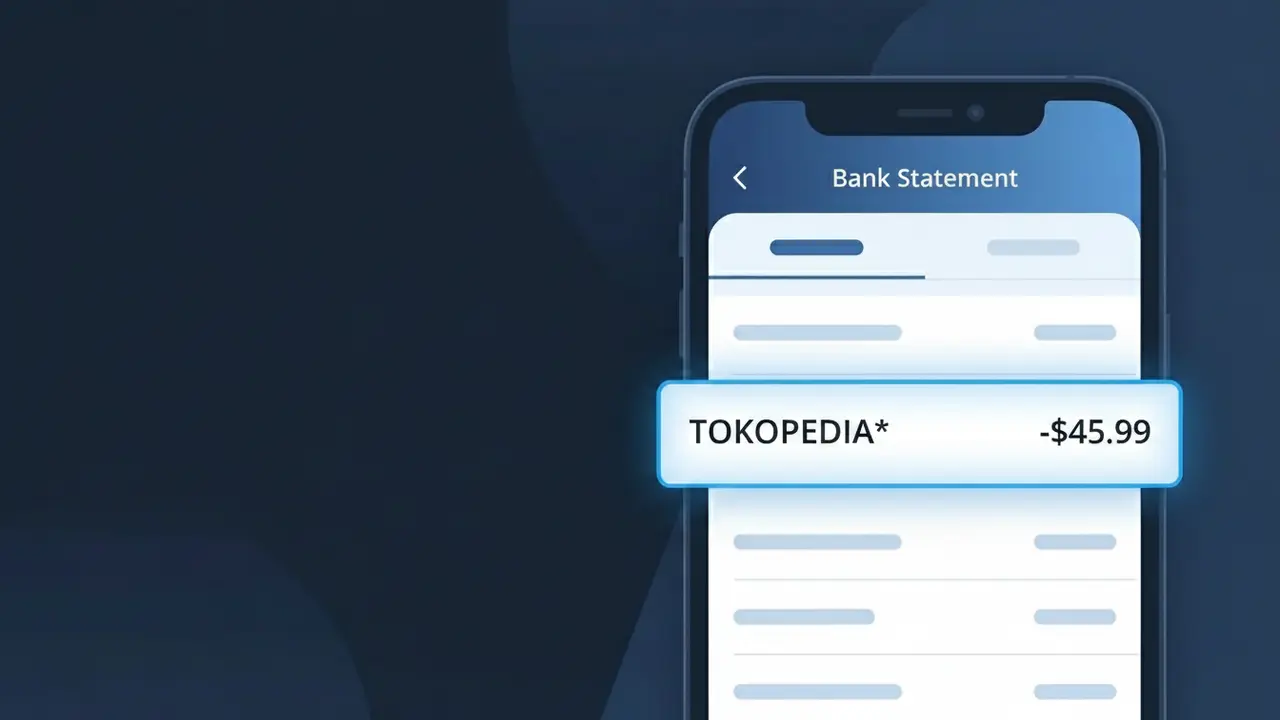
Why You're Seeing "TOKOPEDIA*" on Your Bank Statement
A charge showing TOKOPEDIA* on your bank statement comes from Tokopedia, one of Indonesia's largest e-commerce marketplaces. This charge appears when you purchase products through the Tokopedia platform, whether through their website or mobile app. Tokopedia connects millions of buyers and sellers across Indonesia, offering everything from electronics and fashion to groceries and household goods. If you see this descriptor, it typically means you or someone with access to your payment method completed a shopping transaction on the platform.
The TOKOPEDIA* descriptor appears on your bank statement because payment processors use a shortened or coded version of the merchant's name to identify transactions, and the asterisk often indicates a digital or online purchase. Tokopedia registers this specific descriptor with card networks like Visa and Mastercard so that all purchases made through their platform are consistently tagged and traceable. If you made a purchase on Tokopedia's marketplace or paid for a service through their app, this is the label your bank will display rather than the name of the individual seller you bought from.
Is the TOKOPEDIA* Charge Legitimate or Fraud?
A TOKOPEDIA* charge on your bank or credit card statement is most commonly a legitimate transaction from Tokopedia, one of Indonesia's largest e-commerce marketplaces. The asterisk in TOKOPEDIA* is standard billing descriptor formatting used by the platform when processing payments. Before assuming fraud, consider these common reasons this charge appears:
- A recent product purchase made on the Tokopedia marketplace
- A Tokopedia subscription service such as Tokopedia Premium or TokoPoints top-up
- A digital goods purchase like a game voucher, phone credit (pulsa), or e-wallet top-up via Tokopedia
- A purchase made by a family member or household user linked to your payment method
How to Verify the TOKOPEDIA* Charge
- 1
Log into your Tokopedia account
Visit tokopedia.com or open the Tokopedia app and navigate to 'My Orders' to check if any recent purchases match the charge amount and date on your statement.
- 2
Search your email for Tokopedia receipts
Search your inbox for emails from Tokopedia using keywords like 'Tokopedia order confirmation' or 'TOKOPEDIA*' to find a matching transaction receipt.
- 3
Check household members
Ask family members or anyone who may have access to your payment method whether they made a purchase on Tokopedia that could explain the TOKOPEDIA* charge.
- 4
Review active Tokopedia subscriptions
Check your Tokopedia account settings for any active subscriptions or recurring services, such as Tokopedia Premium, that may generate periodic TOKOPEDIA* billing charges.
- 5
Contact your bank for details
If you still cannot identify the TOKOPEDIA* charge, call the number on the back of your card and ask your bank for the full merchant details and transaction timestamp to aid your investigation.
How to Dispute a TOKOPEDIA* Charge
- 1
Act within 60 days
Most banks require disputes to be filed within 60 days of the TOKOPEDIA* charge appearing on your statement, so act promptly to protect your right to a chargeback.
- 2
Contact Tokopedia customer support first
Reach out to Tokopedia's customer service via the app's Help Center or at tokopedia.com/help. Provide the charge amount and date — many billing errors are resolved directly and quickly by Tokopedia.
- 3
File a chargeback with your bank
If Tokopedia does not resolve the issue, contact your bank or card issuer to initiate a formal chargeback dispute for the TOKOPEDIA* charge, citing unauthorized or unrecognized transaction.
- 4
Request a new card number
If the TOKOPEDIA* charge is confirmed fraudulent and your card details were compromised, ask your bank to cancel your card and issue a new one to prevent further unauthorized charges.
Tips for Managing Tokopedia Charges
Enable Tokopedia app notifications so every purchase generates an instant alert matching any TOKOPEDIA* charge on your statement.
Save your Tokopedia order confirmation emails to easily cross-reference TOKOPEDIA* charges against your bank statement each month.
Secure your Tokopedia account with a strong, unique password and enable two-factor authentication to prevent unauthorized purchases.
Note the billing dates of any Tokopedia subscriptions so recurring TOKOPEDIA* charges won't catch you off guard on your statement.
Use a dedicated virtual card for Tokopedia purchases to limit exposure if your payment details are ever compromised.
Use WhatIsThisCharge.net to identify any other related or unfamiliar charges appearing alongside TOKOPEDIA* on your statement.
Frequently Asked Questions About the TOKOPEDIA* Charge
ℹ️ Note
In most cases, a <strong>TOKOPEDIA*</strong> charge is completely legitimate and simply reflects a recent purchase or subscription on the Tokopedia marketplace — checking your order history in the Tokopedia app will usually clear up the mystery in seconds.
🔍 Decode this charge instantly
Search our database for TOKOPEDIA* and similar charges.
Decode TOKOPEDIA* →Was this article helpful?