Why You're Seeing "WISE*" on Your Bank Statement
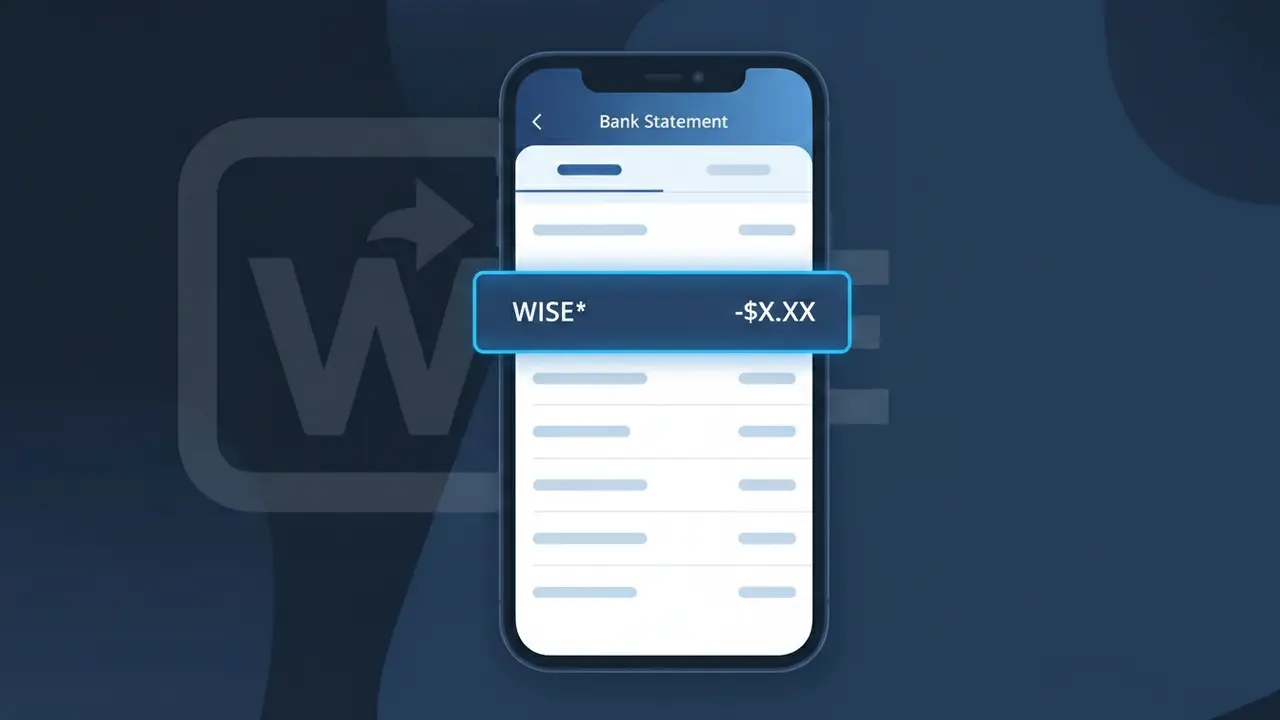
Why You're Seeing "WISE*" on Your Bank Statement
A charge showing WISE* on your bank statement comes from Wise, formerly known as TransferWise, a popular international money transfer and multi-currency account service. This fee is typically applied when you send money abroad, convert currencies, or use your Wise account for cross-border transactions. Wise is known for offering significantly lower fees than traditional banks by using real mid-market exchange rates. If you or someone with access to your account has recently sent an international payment, this charge is almost certainly the associated transfer fee.
The descriptor WISE* appears on your bank statement because payment processors and financial platforms often use a shortened or coded version of their brand name when submitting charges to card networks and banks. The asterisk following WISE is a common formatting convention used by many fintech companies to separate the brand name from additional transaction details. Wise previously operated under the name TransferWise, so if you have an older account or transaction history, you may have seen both variations appear on your statements.
Is the WISE* Charge Legitimate or Fraud?
A WISE* charge on your bank or credit card statement is almost always a legitimate transaction from Wise (TransferWise), the popular international money transfer and multi-currency account platform. This descriptor appears when Wise processes a transfer fee, currency conversion, or account-related payment on your behalf. Common reasons you might see a WISE* charge include:
- A fee charged for sending money internationally through your Wise (TransferWise) account
- A currency conversion fee when exchanging money between supported currencies
- A payment for ordering or using a Wise debit card (physical or virtual)
- A top-up or balance load transaction initiated from your linked bank account
How to Verify the WISE* Charge
- 1
Log into your Wise account
Visit wise.com or open the Wise (TransferWise) app and check your transaction history. The charge amount and date should match exactly what appears on your bank statement.
- 2
Search your email for Wise receipts
Look for emails from Wise (TransferWise) sent to your registered address. Wise sends confirmation emails for every transfer, fee, and card transaction.
- 3
Check with household members
Ask family members or housemates if they used a linked card or a shared account to send money via Wise (TransferWise), as the WISE* charge would appear on the card owner's statement.
- 4
Review any active Wise transfers
Log into Wise (TransferWise) and check for any pending or recently completed transfers that may have triggered a fee billed separately as WISE* on your statement.
- 5
Contact your bank for more details
Ask your bank for the full merchant descriptor and transaction ID associated with the WISE* charge. This can help you match it to a specific Wise (TransferWise) transaction.
How to Dispute a WISE* Charge
- 1
Act within 60 days
Most banks require you to dispute an unrecognized WISE* charge within 60 days of the statement date. Act quickly to preserve your right to a chargeback.
- 2
Contact Wise (TransferWise) first
Reach out to Wise (TransferWise) support at wise.com/help or through the in-app chat. Wise can often identify the transaction and issue a refund faster than a formal bank dispute.
- 3
File a chargeback with your bank
If Wise (TransferWise) cannot resolve the issue, contact your bank or card issuer to file a formal chargeback, citing the unrecognized WISE* charge and providing any reference numbers from Wise.
- 4
Request a new card if fraud is suspected
If you believe your card details were stolen and used to fund a Wise (TransferWise) transfer without your knowledge, ask your bank to cancel your card and issue a replacement immediately.
Tips for Managing Wise (TransferWise) Charges
Enable push notifications in the Wise app so you get instant alerts whenever a WISE* fee or transfer is processed.
Save Wise (TransferWise) email receipts in a dedicated folder to make reconciling WISE* charges on your statement effortless.
Enable two-factor authentication on your Wise (TransferWise) account to prevent unauthorized transfers that could result in unexpected WISE* charges.
Review your Wise (TransferWise) transaction history monthly to catch any unexpected WISE* charges before your bank statement closes.
Use a dedicated card for Wise (TransferWise) top-ups so WISE* charges are easy to spot and isolate from other spending.
Use WhatIsThisCharge.net to identify related charges that may appear alongside WISE* on your statement.
Frequently Asked Questions About the WISE* Charge
ℹ️ Note
In most cases, a WISE* charge is a routine and expected fee from Wise (TransferWise) for an international money transfer or currency conversion you recently made — simply log into your Wise account to confirm the matching transaction and put your mind at ease.
Was this article helpful?