Why You're Seeing "WIXCOM*" on Your Bank Statement
Why You're Seeing "WIXCOM*" on Your Bank Statement
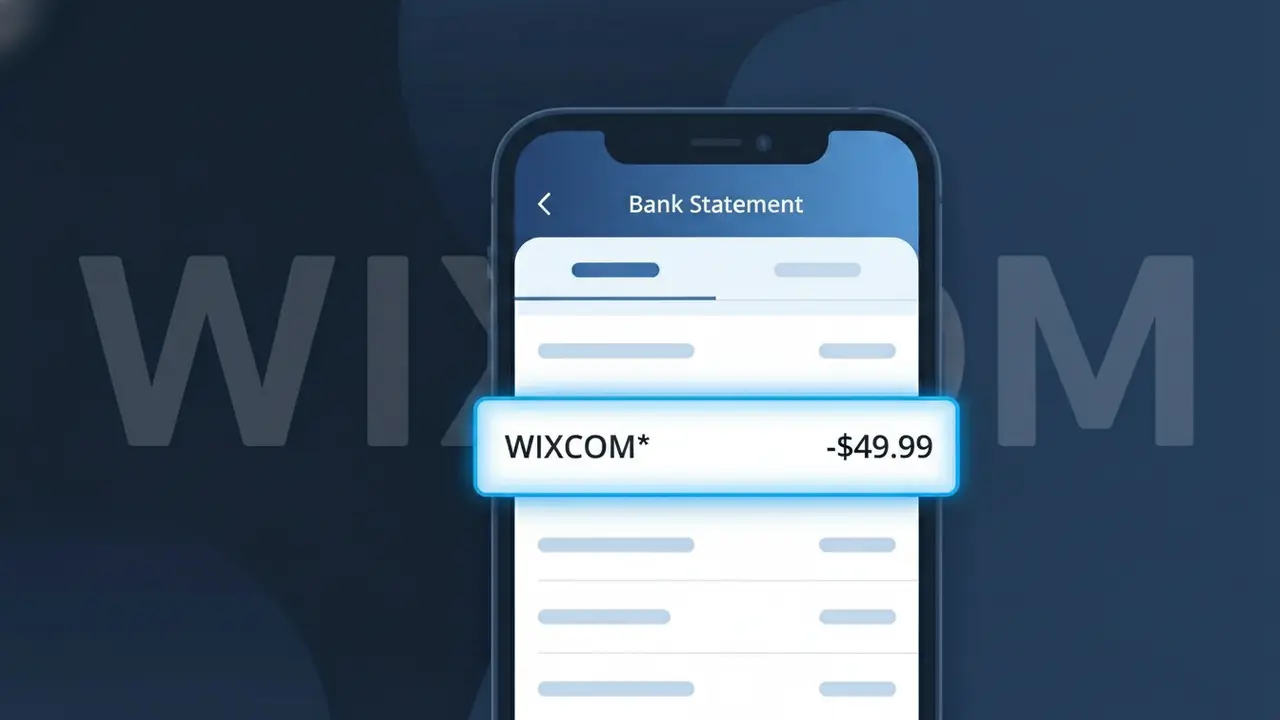
A charge labeled WIXCOM* on your bank statement comes from Wix, the popular website building and hosting platform. This charge typically represents a subscription payment for one of Wix's paid plans, which include features like a custom domain, premium storage, and the removal of Wix ads from your site. You may see this charge monthly or annually depending on the billing cycle you selected when signing up. If you or someone with access to your payment method created a Wix website and upgraded to a premium plan, this is the source of the charge.
The descriptor WIXCOM* appears on bank statements because payment processors often use a shortened or encoded version of the merchant's web domain rather than their full brand name. Wix's domain is wix.com, which gets condensed into the WIXCOM* format you see on your statement. The asterisk typically indicates that additional information, such as a plan name or account identifier, may follow the descriptor depending on your bank's display format.
Is the WIXCOM* Charge Legitimate or Fraud?
A WIXCOM* charge on your bank or credit card statement is almost always a legitimate billing from Wix, the popular website builder and SaaS platform. Wix uses the descriptor "WIXCOM*" followed by additional characters (such as a plan name or order ID) to identify subscription and one-time payments. This charge is expected if you or someone with access to your payment method has an active Wix plan.
- You subscribed to a Wix Premium plan (Combo, Unlimited, Business, etc.) and the billing cycle renewed automatically
- You purchased a domain name, Wix Payments account, or an add-on app through the Wix App Market
- A free trial period on a Wix plan ended and converted to a paid subscription
- A family member or colleague used your card to set up or renew their own Wix website
How to Verify the WIXCOM* Charge
- 1
Log into your Wix account
Visit wix.com and sign in, then navigate to Billing & Payments under your account settings to view all invoices and active subscriptions tied to WIXCOM* charges.
- 2
Search your email for Wix receipts
Search your inbox for emails from "noreply@wix.com" or the subject line "Your Wix receipt" to find a matching invoice that corresponds to the WIXCOM* charge amount.
- 3
Check household members or colleagues
Ask anyone who shares your payment method whether they created or renewed a Wix site, since WIXCOM* charges can appear when a shared card is used for another person's account.
- 4
Review all active Wix subscriptions
Inside your Wix dashboard, go to Subscriptions to see every active plan and renewal date — domain renewals and app subscriptions each generate a separate WIXCOM* line item.
- 5
Contact your bank for details
If you still cannot match the charge, ask your bank for the full merchant descriptor and transaction date, then cross-reference with your Wix billing history for that exact date.
How to Dispute a WIXCOM* Charge
- 1
Act within 60 days
Most banks require disputes to be filed within 60 days of the statement date. If you spot an unexpected WIXCOM* charge, begin the process immediately to protect your chargeback rights.
- 2
Contact Wix support first
Reach Wix through the Help Center at support.wix.com or via live chat. Wix offers refunds in many cases, and resolving it directly is faster than a bank dispute — have your WIXCOM* charge amount and date ready.
- 3
File a chargeback with your bank
If Wix does not resolve the issue, contact your bank or card issuer to initiate a chargeback. Provide the WIXCOM* transaction details, the charge amount, and any email correspondence with Wix as supporting evidence.
- 4
Request a new card number
If you suspect unauthorized use of your card for Wix charges, ask your bank to issue a replacement card with a new number to prevent further unauthorized WIXCOM* billing.
Tips for Managing Wix Charges
Enable Wix email billing alerts so you're notified before any WIXCOM* charge is processed.
Keep a record of every Wix plan and domain you own to quickly match future WIXCOM* charges.
Use a dedicated card for your Wix account to isolate WIXCOM* charges and simplify tracking.
Note your Wix subscription renewal dates — annual plans renew quietly and generate a large WIXCOM* charge.
Cancel unused Wix plans before renewal to avoid unexpected WIXCOM* charges on your statement.
Use WhatIsThisCharge.net to identify related charges that may appear alongside WIXCOM*.
Frequently Asked Questions About the WIXCOM* Charge
ℹ️ Note
In most cases, a WIXCOM* charge simply means your Wix Premium plan or domain has auto-renewed — it's one of the most recognized SaaS billing descriptors we see reported. A quick check of your Wix dashboard under Billing & Payments will usually clear up any confusion within minutes.
Was this article helpful?