Why You're Seeing "WOOLWORTHS AU*" on Your Bank Statement
Why You're Seeing "WOOLWORTHS AU*" on Your Bank Statement
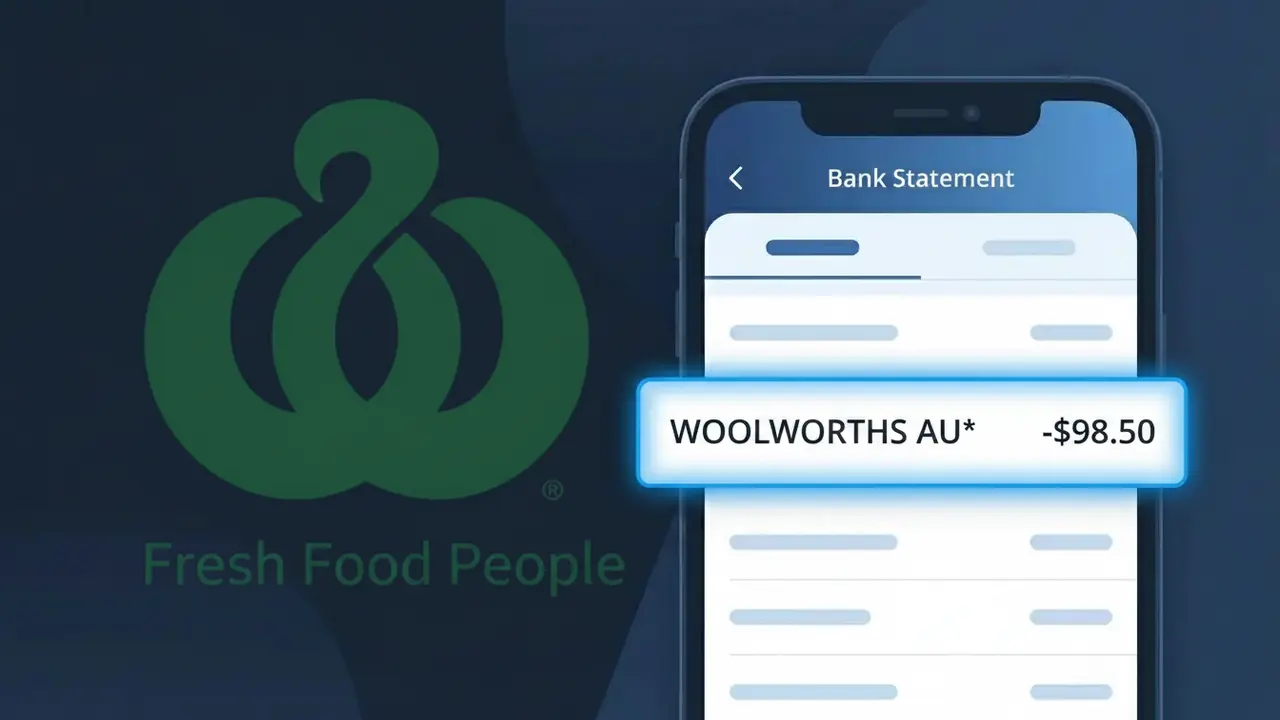
The WOOLWORTHS AU* charge on your bank statement comes from Woolworths Australia, one of the country's largest supermarket chains. This descriptor appears when you make a grocery purchase at a Woolworths supermarket, either in-store or through their online shopping platform. The 'AU*' suffix is a country identifier indicating the transaction originated in Australia. If you've recently shopped for groceries, household essentials, or used Woolworths' delivery or click-and-collect services, this charge is almost certainly the source.
The WOOLWORTHS AU* descriptor appears on your bank statement because payment processors often append a country code or transaction prefix to help categorise and route international and domestic payments correctly. The 'AU*' portion is a standard identifier used by Australian merchants to distinguish local transactions, particularly useful for cardholders who travel or shop internationally. Woolworths uses this format across their payment systems, meaning all in-store terminals and online checkouts will generate this same descriptor regardless of which specific store location you visited.
Is the WOOLWORTHS AU* Charge Legitimate or Fraud?
The WOOLWORTHS AU* charge on your bank or credit card statement is almost always a legitimate transaction from Woolworths Australia, one of Australia's largest supermarket and grocery chains. This descriptor appears when you shop in-store, online at woolworths.com.au, or use services like Woolworths Everyday Rewards. However, it's always worth verifying if the amount doesn't match a recent purchase.
- In-store grocery or liquor purchases at a Woolworths Australia supermarket
- Online grocery orders placed through the Woolworths Australia website or app
- Woolworths Everyday Rewards-linked transactions or gift card purchases
- Scheduled deliveries or subscription orders through Woolworths Australia's delivery service
How to Verify the WOOLWORTHS AU* Charge
- 1
Check your Woolworths Australia account
Log into your account at woolworths.com.au or the Woolworths app and review your recent order history to match the WOOLWORTHS AU* charge amount and date.
- 2
Search your email for receipts
Look for order confirmation or digital receipt emails from Woolworths Australia. Search your inbox for 'Woolworths' or 'woolworths.com.au' to find matching transactions.
- 3
Check with household members
Ask family members or anyone sharing your payment method whether they made a grocery or online purchase at Woolworths Australia that could explain the WOOLWORTHS AU* charge.
- 4
Review your Everyday Rewards activity
Log into your Woolworths Everyday Rewards account to see if any linked purchases or redemptions align with the WOOLWORTHS AU* charge on your statement.
- 5
Contact your bank if still unsure
If you cannot match the WOOLWORTHS AU* charge to any known purchase, contact your bank or card issuer to get more transaction details such as location and terminal ID.
How to Dispute a WOOLWORTHS AU* Charge
- 1
Act within 60 days
Most banks require you to dispute an unrecognised WOOLWORTHS AU* charge within 60 days of the statement date, so act quickly once you identify a suspicious transaction.
- 2
Contact Woolworths Australia first
Reach out to Woolworths Australia customer service at 1800 000 610 or via the help centre at woolworths.com.au to report the charge and request a refund directly before escalating.
- 3
File a chargeback with your bank
If Woolworths Australia cannot resolve the issue, contact your bank or card provider to initiate a formal chargeback dispute for the WOOLWORTHS AU* charge, providing all supporting details.
- 4
Request a new card if fraud is suspected
If you believe the WOOLWORTHS AU* charge is the result of card fraud or data theft, ask your bank to cancel your current card and issue a replacement to prevent further unauthorised charges.
Tips for Managing Woolworths Australia Charges
Enable bank alerts for every WOOLWORTHS AU* transaction so you spot unexpected charges instantly.
Save your Woolworths Australia digital receipts or email confirmations after every shop for easy reconciliation.
Use a strong, unique password for your Woolworths Australia account to prevent unauthorised orders being placed.
Check your statement on delivery days — WOOLWORTHS AU* charges often post when a scheduled order is fulfilled.
Use a credit card for Woolworths Australia purchases to benefit from stronger chargeback protections.
Use WhatIsThisCharge.net to identify related charges that may appear alongside WOOLWORTHS AU* on your statement.
Frequently Asked Questions About the WOOLWORTHS AU* Charge
ℹ️ Note
In most cases, a WOOLWORTHS AU* charge is simply a routine grocery or online shopping transaction from Woolworths Australia — it's one of the country's most common bank statement entries. If the amount matches a recent shop or delivery, there's no cause for concern.
🔍 Decode this charge instantly
Search our database for WOOLWORTHS AU* and similar charges.
Decode WOOLWORTHS AU* →Was this article helpful?