Why You're Seeing "XBOX GAME PASS*" on Your Bank Statement
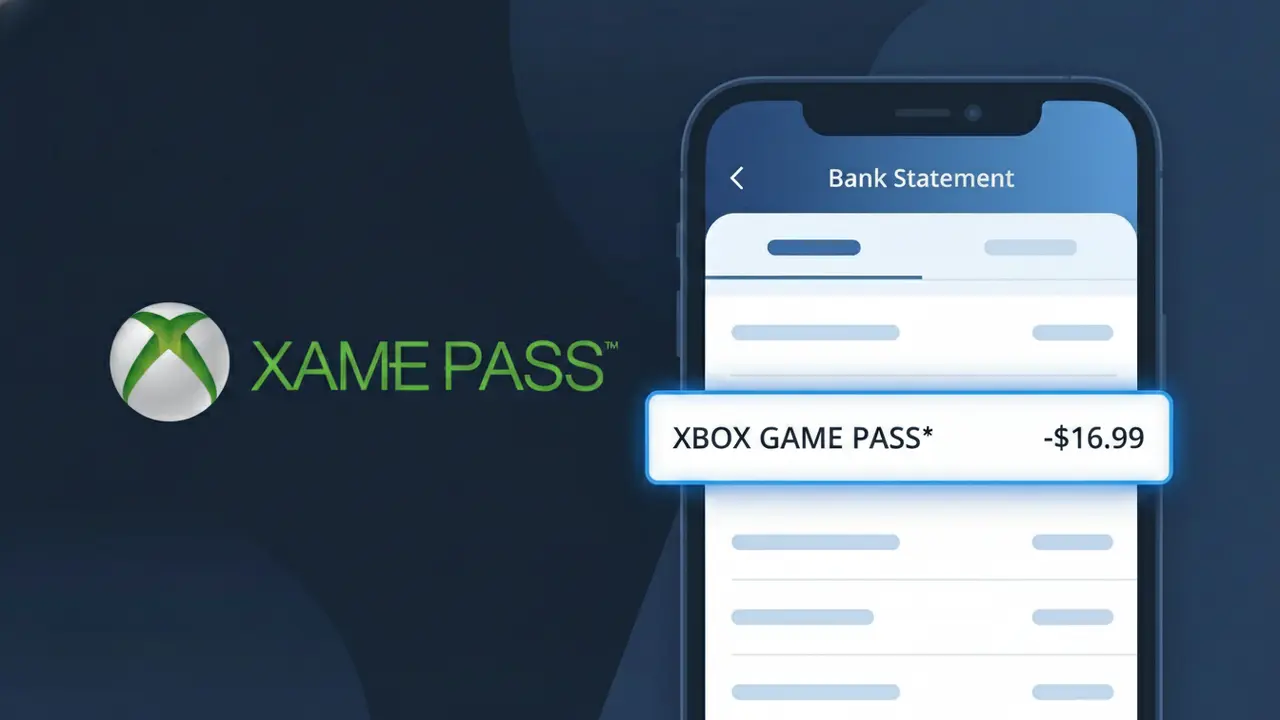
Why You're Seeing "XBOX GAME PASS*" on Your Bank Statement
The XBOX GAME PASS* charge on your bank statement comes from Microsoft's Xbox Game Pass Ultimate subscription service. This recurring charge covers your monthly or annual membership, which gives you access to a large library of games across console, PC, and cloud streaming. If you or someone in your household signed up for Xbox Game Pass Ultimate, this is the expected billing descriptor you'll see from Microsoft. It may also appear if a free trial period ended and the subscription automatically converted to a paid plan.
The descriptor XBOX GAME PASS* appears on your bank statement because Microsoft uses this shorthand billing label to identify charges related to their Game Pass subscription services. The asterisk following the descriptor is commonly used by payment processors to indicate a recurring or subscription-based charge. Rather than displaying the full company name 'Microsoft Corporation,' the billing system uses the specific product name to help cardholders identify exactly which service they were charged for.
Is the XBOX GAME PASS* Charge Legitimate or Fraud?
If you see XBOX GAME PASS* on your bank or credit card statement, this charge is almost certainly a legitimate recurring billing from Xbox Game Pass Ultimate, Microsoft's all-in-one gaming subscription service. Xbox Game Pass Ultimate bundles Xbox Live Gold, cloud gaming, and access to hundreds of games for a flat monthly fee, and it bills automatically each cycle using this exact descriptor.
- The XBOX GAME PASS* descriptor is the official billing name used by Microsoft for Xbox Game Pass Ultimate subscriptions
- Charges typically appear monthly at the standard Xbox Game Pass Ultimate subscription rate (currently around $14.99–$19.99/month)
- A free trial or promotional period ending will trigger the first full XBOX GAME PASS* charge automatically
- Family members or other household users may have signed up for Xbox Game Pass Ultimate using your payment method
How to Verify the XBOX GAME PASS* Charge
- 1
Check your Microsoft account subscriptions
Log into account.microsoft.com and navigate to 'Services & Subscriptions' to confirm an active Xbox Game Pass Ultimate membership is linked to your account.
- 2
Search your email for receipts
Search your inbox for emails from Microsoft or Xbox with the subject 'Xbox Game Pass Ultimate' or 'XBOX GAME PASS*' to find a matching billing receipt.
- 3
Check household members
Ask family members or anyone who may use your payment method whether they activated an Xbox Game Pass Ultimate subscription — it's a common oversight in shared households.
- 4
Review the charge amount and date
Cross-reference the XBOX GAME PASS* charge amount on your statement with the standard Xbox Game Pass Ultimate pricing and your subscription renewal date in your Microsoft account.
- 5
Contact your bank if still unsure
If you cannot verify the XBOX GAME PASS* charge through any of the above steps, call the number on the back of your card and ask your bank to provide the full merchant details for the transaction.
How to Dispute a XBOX GAME PASS* Charge
- 1
Act within 60 days
Most banks require disputes to be filed within 60 days of the XBOX GAME PASS* charge appearing on your statement, so don't delay if you believe the charge is unauthorized.
- 2
Contact Xbox Game Pass Ultimate support first
Reach out to Microsoft Support at support.xbox.com before filing a chargeback — Xbox Game Pass Ultimate support can often issue a refund directly and cancel the subscription faster than a bank dispute.
- 3
File a chargeback with your bank
If Microsoft support cannot resolve the issue, contact your bank or card issuer and formally dispute the XBOX GAME PASS* charge, citing it as unauthorized or billing in error.
- 4
Request a new card number
If you suspect your card details were used fraudulently to sign up for Xbox Game Pass Ultimate, ask your bank to issue a new card number to prevent any future unauthorized XBOX GAME PASS* charges.
Tips for Managing Xbox Game Pass Ultimate Charges
Enable Microsoft billing alerts so you're notified before each XBOX GAME PASS* renewal charge hits your account.
Keep a record of your Xbox Game Pass Ultimate start date and price so you can quickly spot any unexpected billing changes.
Secure your Xbox Game Pass Ultimate account with two-factor authentication to prevent unauthorized subscriptions on your Microsoft account.
Note your Xbox Game Pass Ultimate renewal date each month so the XBOX GAME PASS* charge never catches you off guard.
Use a dedicated card for Xbox Game Pass Ultimate so XBOX GAME PASS* charges are easy to isolate and monitor.
Use WhatIsThisCharge.net to identify related charges like other Microsoft or Xbox billing descriptors on your statement.
Frequently Asked Questions About the XBOX GAME PASS* Charge
ℹ️ Note
In most cases, the <strong>XBOX GAME PASS*</strong> charge on your statement is simply Microsoft billing you for your active <strong>Xbox Game Pass Ultimate</strong> subscription — a quick check of your Microsoft account at account.microsoft.com will confirm the charge and put your mind at ease.
🔍 Decode this charge instantly
Search our database for XBOX GAME PASS* and similar charges.
Decode XBOX GAME PASS* →Was this article helpful?