Why You're Seeing "YEMEKSEPETI*" on Your Bank Statement
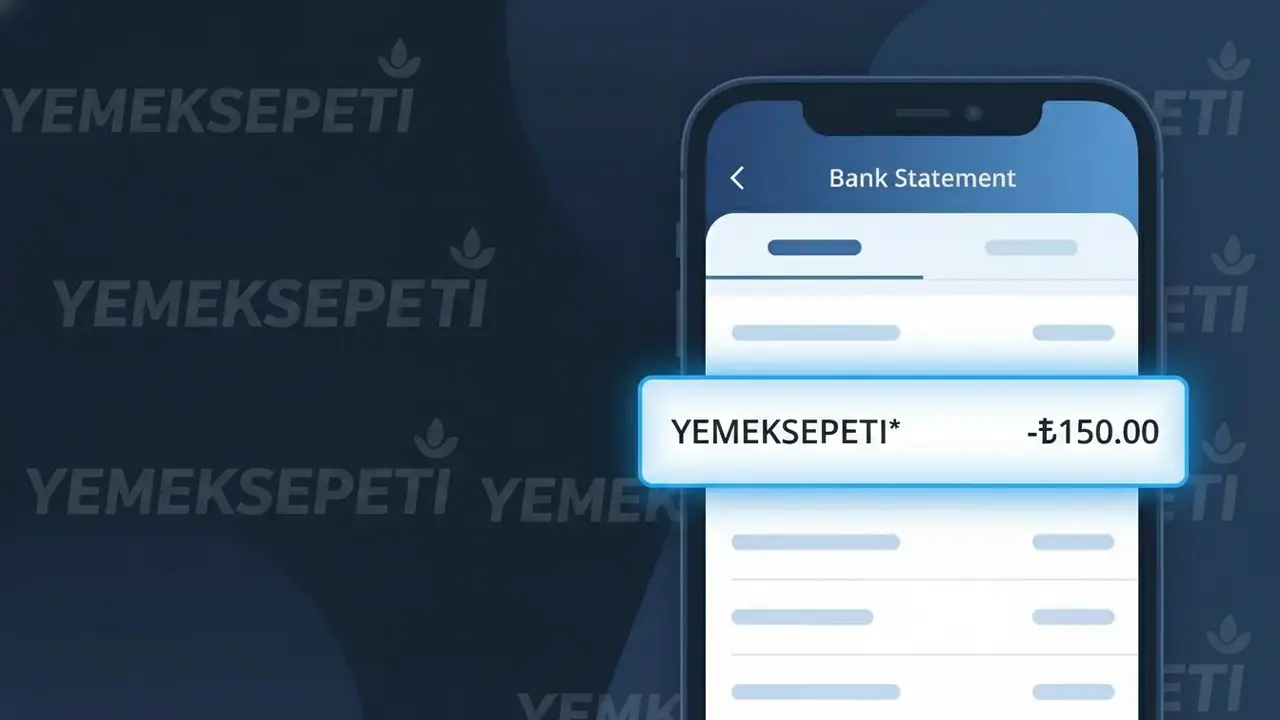
Why You're Seeing "YEMEKSEPETI*" on Your Bank Statement
A charge showing YEMEKSEPETI* on your bank statement comes from Yemeksepeti, one of Turkey's largest and most popular online food delivery platforms. This charge appears when you order food through the Yemeksepeti app or website, which connects customers with hundreds of restaurants across Turkey. Whether you ordered a single meal or set up a recurring subscription, this transaction reflects a payment processed through Yemeksepeti's platform. If you see this descriptor but don't recognize the purchase, it's worth checking whether a family member or someone with access to your account placed an order.
The descriptor YEMEKSEPETI* appears on your bank statement because payment processors typically use a shortened or coded version of the merchant's name when recording transactions. The asterisk (*) following the name is a common convention used by payment systems to separate the merchant identifier from any additional transaction details, such as an order number. This is standard practice for digital platforms like Yemeksepeti, which process high volumes of transactions and rely on automated billing systems that generate these abbreviated descriptors.
Is the YEMEKSEPETI* Charge Legitimate or Fraud?
If you see YEMEKSEPETI* on your bank or credit card statement, it is most likely a legitimate charge from Yemeksepeti, one of Turkey's largest online food delivery platforms. This descriptor appears when you place a food order or pay for a subscription through the Yemeksepeti app or website. Here are common reasons this charge appears:
- You recently ordered food delivery through the Yemeksepeti app or yemeksepeti.com
- You subscribed to Yemeksepeti Plus, the platform's premium membership offering free delivery perks
- A family member or household guest used your saved payment method to order via Yemeksepeti
- A previously placed order was fulfilled and billed after a short processing delay
How to Verify the YEMEKSEPETI* Charge
- 1
Check your Yemeksepeti order history
Log into your Yemeksepeti account at yemeksepeti.com or open the app, then navigate to 'Siparişlerim' (My Orders) to match the charge amount and date with a recent order.
- 2
Search your email for Yemeksepeti receipts
Search your inbox for emails from Yemeksepeti using keywords like 'Yemeksepeti' or 'sipariş onayı' (order confirmation) to find a receipt matching the YEMEKSEPETI* charge on your statement.
- 3
Check household members
Ask family members or anyone who has access to your device whether they placed a food order through Yemeksepeti using your saved payment method without your knowledge.
- 4
Review your Yemeksepeti Plus subscription
If you signed up for Yemeksepeti Plus, check your subscription status in the app under account settings — recurring membership fees will also appear as YEMEKSEPETI* on your statement.
- 5
Contact your bank
If you still cannot identify the YEMEKSEPETI* charge after checking your Yemeksepeti account and email, call your bank to get the exact transaction date, amount, and any merchant reference number.
How to Dispute a YEMEKSEPETI* Charge
- 1
Act within 60 days
Most banks require disputes to be filed within 60 days of the YEMEKSEPETI* charge appearing on your statement, so act quickly if you believe the charge is unauthorized or incorrect.
- 2
Contact Yemeksepeti customer support first
Reach out to Yemeksepeti directly through their in-app support chat or via the help section at yemeksepeti.com — resolving billing issues directly is often faster than filing a bank dispute.
- 3
File a chargeback with your bank
If Yemeksepeti cannot resolve the issue, contact your bank or card issuer to formally dispute the YEMEKSEPETI* charge and provide any evidence such as order records, emails, or screenshots.
- 4
Request a new card if fraud is suspected
If you never had a Yemeksepeti account and the YEMEKSEPETI* charge appears to be fraudulent, ask your bank to cancel your card and issue a replacement to prevent further unauthorized transactions.
Tips for Managing Yemeksepeti Charges
Enable bank notifications so you're alerted immediately when a YEMEKSEPETI* charge is processed.
Save your Yemeksepeti order confirmation emails so you can quickly match them to any YEMEKSEPETI* statement entries.
Secure your Yemeksepeti account with a strong, unique password and enable two-factor authentication to prevent unauthorized orders.
Note your Yemeksepeti Plus renewal date in your calendar to avoid surprise recurring YEMEKSEPETI* charges each billing cycle.
Remove saved payment methods from Yemeksepeti when not in regular use to reduce risk of unintended charges.
Use WhatIsThisCharge.net to identify related charges that may appear alongside YEMEKSEPETI* on your statement.
Frequently Asked Questions About the YEMEKSEPETI* Charge
ℹ️ Note
In most cases, a YEMEKSEPETI* charge simply means you or someone in your household recently ordered food through Yemeksepeti — checking your order history in the app will usually explain the charge within seconds.
🔍 Decode this charge instantly
Search our database for YEMEKSEPETI* and similar charges.
Decode YEMEKSEPETI* →Was this article helpful?