Why You're Seeing "YNAB*" on Your Bank Statement
Why You're Seeing "YNAB*" on Your Bank Statement
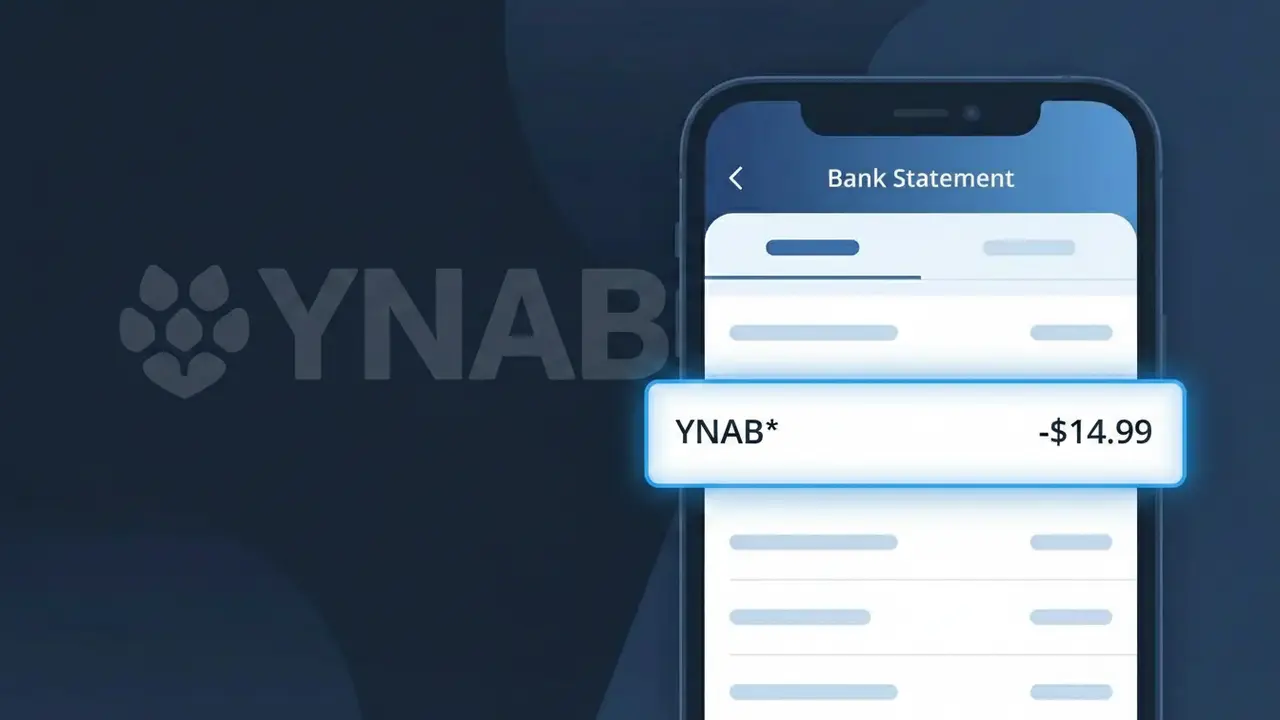
The YNAB* charge on your bank statement comes from YNAB (You Need A Budget), a popular personal budgeting application. This charge represents your subscription fee for access to the YNAB platform, which helps users track spending, set financial goals, and manage their money using a zero-based budgeting method. The asterisk following 'YNAB*' is a common formatting style used by subscription services to separate the brand name from additional transaction details. If you or someone with access to your account signed up for a YNAB subscription, this is the recurring charge you would expect to see.
The descriptor YNAB* appears on your bank statement because YNAB (You Need A Budget) uses its abbreviated brand name when processing payments through their payment provider. Many software subscription companies use shortened or abbreviated identifiers rather than their full legal or trading name to fit within the character limits imposed by payment processors and banking systems. The asterisk is typically used by the payment processor to indicate a subscription-based or recurring charge, making it easier to identify ongoing billing relationships.
Is the YNAB* Charge Legitimate or Fraud?
The YNAB* charge on your bank or credit card statement is almost always a legitimate billing from YNAB (You Need A Budget), a popular personal budgeting software that helps users allocate every dollar with intention. This charge typically appears when you have an active YNAB subscription, which is billed either monthly or annually. Here are the most common reasons you might see a YNAB* charge:
- You signed up for a YNAB (You Need A Budget) monthly or annual subscription plan
- Your free 34-day YNAB trial period ended and your subscription auto-renewed
- A family member or partner in your household set up a YNAB account using your payment method
- Your annual YNAB (You Need A Budget) renewal date arrived and the charge processed automatically
How to Verify the YNAB* Charge
- 1
Log into your YNAB account
Visit app.ynab.com and sign in to your YNAB (You Need A Budget) account. Navigate to 'Account Settings' and then 'Subscription' to view your billing history and confirm the charge amount and date.
- 2
Search your email for YNAB receipts
Search your inbox for emails from 'support@ynab.com' or 'noreply@ynab.com'. YNAB (You Need A Budget) sends a receipt email each time a subscription payment is processed successfully.
- 3
Check household members
Ask family members or a partner if they signed up for YNAB (You Need A Budget) using your shared payment method. A spouse or roommate may have started a subscription without mentioning it.
- 4
Review your subscription apps list
Check your phone's App Store or Google Play subscriptions list, or review your browser's saved subscriptions. YNAB (You Need A Budget) subscriptions purchased through these platforms may also show as YNAB* on statements.
- 5
Contact your bank for more details
If you still cannot confirm the YNAB* charge, call the number on the back of your card. Your bank can provide the exact merchant ID, transaction date, and amount to help you determine whether it matches YNAB (You Need A Budget).
How to Dispute a YNAB* Charge
- 1
Act within 60 days
Most banks require you to dispute an unrecognized YNAB* charge within 60 days of the statement date. Review your statements promptly and flag the YNAB (You Need A Budget) charge as soon as you notice it to protect your dispute rights.
- 2
Contact YNAB (You Need A Budget) first
Reach out to YNAB support at support.ynab.com before filing a bank dispute. YNAB (You Need A Budget) has a responsive support team that can clarify charges, issue refunds for billing errors, or cancel unwanted subscriptions quickly.
- 3
File a chargeback with your bank
If YNAB (You Need A Budget) support cannot resolve the issue, contact your bank or card issuer to initiate a chargeback for the YNAB* charge. Provide your communication records with YNAB as supporting evidence for your dispute.
- 4
Request a new card if fraud is suspected
If you believe the YNAB* charge is the result of unauthorized card use rather than a YNAB (You Need A Budget) account you recognize, ask your bank to cancel your card and issue a replacement to prevent further fraudulent charges.
Tips for Managing YNAB (You Need A Budget) Charges
Set a calendar reminder before your YNAB* annual renewal date so you're never surprised by the charge.
Save your YNAB (You Need A Budget) email receipts in a dedicated folder for easy reference during budgeting reviews.
Keep your YNAB (You Need A Budget) login credentials updated so you can quickly access billing details if a charge is questioned.
Choose YNAB's annual plan over monthly billing to reduce how often YNAB* appears on your statement.
Enable bank transaction alerts so you're notified immediately when any YNAB* charge posts to your account.
Use WhatIsThisCharge.net to identify related charges from YNAB (You Need A Budget) or similar finance software services.
Frequently Asked Questions About the YNAB* Charge
ℹ️ Note
In most cases, the YNAB* charge is a routine and expected billing from YNAB (You Need A Budget) — most people who see it have an active subscription or recently completed a free trial that converted to a paid plan. A quick login to your YNAB account at app.ynab.com is usually all it takes to confirm the charge and put your mind at ease.
Was this article helpful?