Why You're Seeing "ZOOM VIDEO*" on Your Bank Statement
Why You're Seeing "ZOOM VIDEO*" on Your Bank Statement
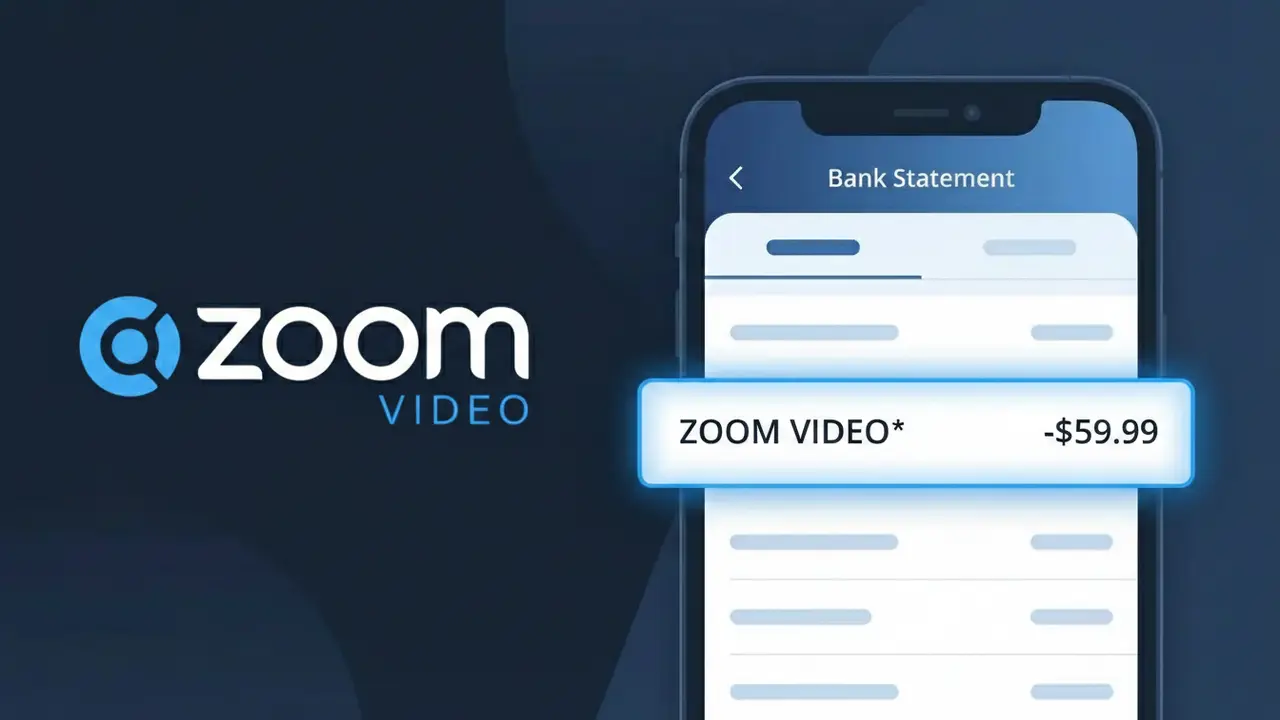
The ZOOM VIDEO* charge on your bank statement comes from Zoom Video Communications, the popular video conferencing and online meeting platform. This charge typically represents a subscription payment for one of Zoom's paid plans, such as Pro, Business, or Enterprise. You may see this descriptor appear monthly or annually depending on how your Zoom account is billed. If you or someone in your household uses Zoom for work, school, or personal meetings, this charge is almost certainly a legitimate subscription fee.
The descriptor ZOOM VIDEO* appears on bank statements because Zoom Video Communications uses a shortened version of their legal company name when processing card transactions through their payment system. The asterisk (*) is commonly used by subscription-based companies to separate the brand identifier from any additional billing details such as an account reference or plan type. This truncated format is standard practice among SaaS companies and is how your bank or card network receives and displays the merchant information.
Is the ZOOM VIDEO* Charge Legitimate or Fraud?
A ZOOM VIDEO* charge on your bank or credit card statement is almost always a legitimate billing from Zoom Video Communications, the popular video conferencing platform. This charge typically appears when you subscribe to a Zoom plan such as Pro, Business, or Enterprise, or when you purchase add-ons like Zoom Phone or Zoom Webinars.
- You or a household member signed up for a paid Zoom Video Communications subscription
- Your free Zoom trial converted to a paid plan automatically
- You purchased a Zoom add-on product such as Zoom Phone, Zoom Rooms, or Zoom Webinars
- Zoom Video Communications renewed your annual or monthly subscription on its billing date
How to Verify the ZOOM VIDEO* Charge
- 1
Log into your Zoom account
Visit zoom.us and sign in. Navigate to Admin > Account Management > Billing to review your current plan and recent payment history from Zoom Video Communications.
- 2
Search your email for receipts
Search your inbox for emails from 'no-reply@zoom.us' or 'billing@zoom.us'. Zoom Video Communications sends an email receipt for every ZOOM VIDEO* charge processed.
- 3
Check household members
Ask family members or roommates whether they used your card to sign up for a Zoom Video Communications plan, as shared billing is a common reason for an unexpected ZOOM VIDEO* charge.
- 4
Review linked subscriptions
Check if any third-party services you use are bundled with Zoom Video Communications, or if a work or school account was tied to your personal card triggering a ZOOM VIDEO* charge.
- 5
Contact your bank
If you still cannot identify the ZOOM VIDEO* charge, call the number on the back of your card. Your bank can provide the exact merchant details submitted by Zoom Video Communications.
How to Dispute a ZOOM VIDEO* Charge
- 1
Act within 60 days
Most banks require you to dispute an unrecognized ZOOM VIDEO* charge within 60 days of the statement date, so act quickly to protect your chargeback rights.
- 2
Contact Zoom Video Communications first
Reach out to Zoom support at support.zoom.us or call their billing team. Zoom Video Communications can often reverse accidental charges or duplicate ZOOM VIDEO* transactions faster than a bank dispute.
- 3
File a chargeback with your bank
If Zoom Video Communications does not resolve the issue, contact your bank or card issuer to formally dispute the ZOOM VIDEO* charge and request a chargeback under unauthorized transaction rules.
- 4
Request a new card number
If you suspect your card was used fraudulently for the ZOOM VIDEO* charge, ask your bank to issue a new card number to prevent any further unauthorized charges from Zoom Video Communications.
Tips for Managing Zoom Video Communications Charges
Enable billing alerts in your Zoom Video Communications account to get notified before each ZOOM VIDEO* charge is processed.
Download your Zoom Video Communications invoices from the billing portal and save them for easy reconciliation of ZOOM VIDEO* charges.
Use a dedicated email for your Zoom Video Communications account so billing receipts never get lost among other messages.
Note your Zoom subscription renewal date — annual plans generate a large ZOOM VIDEO* charge once per year that can be easy to forget.
Downgrade or cancel your Zoom Video Communications plan before the renewal date to avoid an unwanted ZOOM VIDEO* charge.
Use WhatIsThisCharge.net to identify related charges that may appear alongside your ZOOM VIDEO* billing.
Frequently Asked Questions About the ZOOM VIDEO* Charge
ℹ️ Note
Most ZOOM VIDEO* charges are completely legitimate and simply reflect a monthly or annual subscription renewal from Zoom Video Communications — if the amount matches your plan price, there is likely nothing to worry about.
🔍 Decode this charge instantly
Search our database for ZOOM VIDEO* and similar charges.
Decode ZOOM VIDEO* →Was this article helpful?