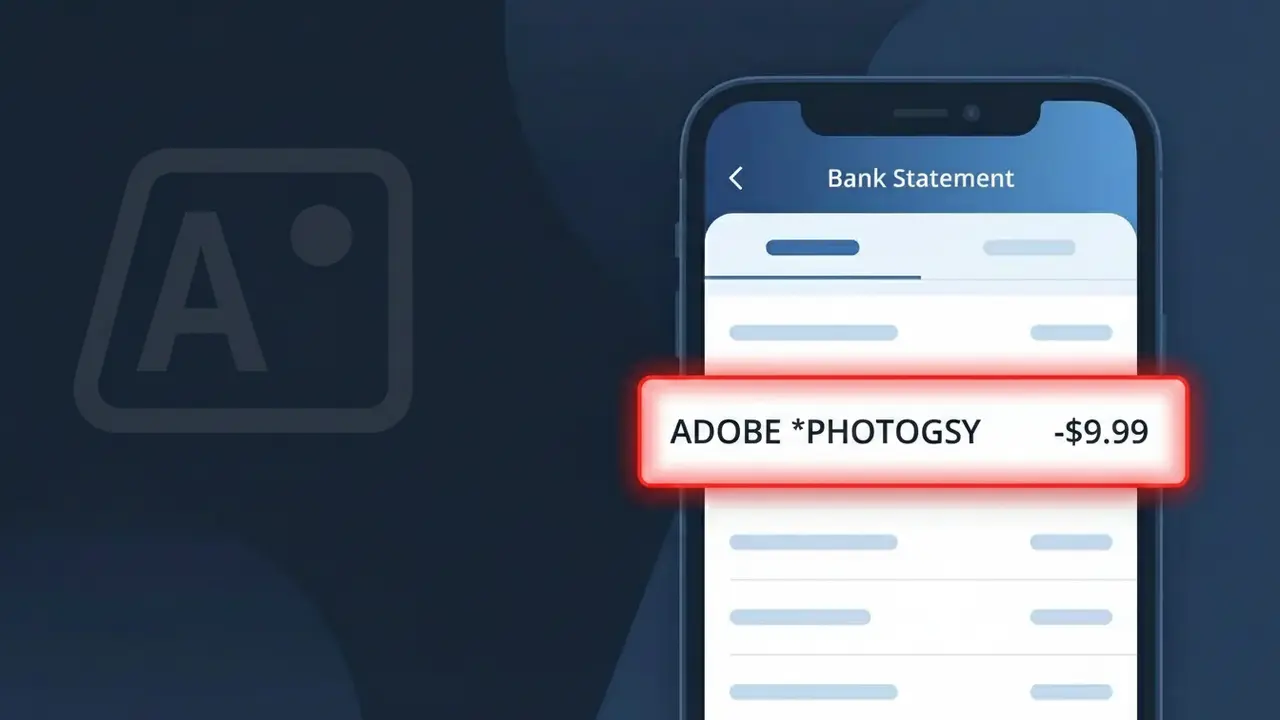
ADOBE *PHOTOGSY Charge (What It Is + Is It Legit?)
✓ LegitimateThe "ADOBE *PHOTOGSY" charge is from Adobe. Adobe Photography Plan subscription for Photoshop and Lightroom
Adobe
Adobe Photography Plan subscription for Photoshop and Lightroom
Category
SaaS
Avg. Charge
9.99-19.99 USD
Country
US
Billing Cycle
Monthly
Cancel At
account.adobe.com/plans
Support
+1-800-833-6687
Understanding this descriptor
Adobe truncates its Photography Plan subscription to "ADOBE *PHOTOGSY" on bank statements because payment processors enforce strict character limits on transaction descriptors, typically capping them at 20-25 characters, which forces the company to abbreviate "Photography" down to "PHOTOGSY" to fit within that space. The asterisk between "ADOBE" and "PHOTOGSY" is a standard formatting convention used by Adobe's payment processing system to separate the merchant name from the product identifier, helping distinguish this specific plan from other Adobe subscriptions like Creative Cloud. If you're seeing this charge for $9.99 to $19.99 each month, it corresponds to Adobe's Photography Plan, which bundles access to both Photoshop and Lightroom under a single recurring billing arrangement.
Recommended actions
Confirm Your Adobe Subscription
Log in to your Adobe account at adobe.com and navigate to account.adobe.com/plans to verify that you are actively subscribed to the Adobe Photography Plan, which includes Photoshop and Lightroom. The ADOBE *PHOTOGSY charge on your statement corresponds to this specific plan.
Check the Charge Amount
Compare the amount of the ADOBE *PHOTOGSY charge against the pricing listed under your plan details at account.adobe.com/plans. Adobe bills the Photography Plan on a monthly or annual basis, so confirm the amount matches your selected billing cycle.
Review Your Adobe Billing History
Inside your Adobe account at adobe.com, go to your billing and payment section to pull up your full invoice history. This will show you past ADOBE *PHOTOGSY charges and confirm whether this is a recurring subscription payment you previously authorized.
Manage or Cancel If Needed
If you no longer wish to pay for the Adobe Photography Plan, visit account.adobe.com/plans to modify or cancel your subscription before the next billing date. Canceling through Adobe directly is the proper way to stop future ADOBE *PHOTOGSY charges from appearing on your bank statement.
How to cancel Adobe
Adobe bills you Monthly. To stop future charges, cancel from your account directly.
Cancel at Adobe💡 Tip — call before disputing
Try calling Adobe at +1-800-833-6687 first. Most refund requests get resolved in one call, and bank disputes take 10+ days.
Is this charge fraudulent?
No, this is a legitimate charge from Adobe. However, if you did not authorize this charge or cancelled your subscription, you may be eligible for a refund.
How to Verify the ADOBE *PHOTOGSY Charge
- 1
Log into your Adobe account
Visit adobe.com and sign in. Navigate to 'Plans & Payment' under your account settings to see if an active Photoshop subscription is listed matching the ADOBE *PHOTOGSY charge.
- 2
Search your email for Adobe receipts
Search your inbox for emails from 'Adobe' or 'noreply@adobe.com'. Adobe sends a receipt every billing cycle, so a matching email confirms the ADOBE *PHOTOGSY charge is legitimate.
- 3
Check with household members
Ask family members or anyone who has access to your payment method whether they signed up for Adobe Photoshop. They may have started a free trial that converted into the ADOBE *PHOTOGSY charge.
- 4
Review your Adobe subscription history
Inside your Adobe account, go to 'Billing History' to view past invoices. The amount and date should match the ADOBE *PHOTOGSY charge on your bank statement exactly.
- 5
Contact your bank if still unsure
If you cannot find any Adobe account or receipt matching ADOBE *PHOTOGSY, call your bank's fraud line immediately to flag the transaction and prevent further unauthorized charges.
How to Dispute a ADOBE *PHOTOGSY Charge
- 1
Act within 60 days
Most banks require disputes to be filed within 60 days of the ADOBE *PHOTOGSY charge appearing on your statement. Acting quickly improves your chances of a successful chargeback or refund.
- 2
Contact Adobe support first
Reach out to Adobe directly at adobe.com/support or call 1-800-833-6687. Adobe's billing team can confirm whether the ADOBE *PHOTOGSY charge was made on your account and may offer a refund without a formal dispute.
- 3
File a chargeback with your bank
If Adobe does not resolve the issue, contact your bank or card issuer to dispute the ADOBE *PHOTOGSY charge. Provide any email receipts, account screenshots, or communication with Adobe as supporting evidence.
- 4
Request a new card number
If the ADOBE *PHOTOGSY charge appears fraudulent and you never had an Adobe account, ask your bank to issue a new card number to prevent Adobe or any other service from billing your old card details again.
Tips for Managing ADOBE Charges
Set a calendar reminder before your Adobe Photoshop free trial ends to avoid an unexpected ADOBE *PHOTOGSY charge.
Keep your Adobe billing email on file so ADOBE *PHOTOGSY receipts are easy to find and verify each month.
Use a strong, unique password for your Adobe account to prevent unauthorized Photoshop subscriptions billed under ADOBE *PHOTOGSY.
Note whether your Adobe plan bills monthly or annually — annual plans charge a large lump sum that can look alarming on your statement.
Enable transaction alerts on your bank account to get instant notifications whenever an ADOBE *PHOTOGSY charge is processed.
Use WhatIsThisCharge.net to identify related charges like ADOBE *ACROPRO or ADOBE *CCTEAM on your statement.
Common questions
Was this page helpful?
Community Reports (0)
0 votesNo votes yet — be the first to report on this charge!
Have you seen this charge? Help others by voting:
Community Comments (0)
No comments yet. Be the first to share your experience!
Share your experience
Your email is only used to verify your comment and will never be shown publicly.
Search Another Charge
Popular Charges

Amazon Marketplace
AMZN MKTP US
Netflix
NETFLIX *SUBSCRIPTION
Netflix
NETFLIX.COM *
Apple
APPLE *SUBSCRIPTION
Apple
APPLE.COM/BILL
Related Charges
Need to dispute this charge?
Generate a professional dispute letter in seconds with our AI tool.
Open Charge AssistantCommunity Verified
Real user reports
Free to Use
Always free to check
Secure & Private
Your data is safe
Help Millions
48K+ charges identified