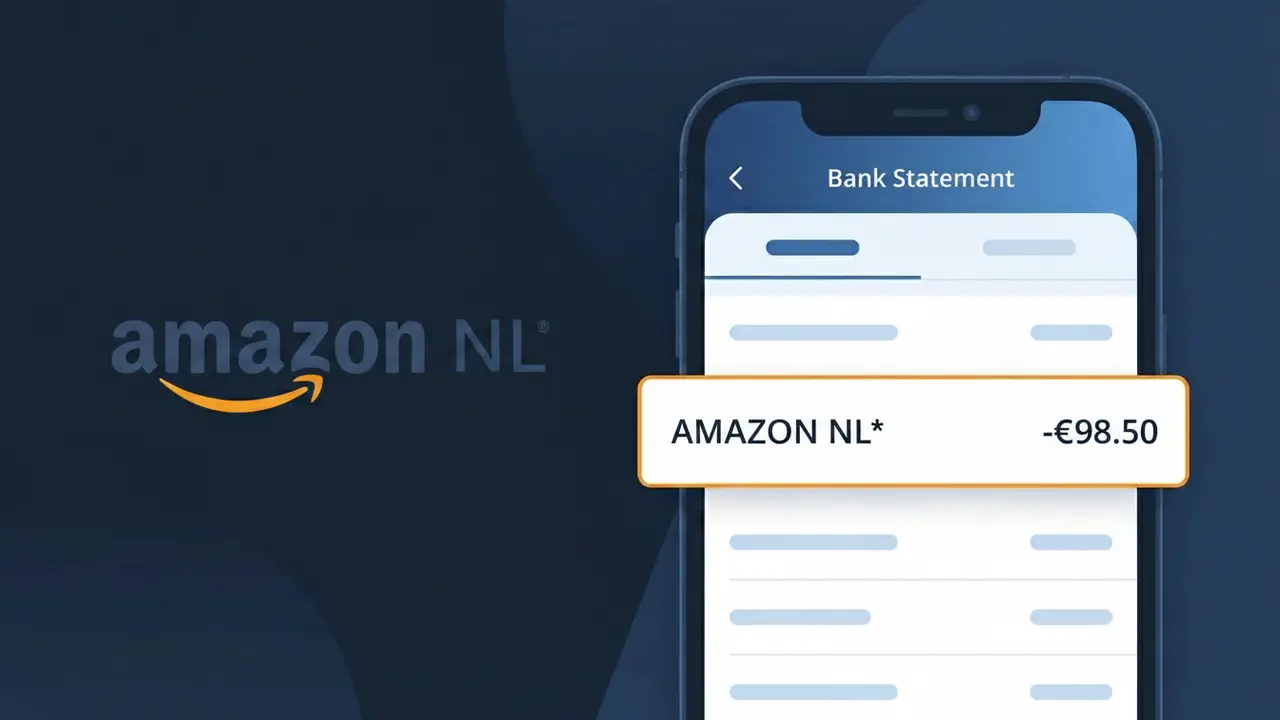
AMAZON NL* Charge (What It Is + Is It Legit?)
✓ LegitimateThe "AMAZON NL*" charge is from Amazon Netherlands. Purchase or subscription from Amazon Netherlands. This descriptor appears on Dutch bank statements for Amazon marketplace purchases.

Amazon Netherlands
Purchase or subscription from Amazon Netherlands. This descriptor appears on Dutch bank statements for Amazon marketplace purchases.
Category
Shopping
Avg. Charge
Variable
Country
NL
Billing Cycle
One-time
Cancel At
amazon.nl/gp/help/customer/display.html?nodeId=201909600
Support
0800-0221607
Why does this charge appear?
Amazon Netherlands uses the shortened descriptor "AMAZON NL*" on bank statements because payment processing networks like Visa and Mastercard impose strict character limits on merchant descriptors, typically capping them at 22 characters or fewer. Rather than truncating the full company name in an unpredictable way, Amazon standardizes its regional billing identifiers by combining its brand name with the two-letter ISO country code for the Netherlands, making it easier to identify which Amazon marketplace processed the charge. If you see "AMAZON NL*" on your statement, it confirms the transaction was handled through Amazon's Dutch entity, usually following a purchase on Amazon.nl or a subscription billed through that regional platform.
Your next steps
Check Your Amazon Netherlands Order History
Log in to your account at amazon.nl and navigate to 'Returns & Orders' in the top right corner. Review your recent purchases to match the exact amount of the AMAZON NL* charge on your bank statement, including any recent marketplace or subscription purchases made through the Dutch storefront.
Verify Any Active Amazon Netherlands Subscriptions
On amazon.nl, go to your Account settings and check 'Memberships & Subscriptions' to see if you have an active Amazon Prime Netherlands subscription or any digital services billed through the Dutch platform that could explain the recurring AMAZON NL* charge.
Manage or Cancel Amazon Netherlands Services if Needed
If you recognize the charge but want to cancel a subscription or service associated with the AMAZON NL* billing, visit amazon.nl/gp/help/customer/display.html?nodeId=201909600 to manage your account options, cancel unwanted subscriptions, or get guidance on Amazon Netherlands billing policies.
Contact Amazon Netherlands Customer Support if Unresolved
If you cannot match the AMAZON NL* charge to any order or subscription on your amazon.nl account, reach out directly to Amazon Netherlands customer service through the Help section at amazon.nl. They can pull up billing records tied to your account and clarify exactly what the charge was for before you consider any further action.
💡 Tip — call before disputing
Try calling Amazon Netherlands at 0800-0221607 first. Most refund requests get resolved in one call, and bank disputes take 10+ days.
ℹ️ International processing
This charge is processed in NL. You may see a foreign transaction fee from your bank (typically 1-3%).
Legitimate or scam?
No, this is a legitimate charge from Amazon Netherlands. However, if you did not authorize this charge or cancelled your subscription, you may be eligible for a refund.
ℹ️ Note
In most cases, seeing "AMAZON NL*" on your statement is completely normal. Before assuming fraud, check your recent purchases — most mystery charges have a simple explanation.
Is the AMAZON NL* Charge Legitimate or Fraud?
If you've spotted AMAZON NL* on your bank or credit card statement, it is almost always a legitimate charge from AMAZON NL — Amazon's Dutch marketplace (amazon.nl), serving customers in the Netherlands and across Europe. This charge appears when you make a purchase, subscribe to a service like Prime, or are billed for digital content through Amazon's Netherlands platform.
Common reasons you might see an AMAZON NL* charge include:
- A product order placed on amazon.nl or fulfilled by AMAZON NL
- An Amazon Prime membership billed through the Dutch Amazon entity
- Kindle, Audible, or other digital content purchases via AMAZON NL
- A subscription or recurring service tied to your AMAZON NL account
While most AMAZON NL* charges are genuine, unauthorized charges can occur if your account credentials have been compromised. Always verify the amount against your order history before assuming fraud.
How to Verify the AMAZON NL* Charge
- 1
Log into your AMAZON NL account
Visit amazon.nl and sign in, then navigate to 'Returns & Orders' to check if the charge amount matches any recent purchases made through AMAZON NL.
- 2
Search your email for AMAZON NL receipts
Search your inbox for emails from amazon.nl or 'no-reply@amazon.nl' containing order confirmations or invoices that match the AMAZON NL* charge date and amount.
- 3
Check your Amazon Prime and subscriptions
In your AMAZON NL account, go to 'Account & Lists' > 'Prime Membership' or 'Memberships & Subscriptions' to see if a renewal triggered the AMAZON NL* charge.
- 4
Ask other household members
If your payment method is shared, check with family members — they may have made a purchase through AMAZON NL that generated the AMAZON NL* charge on your statement.
- 5
Contact your bank for more details
If you still cannot match the AMAZON NL* charge to any order, contact your bank for the full merchant descriptor and transaction ID to help identify the exact source.
How to Dispute an AMAZON NL* Charge
- 1
Act within 60 days of the charge
Most banks allow chargebacks within 60 days of the AMAZON NL* charge appearing on your statement, so act quickly to preserve your right to dispute.
- 2
Contact AMAZON NL customer service first
Visit amazon.nl/contact or use the Help section to reach AMAZON NL support. Resolving it directly is often faster — they can issue a refund if the charge was in error.
- 3
File a chargeback with your bank
If AMAZON NL does not resolve the issue, contact your bank or card issuer and formally dispute the AMAZON NL* charge, providing your order history screenshots as evidence.
- 4
Request a new card number
If you suspect your card details were stolen and used on AMAZON NL without your knowledge, ask your bank to cancel and reissue your card to prevent further unauthorized AMAZON NL* charges.
Tips for Managing AMAZON NL Charges
Enable bank alerts for every transaction so you catch unexpected AMAZON NL* charges the moment they appear.
Regularly review your AMAZON NL order history monthly to reconcile all AMAZON NL* charges on your statement.
Secure your AMAZON NL account with a strong password and enable two-factor authentication to prevent unauthorized charges.
Note your Amazon Prime renewal date on your calendar so the annual AMAZON NL* billing charge never catches you off guard.
Use a dedicated card for AMAZON NL purchases to make it easy to spot and isolate any suspicious AMAZON NL* charges.
Use WhatIsThisCharge.net to identify related charges that may appear alongside AMAZON NL* on your statement.
Quick answers
Was this page helpful?
Community Reports (0)
0 votesNo votes yet — be the first to report on this charge!
Have you seen this charge? Help others by voting:
Community Comments (0)
No comments yet. Be the first to share your experience!
Share your experience
Your email is only used to verify your comment and will never be shown publicly.
Search Another Charge
Popular Charges
Uber
UBER BV*
NS Nederlandse Spoorwegen
NS TREIN*

Amazon Netherlands
AMZN MKTP NL
Bol.com
BOL COM
Tikkie
TIKKIE BETAALVERZOEK
Related Charges
Need to dispute this charge?
Generate a professional dispute letter in seconds with our AI tool.
Open Charge AssistantCommunity Verified
Real user reports
Free to Use
Always free to check
Secure & Private
Your data is safe
Help Millions
48K+ charges identified