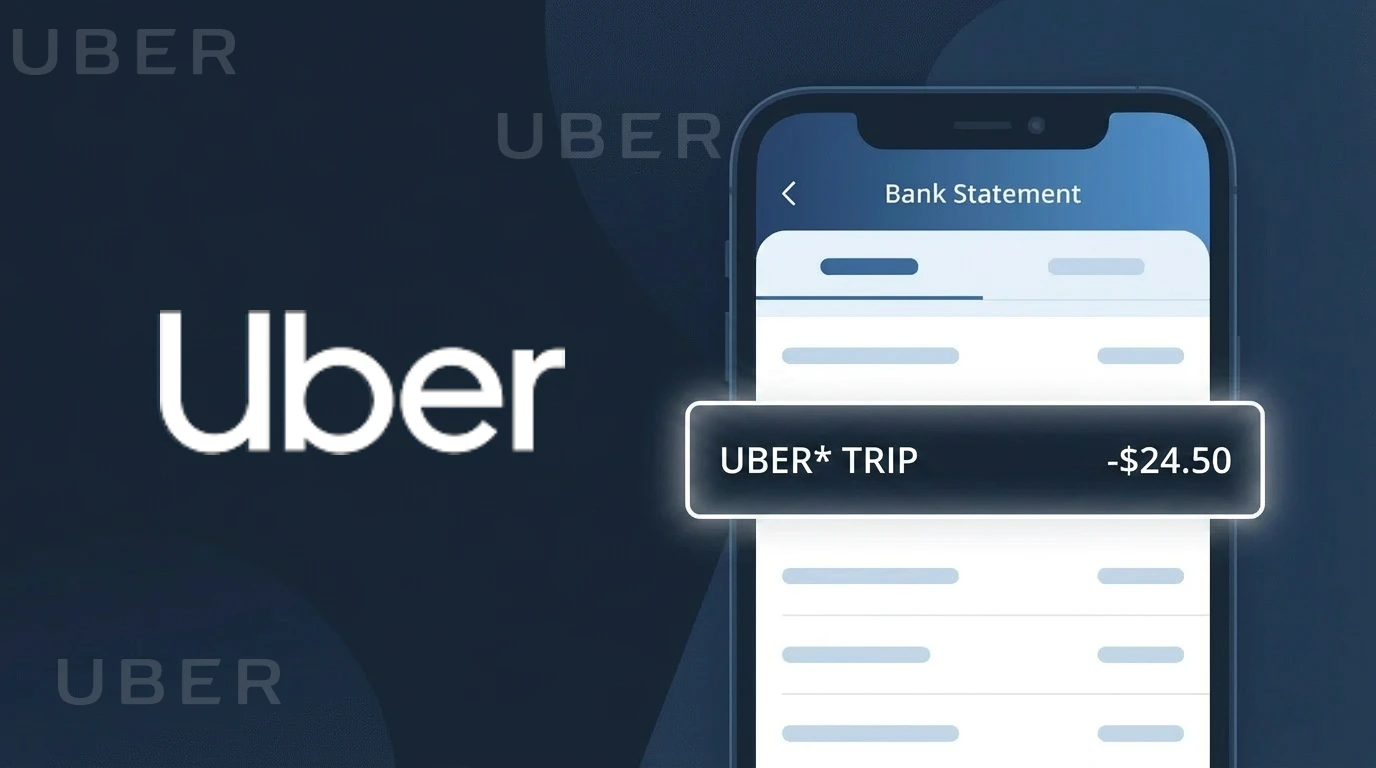
UBER BV* Charge (What It Is + Is It Legit?)
✓ LegitimateThe "UBER BV*" charge is from Uber. Uber ride charge.
Uber
Uber ride charge.
Category
Travel
Avg. Charge
€12.00
Country
NL
Billing Cycle
One-time
Cancel At
uber.com/account
Support
See website
Understanding this descriptor
When you see "UBER BV*" on your bank statement, the "BV" refers to Besloten Vennootschap, a Dutch private limited company designation, because Uber processes many of its European ride payments through its Netherlands-based legal entity, Uber B.V., which is headquartered in Amsterdam. The Netherlands serves as Uber's primary European operations hub, meaning charges for rides across multiple countries may route through this Dutch entity rather than a locally named one. The asterisk following "UBER BV*" is a standard formatting character used by payment processors to separate the company identifier from any additional transaction details such as a trip reference or city code.
Recommended actions
Check Your Uber Ride History
Log into your account at uber.com and navigate to your trip history to match the UBER BV* charge with a specific ride. The date, route, and fare should align with what appears on your bank statement.
Verify the Charge Amount
Compare the exact dollar amount of the UBER BV* charge against the fare shown in your Uber app receipt. Keep in mind the total may include surge pricing, tips, or booking fees that were added at the time of your ride.
Review Your Uber Payment Settings
Visit uber.com/account to review which payment method was charged and confirm no unauthorized payment methods or accounts are linked to your profile. This helps ensure only your intended card is being billed for rides.
Manage or Cancel Your Uber Subscription
If you subscribe to Uber One or any other Uber membership, visit uber.com/account to review your active subscriptions. If the UBER BV* charge is tied to a membership you no longer want, you can cancel it directly from your account settings page.
ℹ️ International processing
This charge is processed in NL. You may see a foreign transaction fee from your bank (typically 1-3%).
Is this charge fraudulent?
No, this is a legitimate charge from Uber. However, if you did not authorize this charge or cancelled your subscription, you may be eligible for a refund.
How to Verify the UBER Charge
- 1
Check your Uber account
Log into the Uber app or visit uber.com and navigate to 'Your Trips' or 'Activity' to see a full list of recent rides, Uber Eats orders, and any subscription charges linked to your account.
- 2
Search your email for Uber receipts
Uber automatically sends email receipts for every completed trip or order. Search your inbox for emails from no-reply@uber.com that match the charge date and amount on your statement.
- 3
Check other household members
If you share payment methods, ask family members or roommates whether they used your card for an Uber ride or Uber Eats order, as Uber allows multiple profiles under one payment method.
- 4
Review Uber One subscription
Check if you or someone in your household signed up for Uber One, Uber's membership program, which bills monthly or annually and may appear as a recurring UBER charge on your statement.
- 5
Contact your bank
If you cannot match the UBER charge to any activity in your Uber account, contact your bank or card issuer to get the exact merchant details, including the transaction ID, to help identify the source.
How to Dispute a UBER Charge
- 1
Act within 60 days
Most banks require you to dispute unauthorized charges within 60 days of the statement date. Act quickly if you spot an unrecognized UBER charge to preserve your right to a full chargeback.
- 2
Contact Uber first
Visit help.uber.com or use the Uber app's Help section to report an issue with a charge. Select the specific trip or order and request a review — Uber often resolves billing disputes faster than going through your bank.
- 3
File a chargeback with your bank
If Uber does not resolve the issue, contact your bank or credit card issuer to initiate a formal chargeback. Provide your Uber account activity screenshots and email receipts as evidence that the charge was unauthorized.
- 4
Request a new card
If you believe your card details were stolen and used fraudulently for Uber charges, ask your bank to cancel your current card and issue a new one with a different number to prevent further unauthorized UBER charges.
Tips for Managing UBER Charges
Enable Uber app notifications so you get instant alerts after every ride or Uber Eats order is charged.
Review your Uber activity history monthly to reconcile all UBER charges on your bank statement.
Use a strong, unique password for your Uber account and enable two-factor authentication to prevent unauthorized use.
Note your Uber One billing date to anticipate recurring UBER subscription charges each month or year.
Use a virtual card number for Uber payments to limit fraud exposure if your card details are ever compromised.
Use WhatIsThisCharge.net to identify related charges that may appear alongside UBER on your statement.
Is the UBER Charge on Your Bank Statement Legitimate?
An UBER charge on your bank statement is most commonly a legitimate charge from Uber Technologies, Inc. for one of their services — including rideshare trips, Uber Eats food delivery orders, Uber One membership fees, or Uber Cash top-ups. Uber processes payments automatically and may charge your card immediately after a ride or delivery is completed, which can sometimes catch customers off guard.
- A completed rideshare trip booked through the Uber app
- An Uber Eats food delivery order placed recently
- A recurring Uber One (formerly Uber Pass) monthly or annual subscription fee
- An Uber Cash balance top-up you authorized in the app
- A trip or order placed by a family member using your saved payment method
However, if you do not recognize the UBER charge and have not used any Uber service recently, it could indicate unauthorized account access or fraudulent use of your card. Always verify before dismissing or disputing the charge.
How to Verify the UBER Charge on Your Statement
- 1
Log into your Uber account
Open the Uber app or visit riders.uber.com and navigate to 'Your Trips' or 'Activity' to review recent rides and Uber Eats orders. Match the charge amount and date to a specific transaction listed there.
- 2
Search your email for Uber receipts
Uber automatically sends email receipts after every trip or Uber Eats order. Search your inbox for emails from uber@uber.com or receipts@uber.com and match the amount to your bank charge.
- 3
Check your Uber One subscription status
If you subscribed to Uber One, Uber charges a recurring monthly fee (typically $9.99) or annual fee. Go to the Uber app, tap your profile, then 'Uber One' to confirm if you have an active membership.
- 4
Ask household members or family
If your card is saved as a payment method in a family member's or partner's Uber account, they may have placed an order or taken a ride that triggered the charge. Check with anyone who has access.
- 5
Contact Uber support directly
If you still cannot identify the charge, contact Uber's support team via the app under Help > Trip Issues and Refunds, or visit help.uber.com to get a detailed breakdown of charges on your account.
How to Dispute an UBER Charge
- 1
Act within 60 days of the charge
Most banks and credit card issuers require you to report unauthorized or disputed charges within 60 days of the statement date. Don't delay — locate the UBER charge on your statement and act quickly.
- 2
Contact Uber support first
Before going to your bank, reach out to Uber directly at help.uber.com or through the Uber app under Help. Uber can often issue a refund faster than a bank chargeback for billing errors or unauthorized charges.
- 3
File a chargeback with your bank
If Uber refuses to resolve the issue, contact your bank or credit card issuer and formally dispute the UBER charge. Provide your trip history, email receipts, and any correspondence with Uber as evidence.
- 4
Request a new card if fraud is suspected
If you believe your card details were stolen and used fraudulently with Uber, ask your bank to cancel the compromised card and issue a new one. Also change your Uber account password immediately.
Common questions
Was this page helpful?
Community Reports (0)
0 votesNo votes yet — be the first to report on this charge!
Have you seen this charge? Help others by voting:
Community Comments (0)
No comments yet. Be the first to share your experience!
Share your experience
Your email is only used to verify your comment and will never be shown publicly.
Search Another Charge
Popular Charges
NS Nederlandse Spoorwegen
NS TREIN*

Amazon Netherlands
AMZN MKTP NL
Amazon Netherlands
AMAZON NL*
Bol.com
BOL COM
Tikkie
TIKKIE BETAALVERZOEK
Need to dispute this charge?
Generate a professional dispute letter in seconds with our AI tool.
Open Charge AssistantCommunity Verified
Real user reports
Free to Use
Always free to check
Secure & Private
Your data is safe
Help Millions
48K+ charges identified