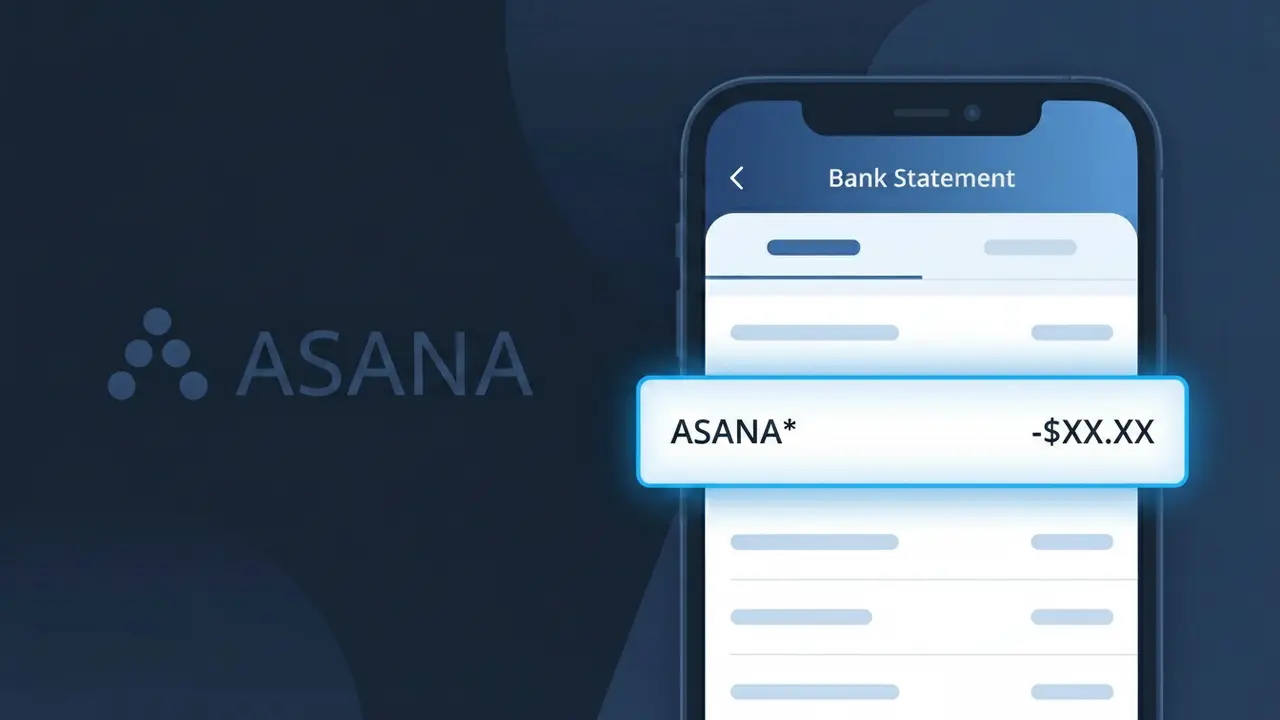
ASANA* Charge (What It Is + Is It Legit?)
✓ LegitimateThe "ASANA*" charge is from Asana. Asana project management subscription.
Asana
Asana project management subscription.
Category
SaaS
Avg. Charge
$10.99
Country
US
Billing Cycle
Monthly
Cancel At
app.asana.com/account/billing
Support
See website
Why this shows on your statement
When Asana processes subscription payments through its billing system, the charge descriptor is truncated and formatted as "ASANA*" because payment processors like Stripe commonly append an asterisk to indicate a recurring software subscription rather than a one-time purchase. The asterisk acts as a shorthand signal used by card networks to distinguish ongoing SaaS billing from standard retail transactions, which is why you'll see "ASANA*" rather than the full company name on your bank or credit card statement. If you're being billed around $10.99 per month and recognize signing up for Asana's project management platform, this charge is legitimate and reflects your active subscription.
What should you do?
Identify Your Asana Plan
Log in to your Asana account and visit app.asana.com/account/billing to review which subscription plan you are currently on. The ASANA* charge on your bank statement corresponds to your active Asana project management subscription, so confirming the plan tier will help you verify the exact billing amount.
Match the Charge Amount
At app.asana.com/account/billing, check your billing history and compare the invoiced amount against the ASANA* charge on your bank statement. Asana offers multiple tiers including Premium, Business, and Enterprise, so make sure the charge aligns with the plan you selected.
Check Who Authorized the Subscription
If you share a workspace with a team, the ASANA* charge may have been initiated by a team admin or billing owner in your organization. Reach out to your Asana workspace admin or check the billing contacts listed at app.asana.com/account/billing to confirm who authorized the subscription.
Cancel or Downgrade If Needed
If you no longer need the Asana subscription or want to stop future ASANA* charges, go directly to app.asana.com/account/billing to cancel or downgrade your plan. You can also visit asana.com for more information about plan options before making a final decision.
How to cancel Asana
Asana bills you Monthly. To stop future charges, cancel from your account directly.
Cancel at AsanaShould you be worried?
No, this is a legitimate charge from Asana. However, if you did not authorize this charge or cancelled your subscription, you may be eligible for a refund.
ℹ️ Note
In most cases, seeing "ASANA*" on your statement is completely normal. Before assuming fraud, check your recent purchases — most mystery charges have a simple explanation.
Is the ASANA* Charge Legitimate or Fraud?
If you see ASANA* on your bank or credit card statement, this charge most likely comes from Asana, the popular project management and team collaboration platform used by millions of businesses worldwide. Asana offers paid subscription plans — including Premium, Business, and Enterprise — that are billed monthly or annually, which is typically the source of this charge.
The ASANA* descriptor appears on statements when Asana processes a subscription payment. Common reasons you might see this charge include:
- You or your organization signed up for an Asana Premium or Business plan
- Your free Asana trial period ended and automatically converted to a paid subscription
- An admin at your company added you to a paid Asana workspace billed to your card
- An annual Asana subscription renewed automatically without a prior reminder
While most ASANA* charges are legitimate, if you do not recall signing up for Asana or authorizing a renewal, you should verify the charge promptly, as unauthorized charges do occasionally occur through phishing or account compromise.
How to Verify the ASANA* Charge
- 1
Log into your Asana account
Visit asana.com and sign in. Navigate to your account settings and check the 'Billing' section to see active plans and recent payment history matching the ASANA* charge on your statement.
- 2
Search your email for Asana receipts
Search your inbox for emails from billing@asana.com or no-reply@asana.com. Asana sends payment confirmation emails that will match the ASANA* charge amount and date.
- 3
Check if a household or team member signed up
Ask colleagues or family members if they created an Asana workspace using your shared payment method. Workspace admins in Asana can add billing cards on behalf of a team.
- 4
Review your active subscriptions
Check your device's app subscription settings (Apple ID or Google Play) and any password managers for saved Asana logins, as a subscription may have been set up and forgotten.
- 5
Contact your bank for more details
Ask your bank for the full merchant descriptor and transaction ID associated with the ASANA* charge. This can help pinpoint the exact Asana account or plan that triggered the payment.
How to Dispute an ASANA* Charge
- 1
Act within 60 days of the charge
Most banks require disputes to be filed within 60 days of the ASANA* charge appearing on your statement. Acting quickly improves your chances of a full refund or successful chargeback.
- 2
Contact Asana support first
Reach out to Asana's support team at asana.com/support. Asana offers refunds in certain cases, and resolving the issue directly with them is faster than a bank dispute and avoids a chargeback process.
- 3
File a chargeback with your bank
If Asana does not resolve the issue, contact your bank or credit card issuer to dispute the ASANA* charge. Provide your email receipts, account screenshots, and the date of the transaction as evidence.
- 4
Request a new card number
If the ASANA* charge appears to be fraudulent and you did not authorize it, ask your bank to issue a new card number to prevent future unauthorized charges from Asana or other merchants.
Tips for Managing ASANA* Charges
Enable billing alerts in Asana so you receive an email before each ASANA* renewal charge hits your card.
Review your Asana workspace billing page monthly to confirm the plan tier and number of paid seats you are being charged for.
Secure your Asana account with two-factor authentication to prevent unauthorized plan upgrades that could create unexpected ASANA* charges.
Switch to annual Asana billing to reduce the frequency of ASANA* charges and often save up to 20% versus monthly plans.
Use a dedicated virtual card for your Asana subscription so you can freeze it instantly if an unauthorized ASANA* charge appears.
Use WhatIsThisCharge.net to identify related charges and track recurring billing patterns linked to ASANA*.
Questions and answers
Was this page helpful?
Community Reports (0)
0 votesNo votes yet — be the first to report on this charge!
Have you seen this charge? Help others by voting:
Community Comments (0)
No comments yet. Be the first to share your experience!
Share your experience
Your email is only used to verify your comment and will never be shown publicly.
Search Another Charge
Popular Charges

Amazon Marketplace
AMZN MKTP US
Netflix
NETFLIX *SUBSCRIPTION
Apple
APPLE *SUBSCRIPTION
Netflix
NETFLIX.COM *
Apple
APPLE.COM/BILL
Related Charges
Need to dispute this charge?
Generate a professional dispute letter in seconds with our AI tool.
Open Charge AssistantCommunity Verified
Real user reports
Free to Use
Always free to check
Secure & Private
Your data is safe
Help Millions
48K+ charges identified