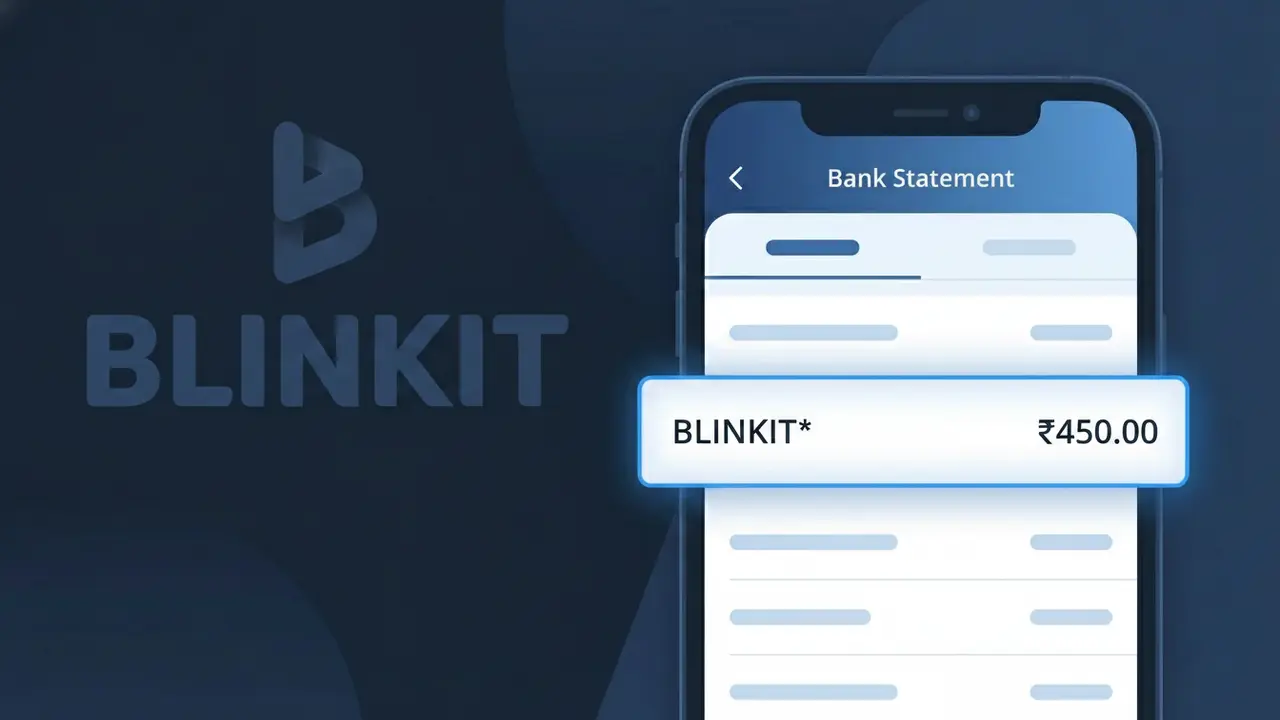
BLINKIT* Charge (What It Is + Is It Legit?)
✓ LegitimateThe "BLINKIT*" charge is from Blinkit. Blinkit quick grocery delivery India.
Blinkit
Blinkit quick grocery delivery India.
Category
Food
Avg. Charge
₹400
Country
IN
Billing Cycle
One-time
Cancel At
blinkit.com
Support
See website
Understanding this descriptor
When Blinkit processes payments for its quick grocery delivery service in India, the transaction is routed through a payment gateway that truncates and formats the merchant name with an asterisk, resulting in "BLINKIT*" appearing on your bank statement rather than the full company name. The asterisk in the descriptor is a standard convention used by payment processors to separate the merchant identifier from any additional transaction reference data, such as an order number or location code that may follow it. If you recently ordered groceries through Blinkit and see this charge for around ₹400, the BLINKIT* descriptor is simply how your bank displays the completed transaction.
Recommended actions
Check your Blinkit order history
Log into your account at blinkit.com and review your recent orders to match the BLINKIT* charge on your bank statement with a specific grocery delivery you placed. The amount should correspond to a completed order.
Verify the charge amount and date
Cross-reference the exact amount and transaction date of the BLINKIT* charge with your Blinkit app or account on blinkit.com. Keep in mind that Blinkit may charge slightly different amounts if delivery fees or surge pricing were applied at checkout.
Check for an active Blinkit subscription
If the BLINKIT* charge does not match a one-time order, check whether you have an active Blinkit Plus subscription by visiting blinkit.com and navigating to your account settings. A recurring charge could indicate an ongoing membership you may have forgotten about.
Cancel or manage your Blinkit account if needed
If you no longer wish to use Blinkit or want to stop future charges, visit blinkit.com to cancel any active subscription or delete your payment method from your account settings to prevent additional BLINKIT* charges from appearing on your statement.
ℹ️ International processing
This charge is processed in IN. You may see a foreign transaction fee from your bank (typically 1-3%).
Is this charge fraudulent?
No, this is a legitimate charge from Blinkit. However, if you did not authorize this charge or cancelled your subscription, you may be eligible for a refund.
ℹ️ Note
In most cases, seeing "BLINKIT*" on your statement is completely normal. Before assuming fraud, check your recent purchases — most mystery charges have a simple explanation.
Is the BLINKIT* Charge Legitimate or Fraud?
If you've spotted a BLINKIT* charge on your bank or credit card statement, it is most likely a legitimate transaction from Blinkit (formerly Grofers), one of India's leading quick-commerce grocery delivery platforms. The asterisk in BLINKIT* is a standard merchant descriptor format used by payment processors to identify the source of the charge.
Common reasons you might see a BLINKIT* charge include:
- A recent grocery or essentials order placed through the Blinkit app or website
- A Blinkit Pass subscription renewal for free or discounted deliveries
- A pending or delayed charge from a previously completed Blinkit order
- A family member or household user ordering via a linked payment method on Blinkit
However, if you do not recognize the BLINKIT* charge and have never used Blinkit, it could indicate unauthorized use of your card and should be investigated promptly.
How to Verify the BLINKIT* Charge
- 1
Log into your Blinkit account
Open the Blinkit app or visit blinkit.com and check your order history. Match the charge amount and date to a recent BLINKIT* transaction on your statement.
- 2
Search your email for Blinkit receipts
Search your inbox for emails from Blinkit (noreply@blinkit.com or similar). Order confirmation and payment receipt emails should match the BLINKIT* charge on your account.
- 3
Check if household members used Blinkit
Ask family members or anyone with access to your payment method if they placed an order on Blinkit. The BLINKIT* charge may have been made by someone in your household.
- 4
Review your Blinkit Pass subscription
If you subscribed to Blinkit Pass, check your subscription status in the app under 'My Account'. Recurring BLINKIT* charges may be monthly or annual Pass renewal fees.
- 5
Contact your bank for transaction details
If you still can't identify the BLINKIT* charge, call your bank and ask for the full merchant details. This can help confirm whether the charge originated from Blinkit's payment system.
How to Dispute a BLINKIT* Charge
- 1
Act within 60 days of the charge
Most banks require disputes to be filed within 60 days of the BLINKIT* charge appearing on your statement. Act quickly to preserve your right to a chargeback.
- 2
Contact Blinkit customer support first
Reach out to Blinkit via the in-app chat or their helpline before escalating. Blinkit's support team can investigate and issue a refund for erroneous or unauthorized BLINKIT* charges faster than a bank dispute.
- 3
File a chargeback with your bank
If Blinkit does not resolve the issue, contact your bank or card issuer to file a formal chargeback against the BLINKIT* charge. Provide your order history and any communication with Blinkit as evidence.
- 4
Request a new card if fraud is suspected
If you believe the BLINKIT* charge is fraudulent and your card details were compromised, ask your bank to cancel the current card and issue a new one to prevent further unauthorized charges.
Tips for Managing BLINKIT Charges
Enable bank notifications so you're alerted instantly whenever a BLINKIT* charge is processed on your card.
Keep Blinkit order confirmation emails to easily cross-reference any BLINKIT* charge on your statement.
Secure your Blinkit account with a strong password and enable two-factor authentication to prevent unauthorized orders.
Note your Blinkit Pass renewal date to anticipate recurring BLINKIT* subscription charges each billing cycle.
Use a dedicated card for Blinkit purchases to make BLINKIT* charges easier to spot and manage.
Use WhatIsThisCharge.net to identify related charges that may appear alongside BLINKIT* on your statement.
Common questions
Was this page helpful?
Community Reports (0)
0 votesNo votes yet — be the first to report on this charge!
Have you seen this charge? Help others by voting:
Community Comments (0)
No comments yet. Be the first to share your experience!
Share your experience
Your email is only used to verify your comment and will never be shown publicly.
Search Another Charge
Popular Charges

Amazon India
AMAZON IN*
Google Pay India
GPAY*
Flipkart
FLIPKART*
Airtel India
AIRTEL INDIA*
PhonePe
PHONEPE*
Related Charges
Need to dispute this charge?
Generate a professional dispute letter in seconds with our AI tool.
Open Charge AssistantCommunity Verified
Real user reports
Free to Use
Always free to check
Secure & Private
Your data is safe
Help Millions
48K+ charges identified