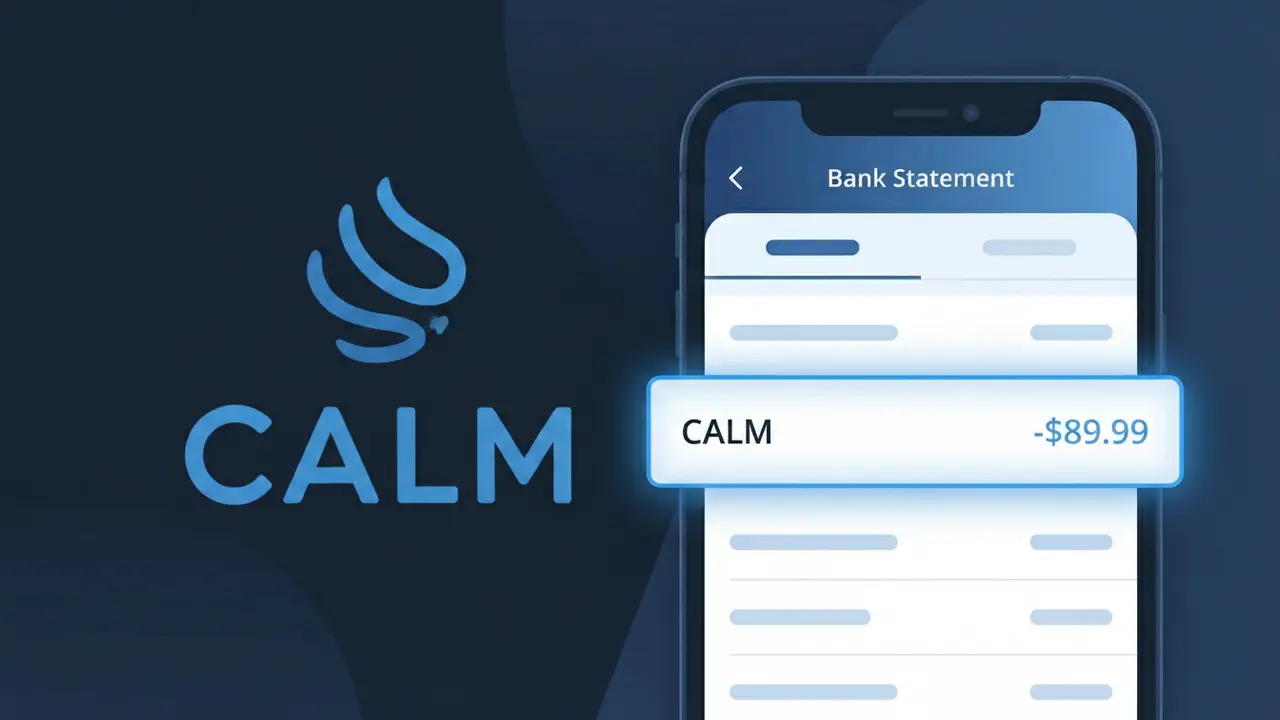
CALM* Charge (What It Is + Is It Legit?)
✓ LegitimateThe "CALM*" charge is from Calm. Calm meditation app subscription.
Calm
Calm meditation app subscription.
Category
Health
Avg. Charge
$69.99
Country
US
Billing Cycle
Annual
Cancel At
calm.com/account
Support
See website
Understanding this descriptor
When Calm processes subscription payments for its meditation app, the billing system truncates the company name and appends an asterisk to create the shortened descriptor "CALM*" that shows up on your bank statement. The asterisk is a standard formatting convention used by payment processors like Stripe, which Calm relies on to handle its annual subscription billing, and it typically signals that additional transaction detail follows the symbol even when your bank's statement doesn't display it. If you were recently charged $69.99, this is almost certainly your annual Calm subscription renewal rather than an unfamiliar or fraudulent charge.
Recommended actions
Confirm your Calm subscription
Log in to your Calm account at calm.com and navigate to your subscription settings to verify that your plan is active and matches the amount showing as CALM* on your bank statement.
Check your Calm billing history
Inside your Calm account at calm.com/account, review your billing history to confirm the CALM* charge date and amount align with your expected renewal cycle, whether monthly or annual.
Manage or cancel your Calm subscription
If you no longer wish to use the Calm meditation app, visit calm.com/account to cancel your subscription before the next renewal date to avoid future CALM* charges on your statement.
Contact Calm support if something looks off
If the CALM* charge amount does not match your expected Calm subscription price, reach out to Calm's customer support directly through calm.com to clarify the discrepancy before considering a dispute with your bank.
How to cancel Calm
Calm bills you Annual. To stop future charges, cancel from your account directly.
Cancel at CalmIs this charge fraudulent?
No, this is a legitimate charge from Calm. However, if you did not authorize this charge or cancelled your subscription, you may be eligible for a refund.
How to Verify the CALM Charge
- 1
Log into your CALM account
Visit calm.com and sign in to check your subscription status and billing history. Your account dashboard will show the exact date and amount of recent CALM charges.
- 2
Search your email for CALM receipts
Look in your inbox for emails from calm.com or no-reply@calm.com confirming a subscription purchase or renewal. Check spam and promotions folders too.
- 3
Check household members
Ask family members or roommates if they signed up for CALM using your shared payment method, as CALM accounts are individual but billing can overlap.
- 4
Review app store subscriptions
If you downloaded CALM via the Apple App Store or Google Play, check your in-app subscriptions there, as charges may appear from Apple or Google rather than CALM directly.
- 5
Contact your bank
If you still cannot identify the CALM charge, call the number on the back of your card and ask the representative to provide the full merchant details for the transaction.
How to Dispute a CALM Charge
- 1
Act within 60 days
Most banks require you to dispute an unrecognized CALM charge within 60 days of the statement date, so act quickly to preserve your chargeback rights.
- 2
Contact CALM support first
Reach out to CALM's customer support at calm.com/support before filing a dispute. CALM may issue a refund directly, especially for accidental renewals or forgotten trials.
- 3
File a chargeback with your bank
If CALM does not resolve the issue, contact your bank or credit card issuer to initiate a formal chargeback, citing the unauthorized or unrecognized CALM transaction.
- 4
Request a new card
If you suspect the CALM charge is fraudulent and not tied to any account you recognize, ask your bank to issue a new card number to prevent further unauthorized charges.
Tips for Managing CALM Charges
Set a calendar reminder before your CALM free trial ends to avoid unwanted auto-renewal charges.
Save your CALM subscription confirmation email as proof of the billing date and plan cost.
Keep your CALM account login saved securely so you can quickly check billing details anytime.
CALM annual plans renew once per year — note your renewal date to budget accordingly.
Use a virtual card number for CALM subscriptions to limit exposure if your details are compromised.
Use WhatIsThisCharge.net to identify related charges that may appear alongside your CALM billing.
Common questions
Was this page helpful?
Community Reports (0)
0 votesNo votes yet — be the first to report on this charge!
Have you seen this charge? Help others by voting:
Community Comments (0)
No comments yet. Be the first to share your experience!
Share your experience
Your email is only used to verify your comment and will never be shown publicly.
Search Another Charge
Popular Charges

Amazon Marketplace
AMZN MKTP US
Netflix
NETFLIX *SUBSCRIPTION
Apple
APPLE *SUBSCRIPTION
Netflix
NETFLIX.COM *
Apple
APPLE.COM/BILL
Need to dispute this charge?
Generate a professional dispute letter in seconds with our AI tool.
Open Charge AssistantCommunity Verified
Real user reports
Free to Use
Always free to check
Secure & Private
Your data is safe
Help Millions
48K+ charges identified