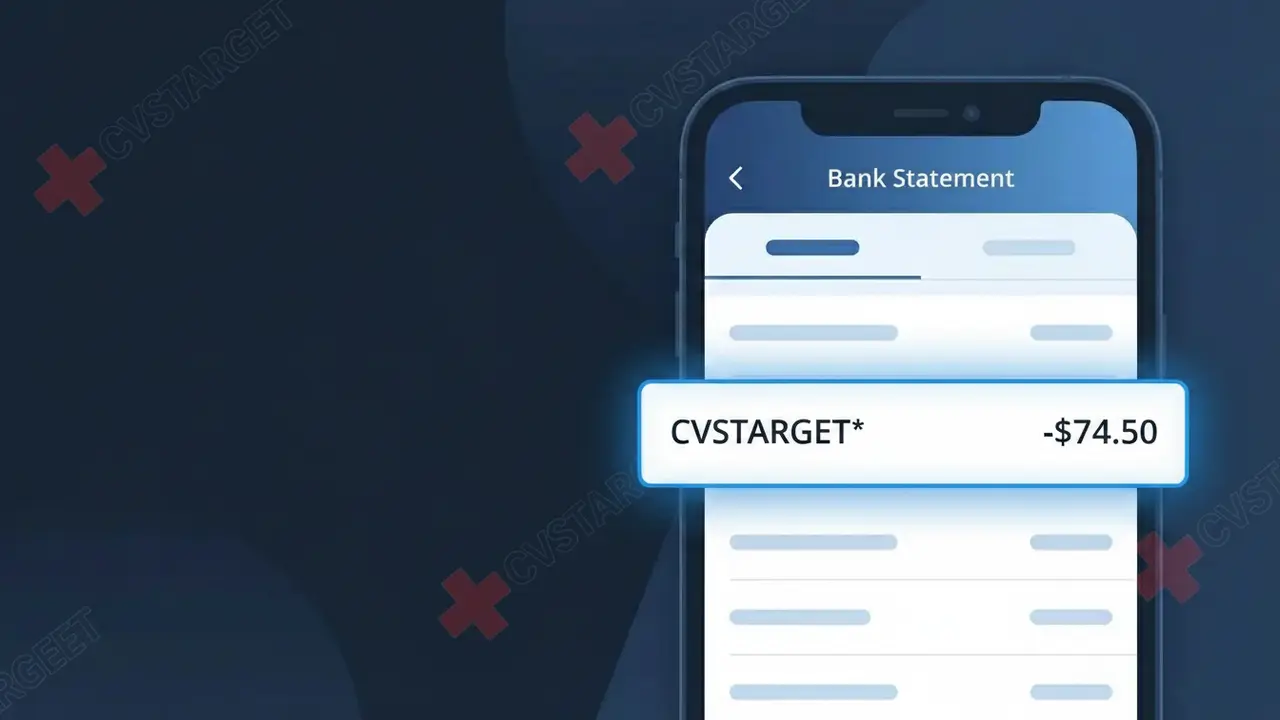
CVSTARGET* Charge (What It Is + Is It Legit?)
✓ LegitimateThe "CVSTARGET*" charge is from CVS Pharmacy. CVS Pharmacy purchase or prescription.
CVS Pharmacy
CVS Pharmacy purchase or prescription.
Category
Health
Avg. Charge
$20.00
Country
US
Billing Cycle
One-time
Cancel At
N/A
Support
See website
What is this charge?
CVS Pharmacy processes many of its in-store and pharmacy transactions through a billing system tied to its parent company, CVS Health, which uses the abbreviated identifier "CVS" combined with a retail platform code, resulting in the truncated descriptor "CVSTARGET*" appearing on your bank statement rather than the full CVS Pharmacy name. The asterisk in the descriptor is a standard formatting convention used by payment processors to separate the merchant identifier from additional transaction detail, such as a store number or location code. If you recently picked up a prescription, purchased health products, or used ExtraCare rewards at a CVS Pharmacy location, this charge is almost certainly the source of that unfamiliar line item on your statement.
How to handle this charge
Match the charge to a CVS visit
Review your recent activity at CVS Pharmacy locations or on cvs.com to match the CVSTARGET* charge to a specific purchase or prescription pickup. Check the date and amount against any receipts you may have kept or email confirmations sent by CVS Pharmacy.
Check your CVS account history
Log in to your account at cvs.com and navigate to your order or purchase history. CVS Pharmacy stores a record of in-store and online transactions, which can help you confirm whether the CVSTARGET* charge corresponds to a legitimate pharmacy order, prescription refill, or retail purchase.
Review any active CVS subscriptions
Check if you are enrolled in any recurring CVS Pharmacy services such as CarePass, automatic prescription refills, or repeat delivery orders on cvs.com. These services can generate regular CVSTARGET* charges that may appear unexpected if you forgot about the enrollment.
Contact CVS Pharmacy customer support
If you have matched the CVSTARGET* charge to a legitimate CVS Pharmacy transaction but still have questions about the amount or details, reach out to CVS Pharmacy customer service directly through cvs.com. A representative can pull up the transaction and clarify exactly what was purchased or dispensed.
Quick fraud check
No, this is a legitimate charge from CVS Pharmacy. However, if you did not authorize this charge or cancelled your subscription, you may be eligible for a refund.
Is the CVSTARGET* Charge Legitimate or Fraud?
The CVSTARGET* charge on your bank or credit card statement is most commonly a legitimate transaction from CVS Pharmacy, often associated with purchases made in-store, online at CVS.com, or through the CVS app. This descriptor can appear when CVS Pharmacy processes payments through a specific payment gateway or subsidiary system, which is why it may look unfamiliar at first glance. Before assuming fraud, consider the following common reasons this charge appears:
- An in-store purchase at a CVS Pharmacy location using a debit or credit card
- An online order placed at CVS.com for health, beauty, or prescription products
- A CVS CarePass membership subscription billing on its monthly or annual cycle
- A prescription pickup or auto-refill processed through CVS Pharmacy's system
How to Verify the CVSTARGET* Charge
- 1
Log into your CVS Pharmacy account
Visit CVS.com or open the CVS app and review your order history and purchase receipts to match the CVSTARGET* charge amount and date.
- 2
Search your email for CVS receipts
Search your inbox for emails from CVS Pharmacy around the transaction date — look for order confirmations, prescription notifications, or CarePass billing emails.
- 3
Check with household members
Ask family members or anyone who shares your payment method if they made a CVS Pharmacy purchase, picked up a prescription, or signed up for CarePass recently.
- 4
Review your CVS CarePass subscription
If you are enrolled in CVS CarePass, log into your account to confirm your billing date — the CVSTARGET* charge may reflect your monthly $5 or annual membership fee.
- 5
Contact your bank for more details
Call the number on the back of your card and ask for the full merchant name and location tied to the CVSTARGET* transaction to help pinpoint the specific CVS Pharmacy involved.
How to Dispute a CVSTARGET* Charge
- 1
Act within 60 days
Most banks require disputes to be filed within 60 days of the CVSTARGET* charge appearing on your statement, so act quickly to preserve your right to a chargeback.
- 2
Contact CVS Pharmacy first
Call CVS Pharmacy customer service at 1-800-746-7287 or use the CVS.com chat support to report the unauthorized CVSTARGET* charge and request a direct refund before escalating.
- 3
File a chargeback with your bank
If CVS Pharmacy does not resolve the issue, contact your bank or card issuer to formally dispute the CVSTARGET* charge and provide any documentation such as emails or screenshots.
- 4
Request a new card number
If the CVSTARGET* charge appears fraudulent and you did not shop at CVS Pharmacy, ask your bank to issue a replacement card to prevent any further unauthorized charges.
Tips for Managing CVS Pharmacy Charges
Set up bank alerts for any CVSTARGET* charge so you're notified immediately each time CVS Pharmacy bills your card.
Keep your CVS Pharmacy receipts and email confirmations to quickly cross-reference any CVSTARGET* charge on your statement.
Maintain an updated CVS Pharmacy online account so you can instantly review purchases and CarePass billing tied to CVSTARGET*.
Note your CVS CarePass renewal date to anticipate the CVSTARGET* charge and avoid confusing it with an unauthorized transaction.
Use a dedicated card for CVS Pharmacy purchases to isolate CVSTARGET* charges and simplify monthly budget tracking.
Use WhatIsThisCharge.net to identify related charges from CVS Pharmacy or similar health and pharmacy merchants.
ℹ️ Note
In most cases, a CVSTARGET* charge is a completely normal and expected transaction from CVS Pharmacy — it often reflects a recent prescription pickup, everyday health product purchase, or your monthly CarePass membership renewal. If the amount matches a recent CVS visit or subscription cycle, there is likely no cause for concern.
Frequently Asked Questions
Was this page helpful?
Community Reports (0)
0 votesNo votes yet — be the first to report on this charge!
Have you seen this charge? Help others by voting:
Community Comments (0)
No comments yet. Be the first to share your experience!
Share your experience
Your email is only used to verify your comment and will never be shown publicly.
Search Another Charge
Popular Charges

Amazon Marketplace
AMZN MKTP US
Netflix
NETFLIX *SUBSCRIPTION
Netflix
NETFLIX.COM *
Apple
APPLE *SUBSCRIPTION
Apple
APPLE.COM/BILL
Need to dispute this charge?
Generate a professional dispute letter in seconds with our AI tool.
Open Charge AssistantCommunity Verified
Real user reports
Free to Use
Always free to check
Secure & Private
Your data is safe
Help Millions
48K+ charges identified