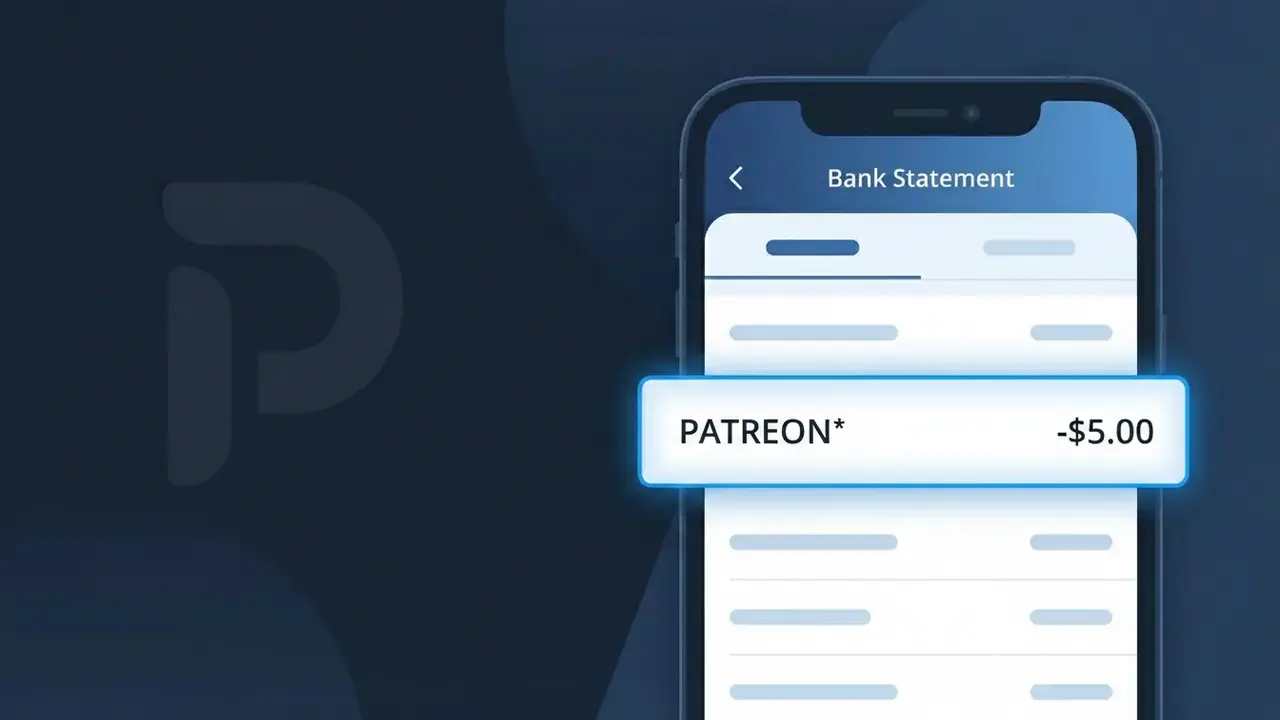
PATREON* Charge (What It Is + Is It Legit?)
✓ LegitimateThe "PATREON*" charge is from Patreon. Patreon creator support subscription.
Patreon
Patreon creator support subscription.
Category
Entertainment
Avg. Charge
$5.00
Country
US
Billing Cycle
Monthly
Cancel At
patreon.com/account
Support
See website
Why does this charge appear?
Patreon uses the truncated descriptor "PATREON*" on bank statements because their payment processing system follows a common billing convention where an asterisk is appended to distinguish subscription-based charges from one-time transactions, helping banks and card networks categorize the recurring nature of the payment. The asterisk in "PATREON*" essentially signals to your financial institution that this is a membership or subscription charge rather than a standard purchase. Since Patreon operates a monthly creator support platform where fans pledge fixed amounts like $5.00 to their favorite creators, this descriptor format is consistently applied across all subscriber billing cycles to keep the charge easily identifiable.
Your next steps
Identify your Patreon memberships
Log in to your Patreon account at patreon.com and navigate to your memberships section to see which creators you are currently supporting. The PATREON* charge on your bank statement corresponds to one or more active creator subscriptions you have pledged to.
Match the charge amount to a creator tier
On patreon.com, review the pledge amounts for each creator you support and add them up to confirm they match the total PATREON* charge on your statement. Patreon bills memberships monthly, so the amount should align with your active pledge tiers.
Review your Patreon billing history
Visit patreon.com and go to your account billing history to see a detailed breakdown of past PATREON* charges. This will confirm the exact date and amount billed and help you verify the charge is expected and accurate.
Cancel or adjust memberships if needed
If you no longer wish to support a particular creator or want to reduce your spending, visit patreon.com/account to manage, pause, or cancel any of your active Patreon memberships before your next billing cycle to avoid future PATREON* charges.
How to cancel Patreon
Patreon bills you Monthly. To stop future charges, cancel from your account directly.
Cancel at PatreonLegitimate or scam?
No, this is a legitimate charge from Patreon. However, if you did not authorize this charge or cancelled your subscription, you may be eligible for a refund.
Is the PATREON* Charge Legitimate or Fraud?
A PATREON* charge on your bank or credit card statement is almost always a legitimate transaction from Patreon, the popular membership platform that lets fans support creators with recurring monthly pledges. The asterisk and creator name (e.g., PATREON* CREATORNAME) is how Patreon formats charges from their payment processor. Before assuming fraud, consider these common reasons the charge appears:
- You pledged to support a creator on Patreon and the monthly billing cycle renewed automatically
- A free trial or introductory offer on a creator's Patreon tier converted to a paid membership
- A family member or roommate used your card to subscribe to a Patreon creator
- You signed up through a third-party app or website that processes memberships via Patreon
How to Verify the PATREON* Charge
- 1
Log into your Patreon account
Visit Patreon.com and check your 'Memberships' and 'Billing History' sections. The charge amount and date should match what you see on your bank statement.
- 2
Search your email for Patreon receipts
Search your inbox for emails from 'support@patreon.com' or 'billing@patreon.com'. Patreon sends a receipt each time a PATREON* charge is processed to your card.
- 3
Check the creator name after PATREON*
Your statement may show 'PATREON* [CREATORNAME]'. Search for that creator on Patreon.com to confirm which specific membership the charge is tied to.
- 4
Ask household members
Check with family members or roommates who may have access to your card — they may have pledged to a Patreon creator without mentioning it to you.
- 5
Contact your bank
If you still cannot identify the PATREON* charge after checking all of the above, call the number on the back of your card and ask your bank for more transaction details.
How to Dispute a PATREON* Charge
- 1
Act within 60 days
Most banks require you to dispute an unauthorized PATREON* charge within 60 days of the statement date. Don't wait — start the process as soon as you spot an unrecognized charge.
- 2
Contact Patreon support first
Reach out to Patreon directly at support.patreon.com. Patreon's support team can verify whether the charge is tied to your account and may issue a refund faster than a bank dispute.
- 3
File a chargeback with your bank
If Patreon cannot resolve the issue, contact your bank or credit card issuer and report the PATREON* charge as unauthorized. Provide any email receipts or account screenshots as evidence.
- 4
Request a new card number
If you believe your card details were stolen and used to fund a Patreon account fraudulently, ask your bank to cancel your card and issue a new one to prevent further unauthorized PATREON* charges.
Tips for Managing Patreon Charges
Enable email notifications in Patreon settings so you're alerted before each PATREON* charge hits your card.
Review your full list of active Patreon memberships monthly to avoid forgetting low-cost pledges that add up.
Secure your Patreon account with a strong password and two-factor authentication to prevent unauthorized pledges.
Patreon bills on the 1st of each month — mark your calendar to reconcile PATREON* charges around that date.
Use a dedicated card or virtual card number for Patreon to easily spot and control all PATREON* charges.
Use WhatIsThisCharge.net to identify related charges and other unfamiliar billing descriptors on your statement.
ℹ️ Note
In most cases, a PATREON* charge is simply your monthly pledge to a creator you follow on Patreon — it's one of the most common and legitimate subscription charges reported to WhatIsThisCharge.net. A quick login to your Patreon account is usually all it takes to confirm the charge and put your mind at ease.
Quick answers
Was this page helpful?
Community Reports (0)
0 votesNo votes yet — be the first to report on this charge!
Have you seen this charge? Help others by voting:
Community Comments (0)
No comments yet. Be the first to share your experience!
Share your experience
Your email is only used to verify your comment and will never be shown publicly.
Search Another Charge
Popular Charges

Amazon Marketplace
AMZN MKTP US
Netflix
NETFLIX *SUBSCRIPTION
Netflix
NETFLIX.COM *
Apple
APPLE *SUBSCRIPTION
Apple
APPLE.COM/BILL
Related Charges
Need to dispute this charge?
Generate a professional dispute letter in seconds with our AI tool.
Open Charge AssistantCommunity Verified
Real user reports
Free to Use
Always free to check
Secure & Private
Your data is safe
Help Millions
48K+ charges identified