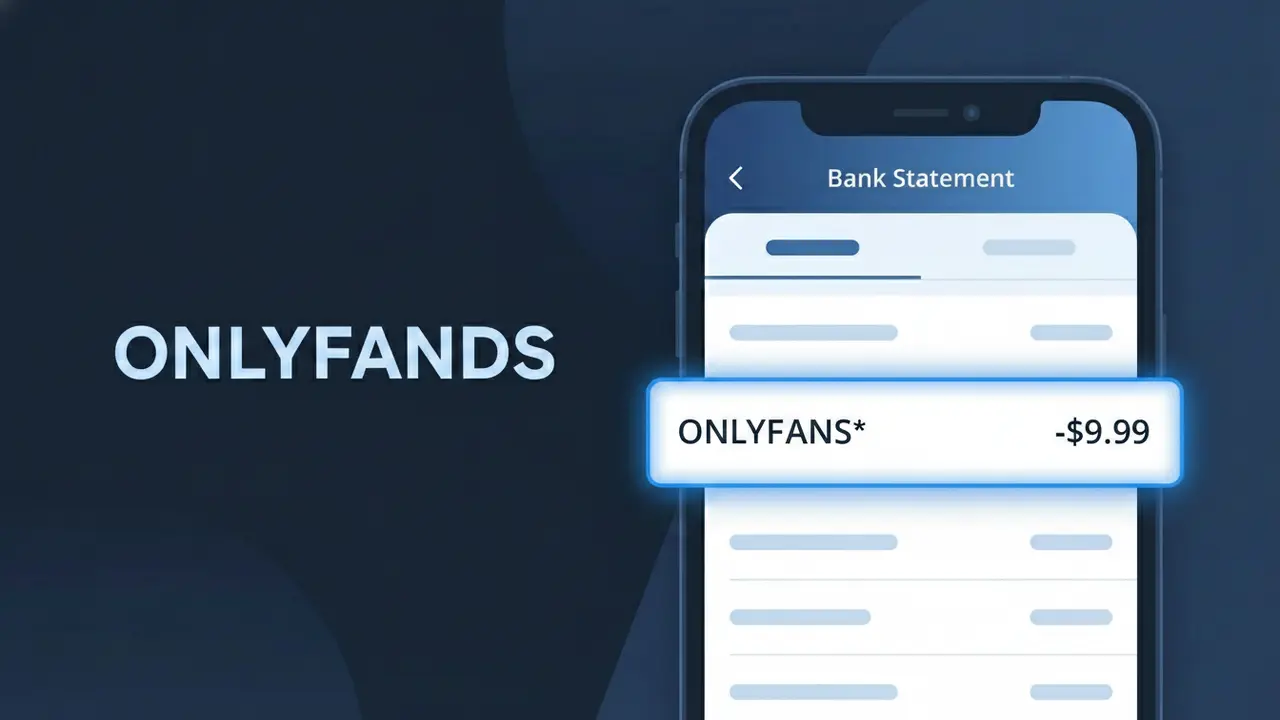
ONLYFANS* Charge (What It Is + Is It Legit?)
✓ LegitimateThe "ONLYFANS*" charge is from OnlyFans. OnlyFans creator subscription.
OnlyFans
OnlyFans creator subscription.
Category
Entertainment
Avg. Charge
$9.99
Country
GB
Billing Cycle
Monthly
Cancel At
onlyfans.com/account
Support
See website
What is this charge?
OnlyFans uses the shortened billing descriptor "ONLYFANS*" on bank statements because their payment processing system truncates the company name to fit within the standard character limits imposed by card networks like Visa and Mastercard, with the asterisk acting as a separator that typically precedes additional transaction detail such as a creator username or subscription identifier. The platform, operated by the UK-based company Fenix International Limited, processes subscriptions through third-party payment processors that apply this condensed format to comply with merchant descriptor guidelines. If you see "ONLYFANS*" on your statement alongside a monthly charge around $9.99, it reflects a recurring creator subscription billed through their entertainment platform.
How to handle this charge
Confirm Your OnlyFans Subscriptions
Log in to your OnlyFans account at onlyfans.com and navigate to your active subscriptions. The ONLYFANS* charge on your statement corresponds to a creator subscription you have paid for, so match the charge amount to one of your subscribed creators to confirm who it is from.
Review Your OnlyFans Billing History
Inside your OnlyFans account, visit the billing or payment history section to see a detailed breakdown of all recent charges. This will help you verify the exact date and amount of the ONLYFANS* transaction and confirm it matches what appeared on your bank statement.
Manage or Cancel the Subscription
If you no longer want the subscription causing the ONLYFANS* charge, go directly to onlyfans.com/account to manage your active subscriptions. From there you can turn off auto-renew or cancel the specific creator subscription to prevent future charges.
Check for Multiple OnlyFans Subscriptions
If the ONLYFANS* charge amount seems higher than expected, keep in mind that OnlyFans may bundle multiple creator subscription renewals into one charge or bill them separately. Review all active subscriptions at onlyfans.com/account to ensure you are aware of every creator you are currently paying for.
How to cancel OnlyFans
OnlyFans bills you Monthly. To stop future charges, cancel from your account directly.
Cancel at OnlyFansℹ️ International processing
This charge is processed in GB. You may see a foreign transaction fee from your bank (typically 1-3%).
Quick fraud check
No, this is a legitimate charge from OnlyFans. However, if you did not authorize this charge or cancelled your subscription, you may be eligible for a refund.
Is the ONLYFANS* Charge Legitimate or Fraud?
If you see ONLYFANS* on your bank or credit card statement, it is almost certainly a legitimate charge from OnlyFans, the subscription-based content platform where creators share exclusive photos, videos, and live streams. This descriptor appears when you subscribe to a creator's page, make a one-time tip, or purchase pay-per-view content on OnlyFans. Common reasons this charge appears include:
- A monthly subscription renewal to one or more OnlyFans creator profiles
- A one-time tip or message payment sent to a creator on OnlyFans
- A pay-per-view (PPV) content purchase unlocked on the platform
- A free trial converting to a paid subscription after the trial period ended
How to Verify the ONLYFANS* Charge
- 1
Log into your OnlyFans account
Visit OnlyFans.com and go to your account settings, then navigate to 'Payments' or 'Transaction History' to find a matching charge that corresponds to the ONLYFANS* entry on your statement.
- 2
Search your email for receipts
Search your inbox for emails from 'support@onlyfans.com' or 'noreply@onlyfans.com' — OnlyFans sends a receipt for every subscription renewal, tip, and PPV purchase that will match the ONLYFANS* charge amount.
- 3
Check with household members
If the charge is unexpected, ask anyone else who may have access to your card — a family member or partner may have subscribed to an OnlyFans creator using your payment method.
- 4
Review your active OnlyFans subscriptions
Log into OnlyFans and click on 'Following' then filter by 'Subscriptions' to see all active paid subscriptions, which will help you identify which creator triggered the ONLYFANS* charge.
- 5
Contact your bank for details
If you still cannot identify the charge, call the number on the back of your card and ask for the full merchant details associated with the ONLYFANS* transaction, including the exact date and amount.
How to Dispute a ONLYFANS* Charge
- 1
Act within 60 days
Most banks require you to dispute an unauthorized ONLYFANS* charge within 60 days of the statement date, so act quickly once you identify a charge you do not recognize or did not authorize.
- 2
Contact OnlyFans support first
Before involving your bank, reach out to OnlyFans directly at support.onlyfans.com — provide the transaction date and amount, as OnlyFans may be able to issue a refund faster than a formal bank dispute process.
- 3
File a chargeback with your bank
If OnlyFans support does not resolve the issue, call your bank or card issuer and formally dispute the ONLYFANS* charge as unauthorized. Provide your email receipts or lack thereof as supporting evidence.
- 4
Request a new card number
If you suspect your card details were stolen and used fraudulently on OnlyFans, ask your bank to cancel your current card and issue a new one with a different number to prevent further unauthorized ONLYFANS* charges.
Tips for Managing OnlyFans Charges
Enable bank alerts for every transaction so you spot any unexpected ONLYFANS* charge the moment it posts.
Keep a list of your active OnlyFans subscriptions and their renewal dates to avoid surprise ONLYFANS* charges.
Secure your OnlyFans account with a strong, unique password and two-factor authentication to prevent unauthorized purchases.
Note that OnlyFans billing cycles renew monthly on the same date you originally subscribed — calendar these to anticipate ONLYFANS* charges.
Use a virtual card number for OnlyFans purchases so you can cancel it without affecting your main card if fraud occurs.
Use WhatIsThisCharge.net to identify any related or unfamiliar charges that appear alongside ONLYFANS* on your statement.
ℹ️ Note
In most cases, the ONLYFANS* charge is a routine, legitimate transaction from OnlyFans — typically a monthly subscription renewal to a creator's page that you or someone with access to your card signed up for. A quick check of your OnlyFans transaction history is usually all it takes to confirm the charge and put your mind at ease.
Frequently Asked Questions
Was this page helpful?
Community Reports (0)
0 votesNo votes yet — be the first to report on this charge!
Have you seen this charge? Help others by voting:
Community Comments (0)
No comments yet. Be the first to share your experience!
Share your experience
Your email is only used to verify your comment and will never be shown publicly.
Search Another Charge
Popular Charges

Amazon UK
AMAZON UK*
Revolut
REVOLUT*
Just Eat
JUST EAT*
Sky TV / Sky Sports
SKY*SUBSCRIPTION
Sky Mobile
SKY*MOBILE
Related Charges
Need to dispute this charge?
Generate a professional dispute letter in seconds with our AI tool.
Open Charge AssistantCommunity Verified
Real user reports
Free to Use
Always free to check
Secure & Private
Your data is safe
Help Millions
48K+ charges identified