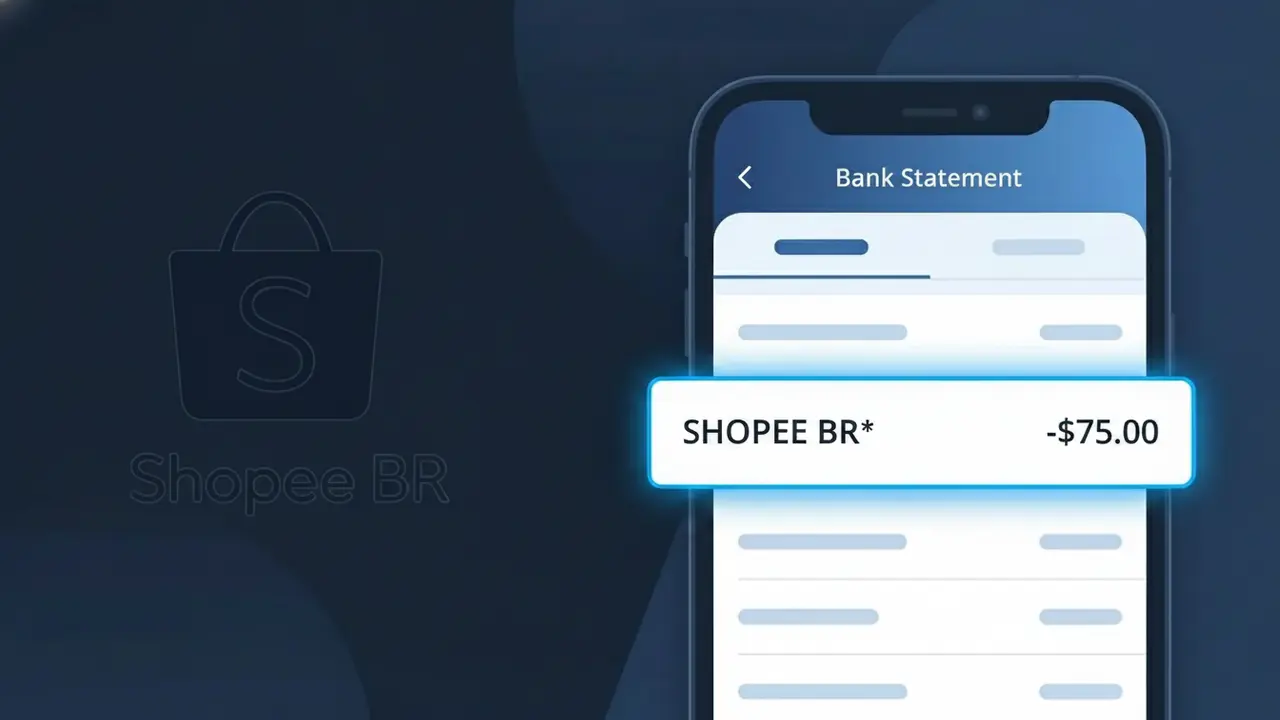
SHOPEE BR* Charge (What It Is + Is It Legit?)
✓ LegitimateThe "SHOPEE BR*" charge is from Shopee Brasil. Shopee compra online Brasil.
Shopee Brasil
Shopee compra online Brasil.
Category
Shopping
Avg. Charge
R$80
Country
BR
Billing Cycle
One-time
Cancel At
shopee.com.br/account
Support
See website
Understanding this descriptor
When Shopee Brasil processes payments through its regional billing system in Brazil, the transaction is submitted to card networks using a shortened merchant descriptor format, which is why your statement shows "SHOPEE BR*" rather than the full company name. The "BR" portion indicates the Brazilian market entity, while the asterisk is a standard delimiter used by payment processors to separate the brand identifier from any additional order or transaction reference data that may follow. If you recently made a purchase on Shopee's Brazilian platform, a one-time charge averaging around R$80 appearing as "SHOPEE BR*" is almost certainly a legitimate online shopping transaction.
Recommended actions
Log in and review your Shopee Brasil orders
Visit shopee.com.br and sign in to your account. Navigate to your order history to match the SHOPEE BR* charge amount with a recent purchase. Shopee Brasil often processes payments shortly after an order is placed or when a seller ships your item.
Check your Shopee Brasil payment details
Go to shopee.com.br/account and review your payment methods and transaction history. The SHOPEE BR* charge should correspond to a specific order, and Shopee Brasil will show a full breakdown of the amount including any shipping fees or discounts applied.
Verify the charge with Shopee Brasil support
If you cannot immediately match the SHOPEE BR* charge to a specific order, contact Shopee Brasil customer support directly through shopee.com.br. They can look up the transaction using your account details and confirm exactly what purchase triggered the charge.
Manage or cancel subscriptions and orders at Shopee Brasil
If the SHOPEE BR* charge is for an order or service you no longer want, visit shopee.com.br/account to request a cancellation or refund. Shopee Brasil has a buyer protection policy, so act quickly as cancellation windows may be limited once a seller has already shipped your item.
ℹ️ International processing
This charge is processed in BR. You may see a foreign transaction fee from your bank (typically 1-3%).
Is this charge fraudulent?
No, this is a legitimate charge from Shopee Brasil. However, if you did not authorize this charge or cancelled your subscription, you may be eligible for a refund.
Is the SHOPEE BR* Charge Legitimate or Fraud?
If you see SHOPEE BR* on your bank or credit card statement, this charge almost always comes from Shopee Brasil, one of Brazil's largest e-commerce platforms. It typically appears after purchasing products, paying for shipping, or completing a checkout on the Shopee Brasil app or website. Here are the most common reasons this charge appears:
- You recently purchased a product on Shopee Brasil and the charge posted under the abbreviated billing name SHOPEE BR*
- A family member or someone with access to your payment method made a purchase on Shopee Brasil without your knowledge
- You enrolled in Shopee's installment payment plan (parcelamento) and a recurring installment was billed
- You subscribed to Shopee Brasil's loyalty or premium service and a membership fee was automatically charged
How to Verify the SHOPEE BR* Charge
- 1
Log into your Shopee Brasil account
Visit shopee.com.br or open the Shopee Brasil app and navigate to 'Meus Pedidos' (My Orders) to check if a recent order matches the charge amount and date on your statement.
- 2
Search your email for Shopee Brasil receipts
Search your inbox for emails from Shopee Brasil using keywords like 'Shopee' or 'pedido confirmado.' Order confirmation emails will include the exact amount billed and match the SHOPEE BR* entry.
- 3
Check if a household member made the purchase
Ask family members or anyone who shares your device or Shopee Brasil account whether they recently placed an order, since shared payment methods often generate unexpected SHOPEE BR* charges.
- 4
Review any active Shopee subscriptions or installments
In your Shopee Brasil account settings, check for active Shopee Premium memberships or parcelamento (installment) plans — these generate recurring SHOPEE BR* charges on a set schedule.
- 5
Contact your bank if still unrecognized
If you cannot match the SHOPEE BR* charge to any order or subscription after checking your Shopee Brasil account, call the number on the back of your card to request transaction details before filing a dispute.
How to Dispute a SHOPEE BR* Charge
- 1
Act within 60 days of the charge
Most banks and card issuers require you to dispute an unrecognized SHOPEE BR* charge within 60 days of the statement date, so act quickly to preserve your right to a chargeback.
- 2
Contact Shopee Brasil customer support first
Reach out to Shopee Brasil directly through their in-app chat or help center at shopee.com.br/chat. Resolving the dispute directly with Shopee Brasil is often faster than going through your bank and can result in a quicker refund.
- 3
File a chargeback with your bank or card issuer
If Shopee Brasil does not resolve the issue, contact your bank and formally dispute the SHOPEE BR* charge. Provide your order history screenshots and any email correspondence with Shopee Brasil as supporting evidence.
- 4
Request a new card to prevent further unauthorized charges
If the SHOPEE BR* charge is confirmed as fraudulent, ask your bank to cancel your current card and issue a new one to prevent any additional unauthorized charges from being processed.
Tips for Managing Shopee Brasil Charges
Enable purchase notifications in the Shopee Brasil app so every SHOPEE BR* charge triggers an instant alert.
Save Shopee Brasil order confirmation emails to easily match any SHOPEE BR* entry on your statement.
Secure your Shopee Brasil account with a strong password and two-factor authentication to prevent unauthorized purchases.
Note your Shopee Brasil installment (parcelamento) billing dates so recurring SHOPEE BR* charges don't catch you off guard.
Use a virtual card number for Shopee Brasil purchases to limit exposure if your payment details are ever compromised.
Use WhatIsThisCharge.net to identify related charges that may appear alongside SHOPEE BR* on your statement.
ℹ️ Note
In most cases, a SHOPEE BR* charge is a legitimate transaction from Shopee Brasil — likely a recent purchase or a scheduled installment payment you may have forgotten about. A quick check of your Shopee Brasil order history is usually all it takes to confirm the charge and put your mind at ease.
Common questions
Was this page helpful?
Community Reports (0)
0 votesNo votes yet — be the first to report on this charge!
Have you seen this charge? Help others by voting:
Community Comments (0)
No comments yet. Be the first to share your experience!
Share your experience
Your email is only used to verify your comment and will never be shown publicly.
Search Another Charge
Popular Charges
PIX via Itaú Bank
PIX TRF ITAU
Nubank
NUBANK FATURA
Mercado Pago
MERCADO PAGO BR
Vivo (Telefônica)
VIVO*
TIM Brasil
TIM BRASIL*
Related Charges
Need to dispute this charge?
Generate a professional dispute letter in seconds with our AI tool.
Open Charge AssistantCommunity Verified
Real user reports
Free to Use
Always free to check
Secure & Private
Your data is safe
Help Millions
48K+ charges identified