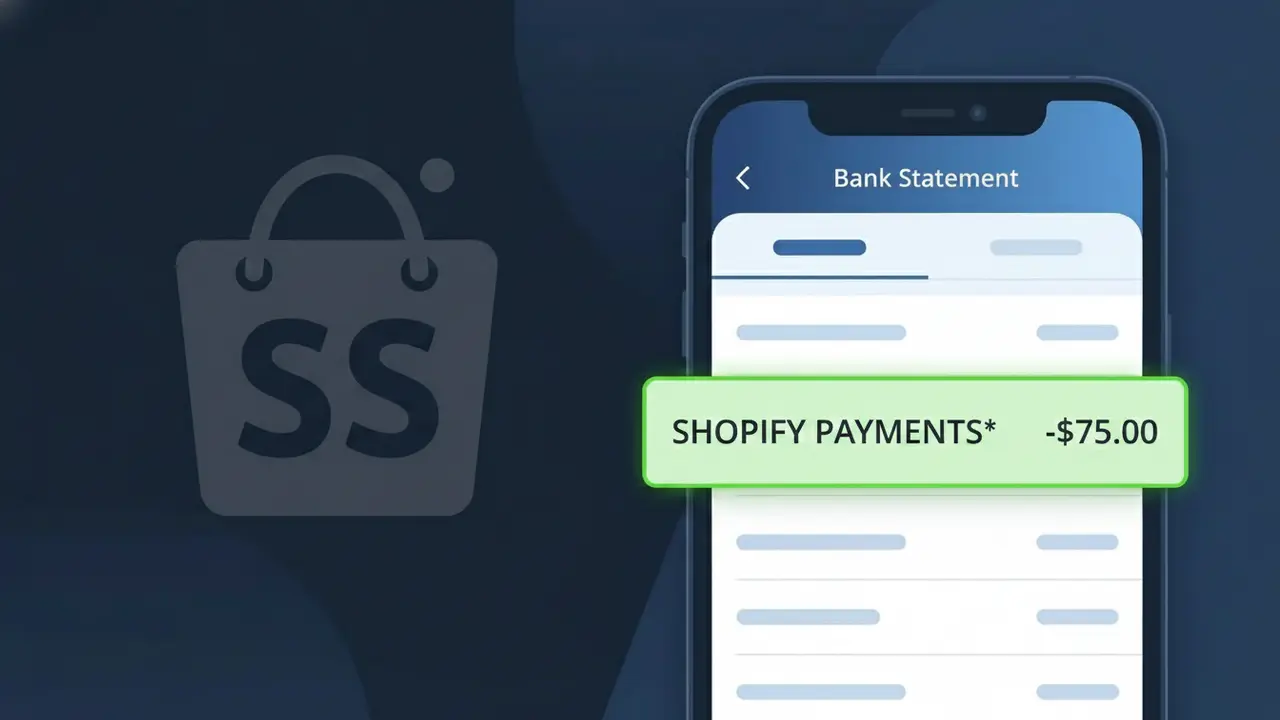
SHOPIFY PAYMENTS* Charge (What It Is + Is It Legit?)
✓ LegitimateThe "SHOPIFY PAYMENTS*" charge is from Shopify. Payment processed via Shopify.

Shopify
Payment processed via Shopify.
Category
Finance
Avg. Charge
Variable
Country
CA
Billing Cycle
Variable
Cancel At
N/A
Support
See website
What is this charge?
When you see SHOPIFY PAYMENTS\* on your bank statement, it reflects the fact that Shopify operates its own integrated payment processing service called Shopify Payments, which handles transactions on behalf of merchants who sell through the Shopify platform. Rather than displaying the individual store name where you made your purchase, the descriptor identifies the underlying payment infrastructure — Shopify Payments — that processed the transaction, often followed by an asterisk and additional characters to indicate the specific merchant or order. This is why Canadian-based Shopify consolidates these charges under the SHOPIFY PAYMENTS\* label instead of showing either "Shopify" alone or the name of the online store you bought from.
How to handle this charge
Check Your Shopify Order History
Log in to your account at shopify.com and navigate to your order history or store dashboard to match the SHOPIFY PAYMENTS* charge with a specific transaction or purchase date. The amount should correspond to a recent order processed through a Shopify-powered store.
Identify the Shopify Merchant
The SHOPIFY PAYMENTS* charge means a merchant using Shopify processed your payment. Check your email inbox for a purchase confirmation from a Shopify-based store around the same date as the charge, as Shopify sends receipts on behalf of their merchants.
Contact the Shopify Merchant Directly
If you recognize the store but have questions about the charge amount, visit shopify.com and use the original store's contact page to reach out to the merchant directly, as Shopify processes the payment but the merchant handles order-specific inquiries and refunds.
Reach Out to Shopify Support
If you cannot identify which Shopify merchant charged you or believe the amount is incorrect, contact Shopify support directly through shopify.com/support and provide the exact charge amount and date so they can trace the SHOPIFY PAYMENTS* transaction to the specific merchant account.
ℹ️ International processing
This charge is processed in CA. You may see a foreign transaction fee from your bank (typically 1-3%).
Quick fraud check
No, this is a legitimate charge from Shopify. However, if you did not authorize this charge or cancelled your subscription, you may be eligible for a refund.
Is the SHOPIFY PAYMENTS* Charge Legitimate or Fraud?
The SHOPIFY PAYMENTS* charge on your bank or credit card statement is most commonly a legitimate transaction processed through Shopify's integrated payment system. This charge appears when you've made a purchase from an online store powered by Shopify, or when Shopify bills you for one of its merchant subscription plans or services.
- You recently purchased a product from a Shopify-hosted online store that uses Shopify Payments as its processor
- You are a Shopify merchant and were billed for your monthly plan (Basic, Shopify, Advanced, or Plus)
- A trial period ended and Shopify automatically charged your card for a subscription renewal
- A family member or employee with access to your card made a purchase through a Shopify-powered storefront
How to Verify the SHOPIFY PAYMENTS* Charge
- 1
Log into your Shopify account
Visit shopify.com and sign in. Navigate to Settings > Billing to review recent charges and invoices that match the SHOPIFY PAYMENTS* amount on your statement.
- 2
Search your email for Shopify receipts
Search your inbox for emails from 'Shopify' or 'no-reply@shopify.com'. Shopify sends order confirmations and billing receipts that will match the charge date and amount.
- 3
Check with household members
Ask family members or anyone with access to your card if they recently bought something from an online store — many don't realize the store runs on Shopify Payments.
- 4
Review any active Shopify subscriptions
If you run a Shopify store, check your billing cycle date. SHOPIFY PAYMENTS* may reflect your monthly or annual plan renewal billing automatically.
- 5
Contact your bank for details
Ask your bank for the full merchant descriptor and transaction ID linked to the SHOPIFY PAYMENTS* charge, which can help you trace exactly which store or service billed you.
How to Dispute a SHOPIFY PAYMENTS* Charge
- 1
Act within 60 days
Most banks require disputes to be filed within 60 days of the statement date. Don't delay if you don't recognize the SHOPIFY PAYMENTS* charge on your account.
- 2
Contact Shopify support first
Reach out to Shopify directly at shopify.com/support or via live chat. Shopify can identify which store or plan generated the charge and may issue a refund without a chargeback.
- 3
File a chargeback with your bank
If Shopify cannot resolve the issue, contact your bank or card issuer to dispute the SHOPIFY PAYMENTS* charge. Provide any communication with Shopify as supporting evidence.
- 4
Request a new card number
If you suspect your card details were used fraudulently on a Shopify-powered store, ask your bank to issue a new card to prevent further unauthorized SHOPIFY PAYMENTS* charges.
Tips for Managing Shopify Charges
Enable billing email alerts in your Shopify account so you're notified before every SHOPIFY PAYMENTS* charge hits your card.
Save your Shopify order confirmation emails — they make it easy to match any SHOPIFY PAYMENTS* line item on your statement.
Use a dedicated card for your Shopify store subscription to isolate SHOPIFY PAYMENTS* charges from personal spending.
Note your Shopify billing renewal date each month so SHOPIFY PAYMENTS* subscription charges never catch you off guard.
Enable two-factor authentication on your Shopify account to prevent unauthorized access that could trigger unexpected charges.
Use WhatIsThisCharge.net to identify any related or unfamiliar charges that appear alongside SHOPIFY PAYMENTS* on your statement.
ℹ️ Note
In most cases, a SHOPIFY PAYMENTS* charge simply means you — or someone you know — made a purchase from one of the millions of stores powered by Shopify's payment system. A quick check of your email receipts or Shopify account billing history is usually all it takes to confirm the charge and put your mind at ease.
Frequently Asked Questions
Was this page helpful?
Community Reports (0)
0 votesNo votes yet — be the first to report on this charge!
Have you seen this charge? Help others by voting:
Community Comments (0)
No comments yet. Be the first to share your experience!
Share your experience
Your email is only used to verify your comment and will never be shown publicly.
Search Another Charge
Popular Charges
Tim Hortons
TIM HORTONS*
Telus Canada
TELUS*
SkipTheDishes
SKIP*
Shaw Communications
SHAW*
Fido Mobile
FIDO*
Need to dispute this charge?
Generate a professional dispute letter in seconds with our AI tool.
Open Charge AssistantCommunity Verified
Real user reports
Free to Use
Always free to check
Secure & Private
Your data is safe
Help Millions
48K+ charges identified