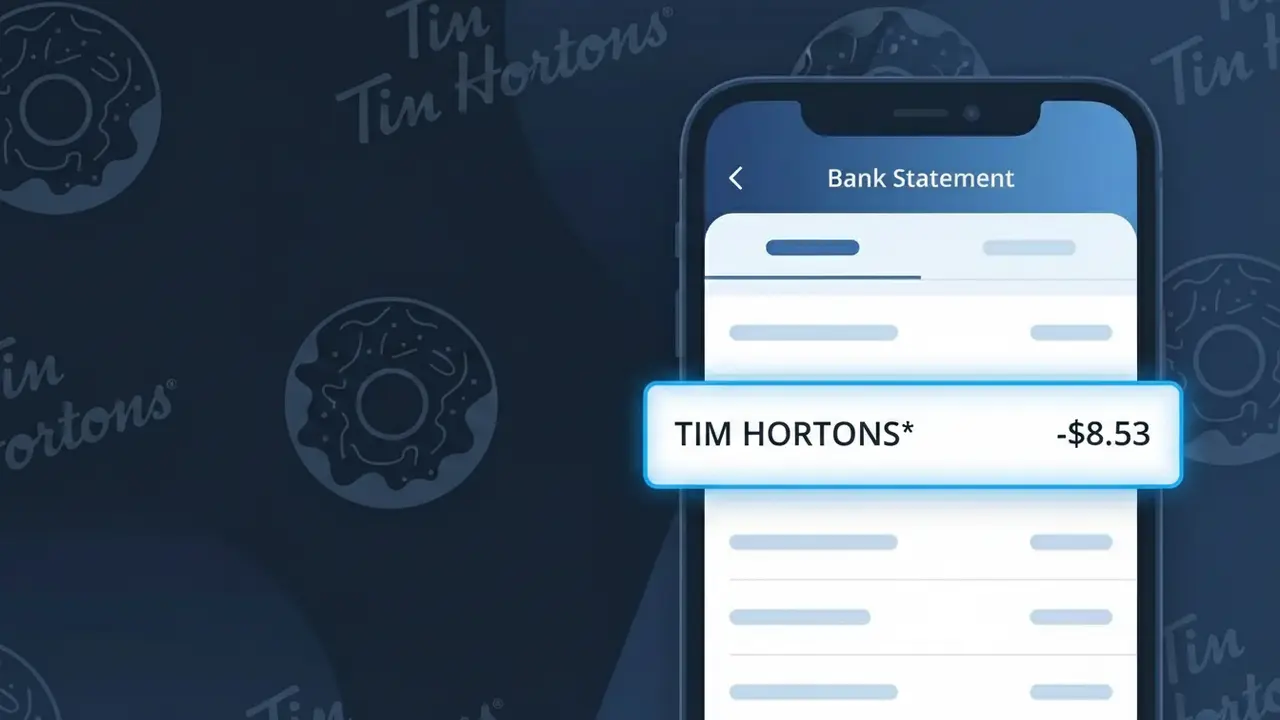
TIM HORTONS* Charge (What It Is + Is It Legit?)
✓ LegitimateThe "TIM HORTONS*" charge is from Tim Hortons. Tim Hortons coffee purchase Canada.
Tim Hortons
Tim Hortons coffee purchase Canada.
Category
Food
Avg. Charge
$5.00
Country
CA
Billing Cycle
One-time
Cancel At
N/A
Support
See website
Why this shows on your statement
When Tim Hortons processes transactions at its Canadian locations, the payment system truncates the full brand name and adds an asterisk to produce the descriptor "TIM HORTONS*" on your bank statement, which is a standard formatting convention used by point-of-sale terminals and card networks to separate the merchant name from any additional transaction identifiers. The asterisk in "TIM HORTONS*" is commonly inserted by payment processors like Moneris or similar Canadian payment networks to flag that the charge originates from a card-present retail transaction, such as a drive-through or in-store coffee purchase. If you recently grabbed a coffee, tea, or snack at a Tim Hortons location in Canada and see a charge around $5.00, this descriptor is the expected confirmation of that purchase.
What should you do?
Confirm Your Tim Hortons Visit
Check your recent activity and recall if you made a coffee or food purchase at a Tim Hortons location. The charge labeled TIM HORTONS* is a standard descriptor used for all Tim Hortons transactions, including drive-thru, in-store, and mobile app orders in Canada.
Check Your Tim Hortons App History
If you use the Tim Hortons app, log in and review your order history to match the charge amount and date to a specific purchase. This is especially useful if you pay through the app using stored payment methods at timhortons.com.
Verify the Charge Amount
Cross-reference the TIM HORTONS* charge amount on your bank statement with your receipt or digital order confirmation. Tim Hortons charges can vary based on combo meals, specialty drinks, or Tims Rewards redemptions, so make sure the amount lines up with what you ordered.
Contact Tim Hortons If Something Seems Off
If the TIM HORTONS* charge does not match any visit or order you recall, reach out to Tim Hortons through their website at timhortons.com for support. You can also contact your bank to flag the specific transaction if you believe it was made in error or without your authorization.
ℹ️ International processing
This charge is processed in CA. You may see a foreign transaction fee from your bank (typically 1-3%).
Should you be worried?
No, this is a legitimate charge from Tim Hortons. However, if you did not authorize this charge or cancelled your subscription, you may be eligible for a refund.
Is the TIM HORTONS* Charge Legitimate or Fraud?
The TIM HORTONS* charge on your bank or credit card statement is almost always a legitimate transaction from Tim Hortons, the popular Canadian-founded coffee and fast food chain. This descriptor appears when you make a purchase at a Tim Hortons location or through the Tim Hortons mobile app. Common reasons you might see this charge include:
- A coffee, tea, or food order placed at a Tim Hortons restaurant
- A mobile order placed through the Tim Hortons app using a saved payment method
- A Tim Hortons gift card purchase or reload made online or in-store
- A preloaded balance top-up triggered automatically by your Tim Hortons app settings
How to Verify the TIM HORTONS* Charge
- 1
Check your Tim Hortons app order history
Open the Tim Hortons mobile app and navigate to your order history. Recent purchases will be listed with dates and amounts that you can match against the TIM HORTONS* charge.
- 2
Search your email for receipts
Look for receipt emails from Tim Hortons (noreply@timhortons.com or similar). These emails are sent after app-based orders and will confirm the transaction amount and date.
- 3
Ask household members
Check with family members or roommates who may have access to your payment method. Someone may have used your card at a Tim Hortons location or through a shared app account.
- 4
Review auto-reload settings in the app
The Tim Hortons app can automatically reload your in-app balance when it drops below a set threshold. Check your app's wallet settings to see if an auto-reload triggered the TIM HORTONS* charge.
- 5
Contact your bank for transaction details
Call the number on the back of your card and ask for the exact merchant details tied to the TIM HORTONS* charge, including the location and transaction ID, to help confirm legitimacy.
How to Dispute a TIM HORTONS* Charge
- 1
Act within 60 days
Most banks require you to dispute an unauthorized TIM HORTONS* charge within 60 days of the statement date. Act quickly to protect your right to a chargeback.
- 2
Contact Tim Hortons customer support first
Reach out to Tim Hortons Guest Services at 1-888-601-1616 or via their website. They can look up the transaction and may issue a refund directly, which is faster than a bank dispute.
- 3
File a chargeback with your bank
If Tim Hortons cannot resolve the issue, contact your bank or card issuer to file a formal chargeback for the TIM HORTONS* charge. Provide any receipts, screenshots, or correspondence as evidence.
- 4
Request a new card if fraud is suspected
If you believe the TIM HORTONS* charge is the result of card theft or skimming, ask your bank to cancel your current card and issue a replacement to prevent further unauthorized charges.
Tips for Managing Tim Hortons Charges
Enable bank alerts for any TIM HORTONS* charge so you're notified instantly of every transaction.
Save your Tim Hortons paper and digital receipts to quickly reconcile TIM HORTONS* charges on your statement.
Use a strong, unique password for your Tim Hortons app account to prevent unauthorized orders on your saved card.
Check your Tim Hortons app wallet monthly for auto-reload charges that may appear unexpectedly on your statement.
Use a dedicated low-limit card for Tim Hortons app purchases to minimize exposure if your details are compromised.
Use WhatIsThisCharge.net to identify any related or unfamiliar charges appearing alongside TIM HORTONS* on your statement.
ℹ️ Note
In most cases, a TIM HORTONS* charge is simply the result of a recent coffee run, mobile app order, or an automatic wallet reload within the Tim Hortons app — nothing to worry about if you're a regular customer.
Questions and answers
Was this page helpful?
Community Reports (0)
0 votesNo votes yet — be the first to report on this charge!
Have you seen this charge? Help others by voting:
Community Comments (0)
No comments yet. Be the first to share your experience!
Share your experience
Your email is only used to verify your comment and will never be shown publicly.
Search Another Charge
Popular Charges
Telus Canada
TELUS*
SkipTheDishes
SKIP*
Shaw Communications
SHAW*
Fido Mobile
FIDO*

Shopify
SHOPIFY PAYMENTS*
Related Charges
Need to dispute this charge?
Generate a professional dispute letter in seconds with our AI tool.
Open Charge AssistantCommunity Verified
Real user reports
Free to Use
Always free to check
Secure & Private
Your data is safe
Help Millions
48K+ charges identified