Why You're Seeing "AMAZON PRIME" on Your Bank Statement
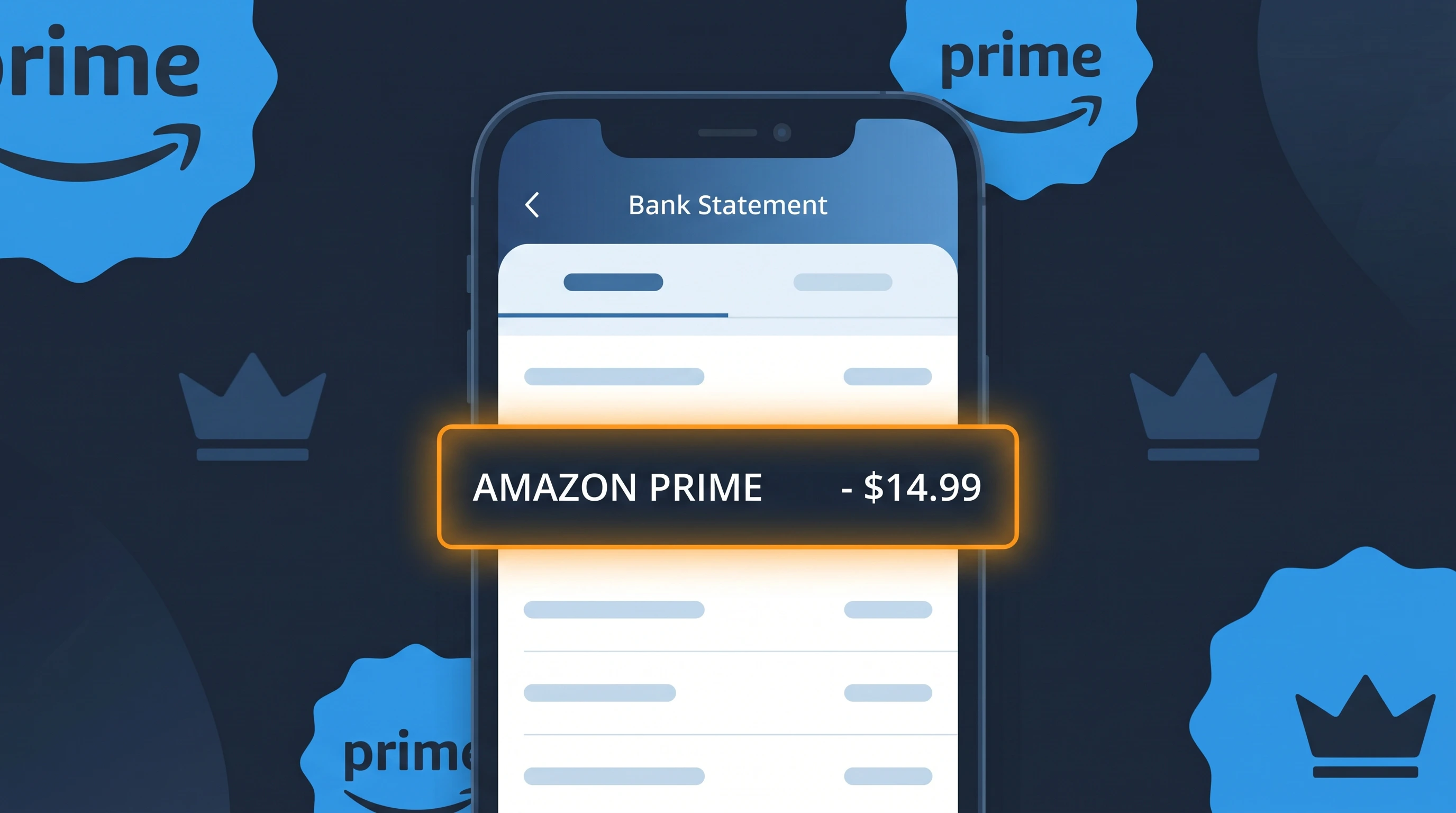
Is the AMAZON PRIME Charge Legitimate or Fraud?
If you see a charge labeled AMAZON PRIME on your bank or credit card statement, it is most likely a legitimate recurring membership fee charged by Amazon for their Amazon Prime subscription service. Amazon Prime offers benefits including free two-day shipping, access to Prime Video, Prime Music, and exclusive member deals. However, unauthorized charges can occur if your payment details were compromised or if a household member signed up without your knowledge.
- Amazon Prime charges annually (~$139/year) or monthly (~$14.99/month) in the US
- The charge will appear as "AMAZON PRIME" on most bank statements
- Amazon also offers discounted Prime plans for students and qualifying government assistance recipients
- Fraudulent use of your card to sign up for Amazon Prime is possible if your card details were stolen
How to Verify the AMAZON PRIME Charge
- 1
Log into your Amazon account
Visit amazon.com and sign in, then navigate to 'Account & Lists' > 'Prime Membership' to confirm whether you have an active Amazon Prime subscription and check your billing date.
- 2
Search your email for receipts
Search your inbox for emails from amazon.com with subject lines like 'Your Amazon Prime membership' or 'Amazon Prime renewal.' Amazon always sends a receipt when an AMAZON PRIME charge is processed.
- 3
Check household members
Ask family members or anyone who has access to your payment method if they signed up for Amazon Prime, since Amazon allows household sharing under Amazon Household.
- 4
Review your Amazon order history and subscriptions
Go to amazon.com > 'Returns & Orders' and also check 'Manage Your Prime Membership' under your account settings to see the exact billing amount and cycle for your AMAZON PRIME charge.
- 5
Contact your bank
If you cannot find any Amazon Prime account linked to your card, contact your bank immediately to flag the AMAZON PRIME charge as potentially unauthorized and request transaction details.
How to Dispute an AMAZON PRIME Charge
- 1
Act within 60 days
Most banks require you to dispute unauthorized charges within 60 days of the statement date. Don't delay if you believe the AMAZON PRIME charge is fraudulent or was billed in error.
- 2
Contact Amazon Prime customer service first
Reach out to Amazon directly at amazon.com/contact-us or call 1-888-280-4331. Explain the issue and request a refund — Amazon Prime often issues refunds for accidental renewals, especially within a few days of billing.
- 3
File a chargeback with your bank
If Amazon refuses to refund the AMAZON PRIME charge and you believe it is unauthorized, contact your bank or credit card issuer to initiate a formal chargeback dispute.
- 4
Request a new card
If you suspect your card details were stolen and used to create an Amazon Prime account fraudulently, ask your bank to issue a new card with a different number to prevent further unauthorized AMAZON PRIME charges.
Tips for Managing AMAZON PRIME Charges
Enable Amazon billing alerts so you're notified before each AMAZON PRIME renewal charge hits your account.
Check your Amazon Prime membership details at amazon.com/prime to confirm your exact billing date and plan.
Use a unique, strong password for your Amazon account to prevent unauthorized access that could lead to surprise AMAZON PRIME charges.
Note your Amazon Prime renewal date and set a calendar reminder a week before to decide whether to keep or cancel.
Enable two-factor authentication on your Amazon account to protect against fraudulent AMAZON PRIME sign-ups using your card.
Use WhatIsThisCharge.net to identify related charges that may appear alongside your AMAZON PRIME billing.
Frequently Asked Questions About AMAZON PRIME Charges
🔍 Decode this charge instantly
Search our database for AMAZON PRIME and similar charges.
Decode AMAZON PRIME →Was this article helpful?