Why You're Seeing "LINKEDIN" on Your Bank Statement
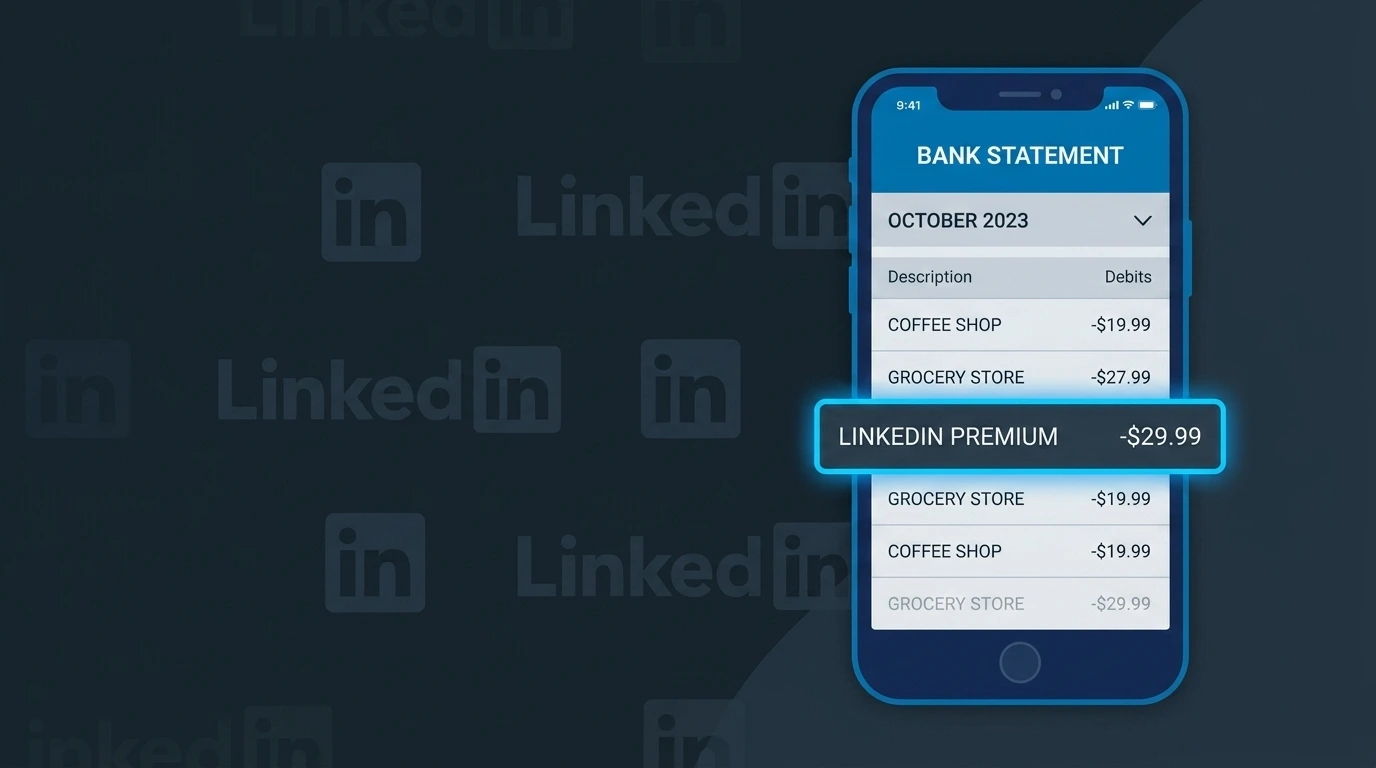
Is the LINKEDIN Charge Legitimate or Fraud?
A charge labeled LINKEDIN on your bank or credit card statement is most commonly a legitimate billing from LinkedIn, the professional networking platform owned by Microsoft. LinkedIn charges users for premium subscriptions such as LinkedIn Premium Career, Business, Sales Navigator, or Recruiter Lite, as well as for advertising campaigns and job postings.
This charge is likely legitimate if any of the following apply to you:
- You signed up for a LinkedIn Premium free trial and forgot to cancel before it ended
- You or a team member runs LinkedIn advertising or sponsored content campaigns
- You purchased a LinkedIn Learning subscription for professional development courses
- You posted a job listing on LinkedIn and were billed per-click or as a flat fee
If none of these apply, the charge could indicate unauthorized account activity or a phishing-related compromise — in which case you should act quickly to verify and dispute if necessary.
How to Verify the LINKEDIN Charge
- 1
Log into your LinkedIn account
Visit LinkedIn.com and go to Settings & Privacy > Subscriptions & Payments to review your active subscriptions and recent billing history.
- 2
Search your email for LinkedIn receipts
Search your inbox for emails from billing@linkedin.com or receipts@linkedin.com — LinkedIn sends an email confirmation for every charge processed.
- 3
Check if a household or team member subscribed
Ask family members or colleagues whether they used your card to sign up for LinkedIn Premium or a LinkedIn advertising account.
- 4
Review your LinkedIn ad account
If you run LinkedIn Ads, log into the LinkedIn Campaign Manager to confirm the charge matches your ad spend or campaign budget for the billing period.
- 5
Contact your bank for transaction details
Ask your bank for the full merchant descriptor and transaction ID, which can help confirm the charge originated from LinkedIn's official billing system.
How to Dispute a LINKEDIN Charge
- 1
Act within 60 days of the charge
Most banks require you to dispute unauthorized charges within 60 days of the statement date, so don't delay if you believe the LINKEDIN charge is fraudulent.
- 2
Contact LinkedIn Support first
Visit the LinkedIn Help Center at linkedin.com/help and submit a billing dispute request — LinkedIn may issue a refund directly, especially for charges after a forgotten trial cancellation.
- 3
File a chargeback with your bank
If LinkedIn does not resolve your issue, call the number on the back of your card and file a formal chargeback, citing the charge as unauthorized or not matching services rendered.
- 4
Request a new card number
If you suspect your card was compromised and used to create a fraudulent LinkedIn account, ask your bank to issue a replacement card with a new number immediately.
Tips for Managing LINKEDIN Charges
Set a calendar reminder before your LinkedIn Premium free trial ends to avoid an automatic subscription charge.
Regularly review your LinkedIn Subscriptions & Payments page to track all active plans and upcoming billing dates.
Enable two-factor authentication on your LinkedIn account to prevent unauthorized access that could lead to fraudulent charges.
LinkedIn bills Premium subscriptions monthly or annually — check which plan you're on to anticipate when charges will appear.
Use a virtual card number for LinkedIn subscriptions so you can freeze it without affecting your main account if fraud occurs.
Use WhatIsThisCharge.net to identify related charges like LINKEDIN*ADS or LINKEDIN LEARNING on your statement.
Frequently Asked Questions About the LINKEDIN Charge
🔍 Decode this charge instantly
Search our database for LINKEDIN and similar charges.
Decode LINKEDIN →Was this article helpful?