Why You're Seeing "GOOGLE *YouTube Premium" on Your Bank Statement
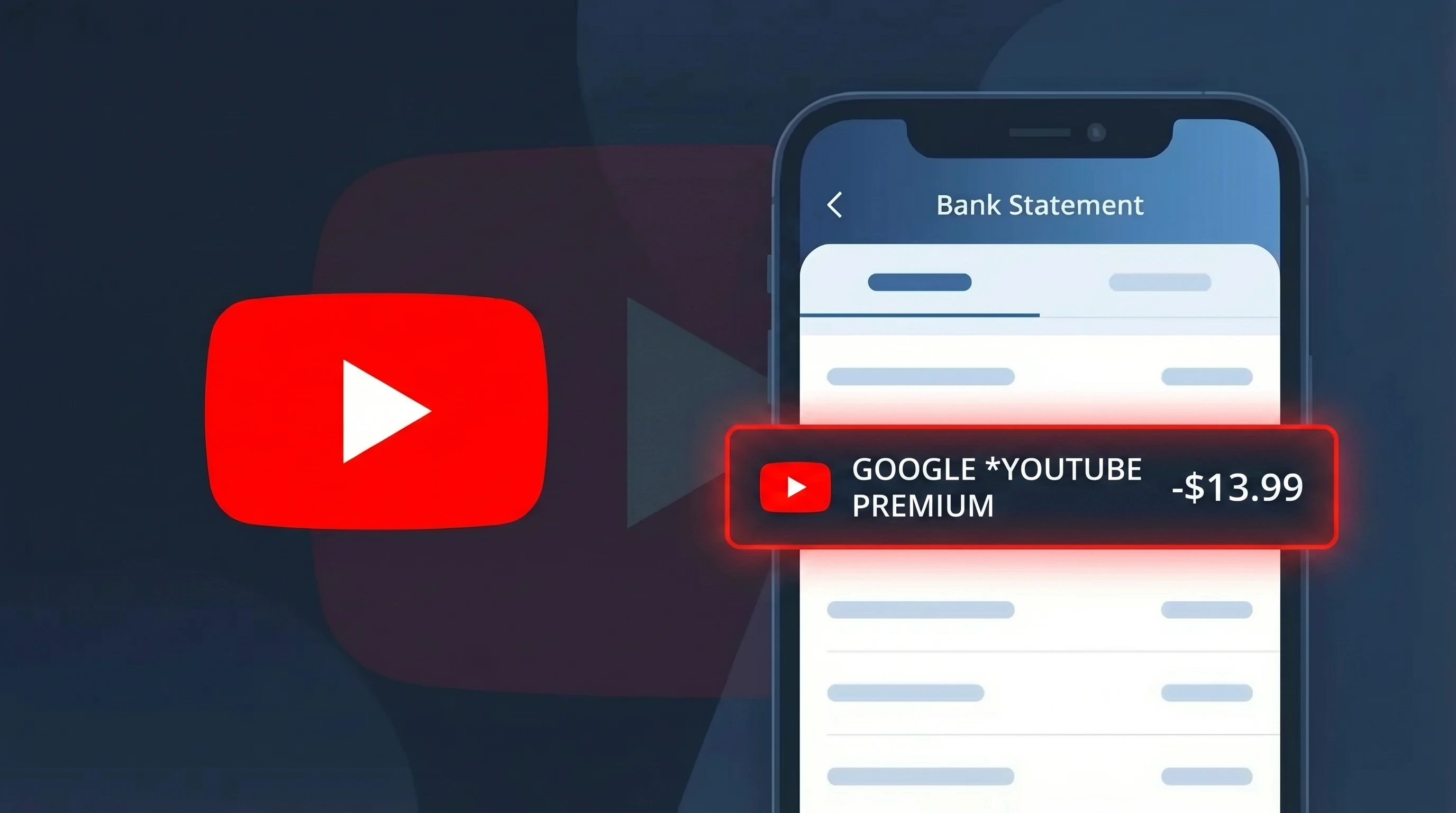
Is GOOGLE *YouTube Premium Legitimate or Fraud?
If you see GOOGLE *YouTube Premium on your bank or credit card statement, this is almost certainly a legitimate charge from GOOGLE for the YouTube Premium subscription service. YouTube Premium is a paid tier of YouTube that removes ads, enables background playback, and includes access to YouTube Music Premium.
Common reasons you may see this charge:
- You signed up for a YouTube Premium individual or family plan
- A free trial you started with GOOGLE has ended and converted to a paid subscription
- A family member added to your GOOGLE Family Group enrolled in YouTube Premium
- You subscribed through the YouTube app and GOOGLE is billing your saved payment method
The charge descriptor GOOGLE *YouTube Premium is the standard billing label GOOGLE uses for this service worldwide. If you did not sign up intentionally, check for trial conversions or shared account activity before assuming fraud.
How to Verify the GOOGLE *YouTube Premium Charge
- 1
Check your Google account subscriptions
Go to myaccount.google.com, click 'Payments & subscriptions,' then 'Manage subscriptions.' Look for an active YouTube Premium plan billed by GOOGLE that matches the charge date and amount.
- 2
Search your email for a GOOGLE receipt
Search your inbox for emails from 'payments-noreply@google.com' with the subject 'Your YouTube Premium receipt.' GOOGLE sends a receipt every billing cycle confirming the GOOGLE *YouTube Premium charge.
- 3
Check household or family members
If you have a GOOGLE Family Group set up, a family member may have joined your YouTube Premium Family plan, triggering the GOOGLE *YouTube Premium charge on your linked payment method.
- 4
Review your free trial start date
GOOGLE offers free trials for YouTube Premium that auto-convert to paid plans. Check if you started a trial roughly one month before the GOOGLE *YouTube Premium charge appeared on your statement.
- 5
Contact your bank for transaction details
Ask your bank for the full merchant details of the GOOGLE *YouTube Premium transaction. The merchant ID and billing address should match GOOGLE LLC, confirming the charge is authentic.
How to Dispute a GOOGLE *YouTube Premium Charge
- 1
Act within 60 days of the charge
Most banks require disputes to be filed within 60 days of the GOOGLE *YouTube Premium charge appearing on your statement. Gather your statement and any GOOGLE receipts before contacting anyone.
- 2
Contact GOOGLE directly first
Visit support.google.com/youtube and select 'Billing & Purchases.' GOOGLE's support team can issue refunds for recent unauthorized GOOGLE *YouTube Premium charges, often faster than a bank dispute.
- 3
Request a refund through Google Pay
Log into pay.google.com, find the GOOGLE *YouTube Premium transaction, and use the 'Report a problem' link to formally request a refund from GOOGLE for the disputed amount.
- 4
File a chargeback with your bank
If GOOGLE does not resolve the issue, call your bank and formally dispute the GOOGLE *YouTube Premium charge as unauthorized. Provide your email search results and subscription page screenshots as evidence.
- 5
Request a new card number
If you suspect your card was used fraudulently for the GOOGLE *YouTube Premium charge, ask your bank for a replacement card with a new number to prevent future unauthorized GOOGLE billing.
Tips for Managing GOOGLE *YouTube Premium Charges
Set a calendar reminder before your GOOGLE *YouTube Premium free trial ends to decide if you want to continue paying.
Regularly audit myaccount.google.com/payments to confirm only expected GOOGLE *YouTube Premium charges appear.
Secure your GOOGLE account with two-factor authentication to prevent unauthorized YouTube Premium sign-ups.
Note that GOOGLE bills GOOGLE *YouTube Premium on the same date each month — track it to catch missed or double charges.
Enable GOOGLE payment notifications so you receive an alert every time a GOOGLE *YouTube Premium charge is processed.
Use WhatIsThisCharge.net to identify related charges from GOOGLE that may appear alongside YouTube Premium billing.
Frequently Asked Questions About GOOGLE *YouTube Premium
🔍 Decode this charge instantly
Search our database for GOOGLE *YouTube Premium and similar charges.
Decode GOOGLE *YouTube Premium →Was this article helpful?