Why You're Seeing "Telegram Premium" on Your Bank Statement
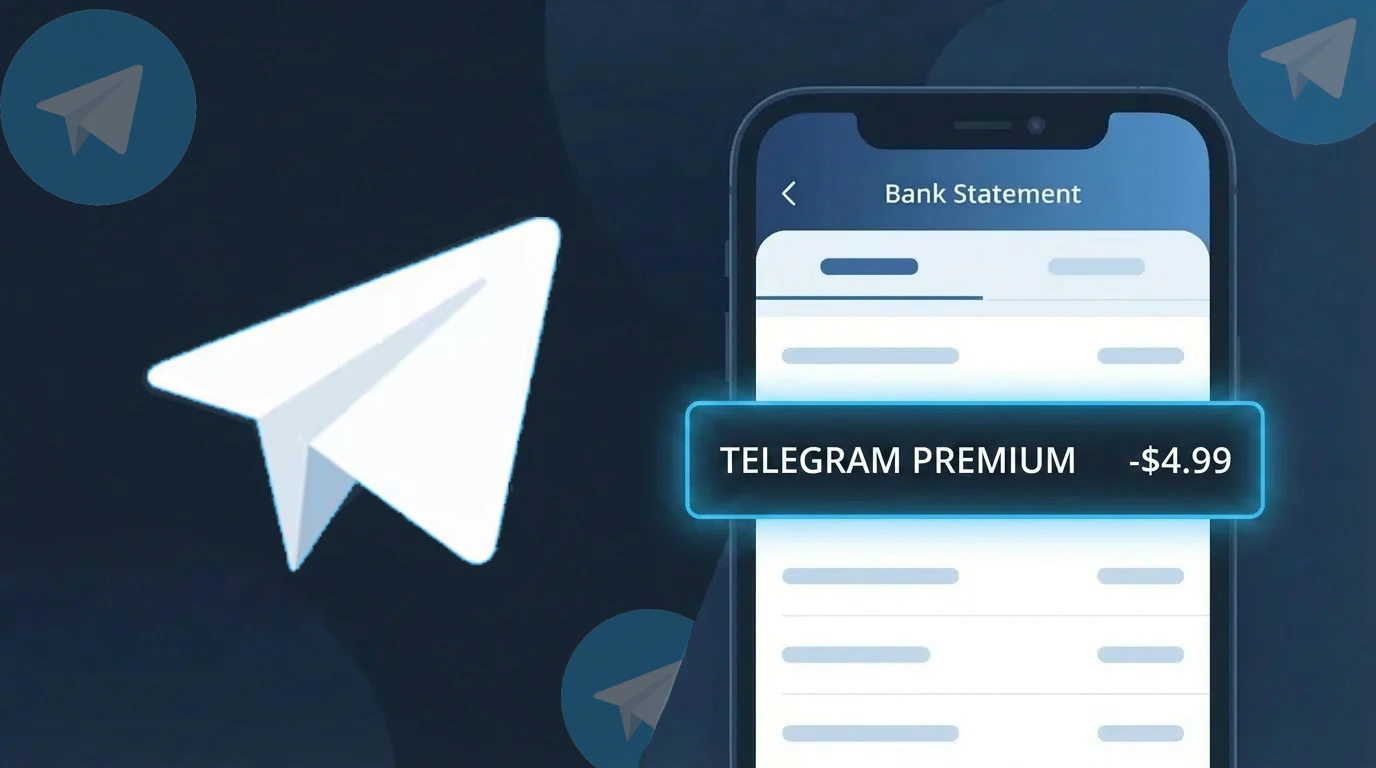
Is the Telegram Premium Charge Legitimate or Fraud?
If you see a charge labeled Telegram Premium on your bank or credit card statement, it is most likely a legitimate subscription charge from Telegram's paid tier, Telegram Premium. This subscription unlocks exclusive features such as faster downloads, unique stickers, animated profile pictures, and doubled limits on all standard Telegram functions.
- Telegram Premium costs $4.99/month or $35.99/year depending on your chosen billing cycle
- The charge is processed directly by Telegram or through Apple App Store / Google Play depending on your platform
- The descriptor on your statement may appear as "Telegram Premium" or a variation tied to the app store used
- If you did not sign up intentionally, a household member or linked device may have initiated the subscription
How to Verify the Telegram Premium Charge
- 1
Log into your Telegram account
Open the Telegram app and navigate to Settings > Telegram Premium to confirm whether your account has an active Premium subscription linked to the billing date.
- 2
Search your email for receipts
Look for an email from Telegram or your app store (Apple or Google) confirming a Telegram Premium purchase. Search keywords like 'Telegram Premium receipt' or 'Telegram subscription'.
- 3
Check household members
Ask family members or anyone who shares your payment method if they signed up for Telegram Premium, as subscriptions through shared Apple or Google accounts can charge the primary card.
- 4
Review your app store subscriptions
On iPhone, go to Settings > Apple ID > Subscriptions. On Android, open Google Play > Subscriptions. Look for an active Telegram Premium entry with a matching renewal date.
- 5
Contact your bank for details
If you still cannot identify the Telegram Premium charge, ask your bank for the full merchant descriptor and transaction date to help pinpoint the source.
How to Dispute a Telegram Premium Charge
- 1
Act within 60 days
Most banks require you to dispute an unrecognized Telegram Premium charge within 60 days of the statement date, so act quickly once you spot the transaction.
- 2
Contact Telegram Premium support first
Visit telegram.org/support or use the in-app support bot to report an unauthorized Telegram Premium charge. Telegram may issue a refund for accidental or duplicate subscriptions.
- 3
File a chargeback with your bank
If Telegram Premium support does not resolve the issue, contact your bank or card issuer to initiate a formal chargeback, citing the charge as unauthorized or unrecognized.
- 4
Request a new card number
If you suspect your card details were misused to purchase Telegram Premium fraudulently, ask your bank to issue a replacement card to prevent further unauthorized charges.
Tips for Managing Telegram Premium Charges
Enable billing alerts on your bank account to get notified the moment a Telegram Premium renewal charge is processed.
Save your Telegram Premium confirmation email as a record of your subscription start date and renewal terms.
Secure your Telegram account with two-step verification to prevent unauthorized Telegram Premium upgrades on your account.
Note your Telegram Premium renewal date and set a calendar reminder a few days before to decide whether to continue or cancel.
Only subscribe to Telegram Premium through the official app or telegram.org to avoid fraudulent lookalike billing sites.
Use WhatIsThisCharge.net to identify related charges that may appear alongside your Telegram Premium transaction.
Frequently Asked Questions About the Telegram Premium Charge
🔍 Decode this charge instantly
Search our database for Telegram Premium and similar charges.
Decode Telegram Premium →Was this article helpful?