Why You're Seeing "ZOOM" on Your Bank Statement
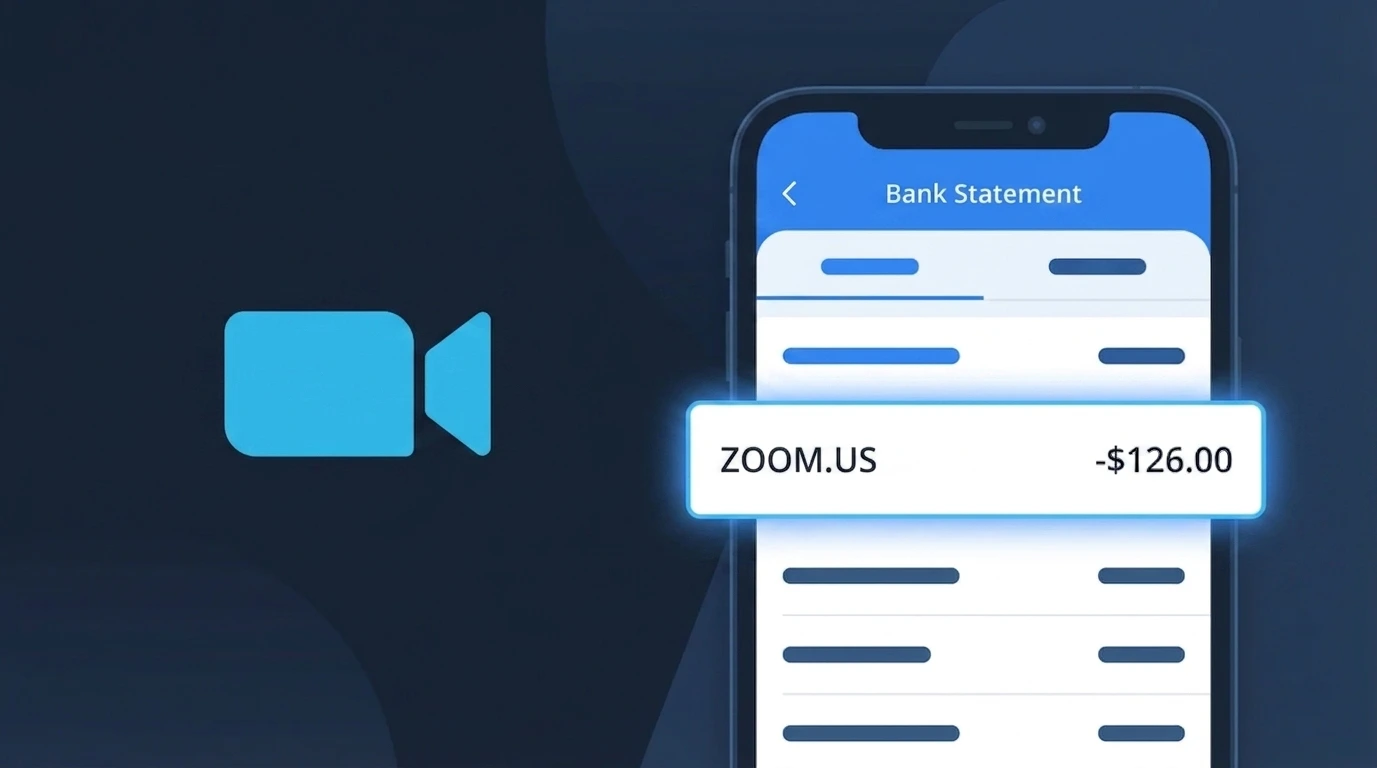
Is the ZOOM Charge Legitimate or Fraud?
If you see a charge labeled ZOOM on your bank or credit card statement, it most likely comes from Zoom Video Communications, the widely used video conferencing and online meeting platform. Zoom offers several paid subscription tiers including Pro, Business, and Enterprise plans, and charges appear when you purchase or renew one of these plans.
- You or someone in your household subscribed to a Zoom Pro, Business, or Enterprise plan
- Your free Zoom account was upgraded to a paid tier, either manually or through a trial conversion
- You purchased Zoom add-ons such as Zoom Phone, Zoom Webinars, or additional meeting licenses
- A recurring annual or monthly Zoom subscription renewed automatically on its billing date
While most ZOOM charges are legitimate, fraudulent charges do occasionally occur if your payment details were compromised. Always cross-reference the charge amount with Zoom's known pricing to determine whether the charge is genuine.
How to Verify the ZOOM Charge
- 1
Log into your Zoom account
Visit zoom.us and sign in. Navigate to Admin > Account Management > Billing to review your active plan, billing history, and the exact charge amount that matches your statement.
- 2
Search your email for Zoom receipts
Search your inbox for emails from 'no-reply@zoom.us' or 'billing@zoom.us'. Zoom sends payment confirmation emails every time a charge is processed, including the plan name and amount.
- 3
Check all household members
Ask family members or colleagues whether they used your payment method to sign up for a Zoom plan, since Zoom accounts can be created with any saved card on file.
- 4
Review your Zoom add-ons and licenses
Zoom charges separately for add-ons like Zoom Phone or large meeting licenses. Check the Billing section of your Zoom account to see if any add-ons were recently activated.
- 5
Contact your bank for charge details
If you still cannot identify the ZOOM charge, call the number on the back of your card. Your bank can provide the merchant ID and exact transaction details to help confirm whether it originated from Zoom.
How to Dispute a ZOOM Charge
- 1
Act within 60 days of the charge
Most banks and card issuers require disputes to be filed within 60 days of the statement date. Identify the ZOOM charge on your statement and act quickly to preserve your right to a chargeback.
- 2
Contact Zoom support first
Visit zoom.us/support and submit a billing dispute ticket or use live chat. Zoom's billing team can issue refunds for accidental renewals or unauthorized charges, often faster than a bank dispute.
- 3
File a chargeback with your bank
If Zoom does not resolve the issue, contact your bank or card issuer and formally dispute the ZOOM charge. Provide your Zoom account details, the charge date, and any correspondence with Zoom support as evidence.
- 4
Request a new card number
If you believe your card was used fraudulently to create a Zoom account, ask your bank to issue a replacement card with a new number to prevent any further unauthorized ZOOM charges.
Tips for Managing ZOOM Charges
Enable Zoom billing email alerts so you are notified before each renewal charge is processed.
Regularly review your Zoom Billing page to audit active plans and remove unused add-ons or licenses.
Secure your Zoom account with two-factor authentication to prevent unauthorized plan upgrades or purchases.
Note your Zoom subscription renewal date and set a personal reminder one week before to decide whether to continue.
Use a virtual card number for Zoom billing to limit exposure if your payment details are ever compromised.
Use WhatIsThisCharge.net to identify related charges that may appear alongside your ZOOM billing entries.
Frequently Asked Questions About the ZOOM Charge
Was this article helpful?