Why You're Seeing "PAYPAL *INST XFER" on Your Bank Statement
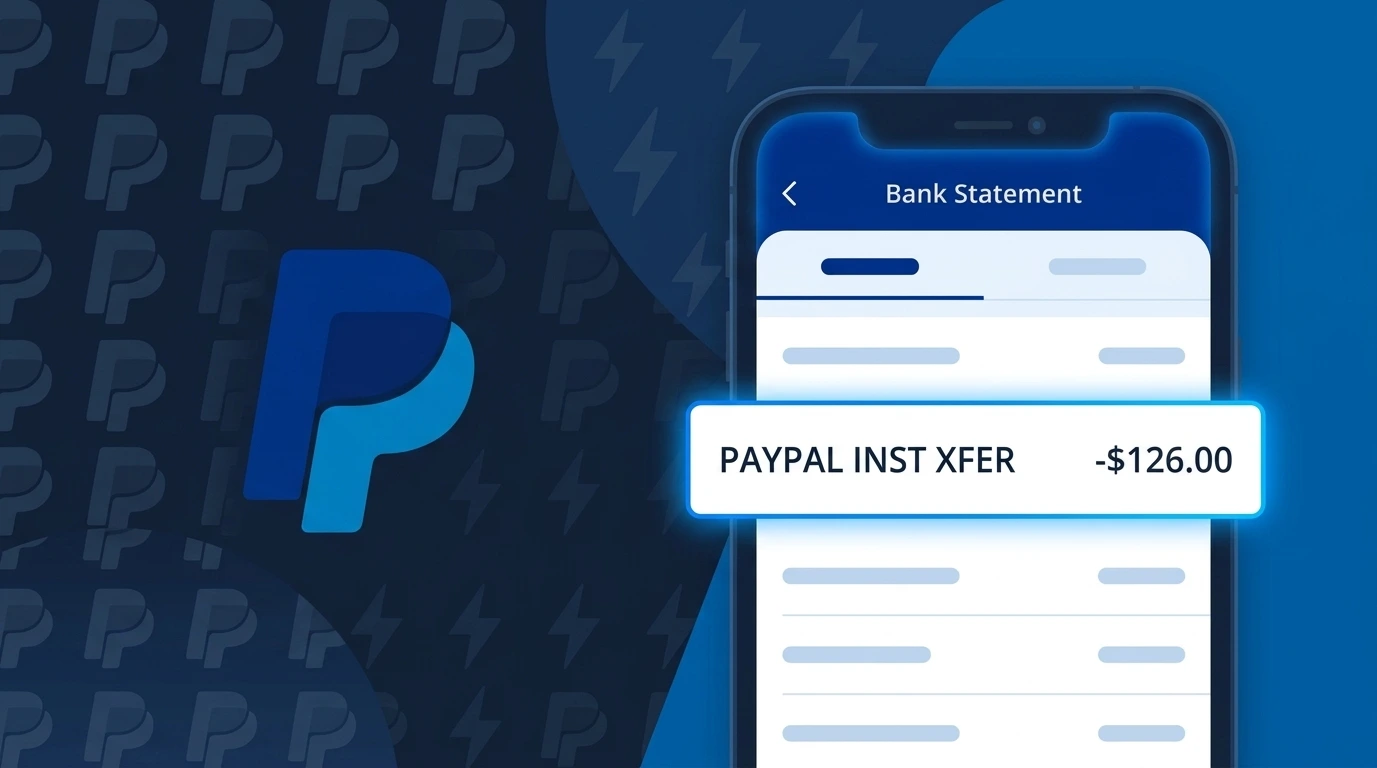
Is PAYPAL *INST XFER Legitimate or Fraud?
If you see PAYPAL *INST XFER on your bank or credit card statement, this charge is typically a legitimate transaction processed by PayPal using their Instant Transfer feature, which moves funds directly from your linked bank account. This descriptor appears when you use PayPal to send money, pay for a purchase, or fund your PayPal balance via an instant bank transfer rather than a standard ACH transfer.
Common legitimate reasons you might see PAYPAL *INST XFER include:
- You sent money to a friend or family member using PayPal's instant transfer option
- You made an online purchase and chose to pay via your linked bank account through PayPal
- You topped up your PayPal balance using the instant transfer feature
- A merchant you authorized charged you through PayPal's instant bank transfer system
However, if you do not recognize the charge, it could indicate unauthorized access to your PayPal account, so it is important to investigate promptly.
How to Verify the PAYPAL *INST XFER Charge
- 1
Log into your PayPal account
Visit paypal.com or open the PayPal app and check your Activity feed. Look for a transaction matching the date and amount of the PAYPAL *INST XFER charge on your bank statement.
- 2
Search your email for PayPal receipts
PayPal sends confirmation emails for every transaction. Search your inbox for emails from service@paypal.com around the date the PAYPAL *INST XFER charge appeared.
- 3
Check if a household member used PayPal
Ask family members or anyone who has access to your linked bank account whether they initiated a PayPal instant transfer recently that could explain the charge.
- 4
Review your PayPal-linked subscriptions
Log into PayPal and navigate to Settings > Payments > Manage Automatic Payments to see if any active subscription or recurring payment triggered the PAYPAL *INST XFER charge.
- 5
Contact your bank for more details
If you still cannot identify the charge, call the number on the back of your card and ask for more transaction details. Your bank may provide a merchant ID or reference number linked to the PAYPAL *INST XFER entry.
How to Dispute a PAYPAL *INST XFER Charge
- 1
Act within 60 days
Report any unauthorized PAYPAL *INST XFER charge to your bank as soon as possible. Under Regulation E, you generally have 60 days from your statement date to dispute unauthorized electronic fund transfers.
- 2
Contact PayPal first
Log into your PayPal account and open a dispute through the Resolution Center at paypal.com/disputes. Select the transaction in question and follow the steps to report it as unauthorized or incorrect.
- 3
File a chargeback with your bank
If PayPal does not resolve your dispute satisfactorily, contact your bank directly to file a chargeback for the PAYPAL *INST XFER charge. Provide your bank with all transaction details and your PayPal case number.
- 4
Request a new card or account number
If fraudulent activity is confirmed, ask your bank to issue a new debit card or account number to prevent further unauthorized PAYPAL *INST XFER charges from occurring on the compromised account.
Tips for Managing PAYPAL *INST XFER Charges
Enable PayPal transaction notifications so you are alerted immediately whenever a PAYPAL *INST XFER charge is initiated.
Regularly review your PayPal Activity log and cross-reference it with your bank statement to catch unexpected PAYPAL *INST XFER entries.
Secure your PayPal account with a strong, unique password and enable two-factor authentication to prevent unauthorized transfers.
Note that PAYPAL *INST XFER charges can post to your bank account within minutes to hours, unlike standard PayPal transfers which take 1–3 days.
Only link trusted bank accounts to PayPal and remove any old or unused accounts to reduce exposure to unexpected instant transfers.
Use WhatIsThisCharge.net to identify related charges such as PAYPAL *TRANSFER or other PayPal billing descriptors.
Frequently Asked Questions About PAYPAL *INST XFER
🔍 Decode this charge instantly
Search our database for PAYPAL *INST XFER and similar charges.
Decode PAYPAL *INST XFER →Was this article helpful?