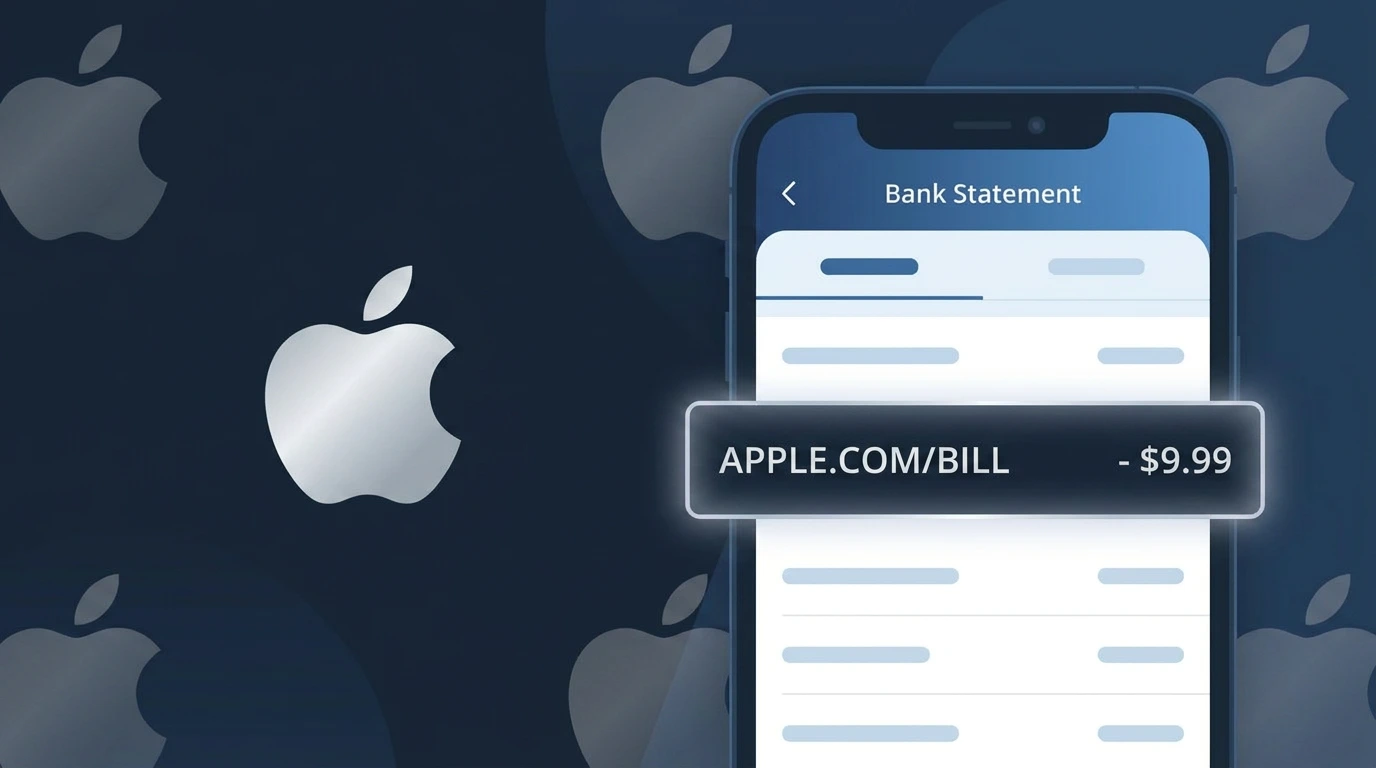
APPLE.COM/BILL Charge (What It Is + Is It Legit?)
✓ LegitimateThe "APPLE.COM/BILL" charge is from Apple. An Apple subscription, app purchase, or iCloud storage charge.
Apple
An Apple subscription, app purchase, or iCloud storage charge.
Category
Tech
Avg. Charge
$0.99–$9.99
Country
US
Billing Cycle
Monthly
Cancel At
appleid.apple.com
Support
See website
Why this shows on your statement
Apple consolidates all of its digital purchases and subscriptions through its centralized billing platform at apple.com/bill, which is why the descriptor APPLE.COM/BILL shows up on your statement rather than simply "Apple." Because iTunes, the App Store, iCloud, Apple TV+, Apple Music, and other services all funnel charges through a single online billing system, Apple uses the web address format to identify that the transaction originated from their unified digital storefront. This approach helps Apple route customer inquiries directly to their billing support page at that URL, where you can view your full purchase history and identify exactly which service or subscription triggered the charge.
What should you do?
Check Your Apple Purchase History
Sign in to reportaproblem.apple.com using your Apple ID to view a detailed list of recent charges. This will show you exactly which app purchase, subscription, or iCloud storage plan triggered the APPLE.COM/BILL charge on your statement.
Review Your Active Apple Subscriptions
Open your iPhone or iPad Settings, tap your name at the top, then go to Subscriptions to see every active Apple service billed to your account. This helps you match the APPLE.COM/BILL charge to a specific service like Apple Music, Apple TV+, or iCloud+.
Manage or Cancel Unwanted Services
If you find a subscription you no longer want that is generating the APPLE.COM/BILL charge, visit appleid.apple.com and navigate to your subscriptions to cancel it before the next billing cycle. You can also cancel directly from the Subscriptions menu in your device Settings.
Contact Apple Support If the Charge Is Unclear
If you still cannot identify what the APPLE.COM/BILL charge corresponds to after checking your history, contact Apple Support directly at apple.com/support. Apple can look up the transaction using your Apple ID and clarify exactly what was purchased or billed.
How to cancel Apple
Apple bills you Monthly. To stop future charges, cancel from your account directly.
Cancel at AppleShould you be worried?
No, this is a legitimate charge from Apple. However, if you did not authorize this charge or cancelled your subscription, you may be eligible for a refund.
How to Verify the APPLE.COM/BILL Charge
- 1
Check your Apple purchase history
Sign in at reportaproblem.apple.com with your Apple ID to see a full list of recent purchases billed under APPLE.COM/BILL. You can filter by date to match the exact charge on your statement.
- 2
Search your email for Apple receipts
Apple sends an email receipt for every transaction to the address linked to your Apple ID. Search your inbox for 'Apple' or 'no_reply@email.apple.com' and match the amount to the APPLE.COM/BILL charge.
- 3
Check all Apple devices and family members
If you use Family Sharing, any family member's App Store or media purchase will appear as APPLE.COM/BILL on the organizer's payment method. Ask family members about recent downloads or subscriptions.
- 4
Review active subscriptions in your Apple ID settings
On an iPhone or iPad, go to Settings > [Your Name] > Subscriptions to see every active subscription billing through APPLE.COM/BILL, including renewal dates and amounts.
- 5
Contact Apple Support if still unsure
If you cannot match the APPLE.COM/BILL charge to any purchase, contact Apple Support at support.apple.com or call 1-800-275-2273 and reference the exact charge date and amount.
How to Dispute an APPLE.COM/BILL Charge
- 1
Act within 60 days of the charge
Most banks require you to dispute an unauthorized APPLE.COM/BILL charge within 60 days of the statement date. Acting quickly preserves your right to a full chargeback if the charge is fraudulent.
- 2
Request a refund directly through Apple first
Visit reportaproblem.apple.com, find the specific APPLE.COM/BILL transaction, and click 'Report a Problem.' Apple often issues refunds for accidental purchases or unauthorized charges within 48 hours.
- 3
File a chargeback with your bank or card issuer
If Apple denies your refund request, call the number on the back of your card and formally dispute the APPLE.COM/BILL charge as unauthorized. Provide Apple's response and your account details as evidence.
- 4
Secure your Apple ID immediately
If the APPLE.COM/BILL charge was fraudulent, change your Apple ID password and enable two-factor authentication at appleid.apple.com to prevent further unauthorized purchases.
- 5
Request a new payment card
Ask your bank to issue a replacement card with a new number so that the compromised card linked to APPLE.COM/BILL cannot be used for any further unauthorized transactions.
Tips for Managing APPLE.COM/BILL Charges
Enable purchase notifications in your Apple ID account so you get an alert every time APPLE.COM/BILL processes a charge.
Review your Subscriptions list in iOS Settings monthly to catch any forgotten APPLE.COM/BILL renewals before they hit your bank.
Secure your Apple ID with a strong, unique password and two-factor authentication to prevent unauthorized APPLE.COM/BILL charges.
Note your Apple subscription renewal dates — APPLE.COM/BILL charges often appear on the same day each month or year.
Set spending limits for Family Sharing members to control how much each person can charge through APPLE.COM/BILL.
Use WhatIsThisCharge.net to identify related charges that may appear alongside APPLE.COM/BILL on your statement.
Is the APPLE.COM/BILL Charge Legitimate or Fraud?
If you see APPLE.COM/BILL on your bank or credit card statement, this is almost certainly a legitimate charge from Apple Inc. for one of their digital services or subscriptions. Apple uses the billing descriptor APPLE.COM/BILL for all purchases made through the App Store, iTunes, Apple Music, iCloud, Apple TV+, Apple Arcade, Apple One, and other Apple services.
Common reasons you might see an APPLE.COM/BILL charge include:
- A monthly or annual Apple Music, Apple TV+, or Apple Arcade subscription renewal
- An iCloud storage plan upgrade or renewal (50GB, 200GB, or 2TB plans)
- An in-app purchase or app download made through the App Store
- An Apple One bundle subscription covering multiple Apple services
- A family member's purchase linked to your shared Apple Family Sharing payment method
While APPLE.COM/BILL charges are typically legitimate, unauthorized charges can occasionally occur due to a compromised Apple ID or unauthorized family member purchases. Always review your Apple purchase history if the charge amount is unfamiliar.
Questions and answers
Was this page helpful?
Community Reports (0)
0 votesNo votes yet — be the first to report on this charge!
Have you seen this charge? Help others by voting:
Community Comments (0)
No comments yet. Be the first to share your experience!
Share your experience
Your email is only used to verify your comment and will never be shown publicly.
Search Another Charge
Popular Charges

Amazon Marketplace
AMZN MKTP US
Netflix
NETFLIX *SUBSCRIPTION
Netflix
NETFLIX.COM *
Apple
APPLE *SUBSCRIPTION
Spotify
SPOTIFY *SUBSCRIPTION
Related Charges
Need to dispute this charge?
Generate a professional dispute letter in seconds with our AI tool.
Open Charge AssistantCommunity Verified
Real user reports
Free to Use
Always free to check
Secure & Private
Your data is safe
Help Millions
48K+ charges identified