Why You're Seeing "BUMBLE" on Your Bank Statement
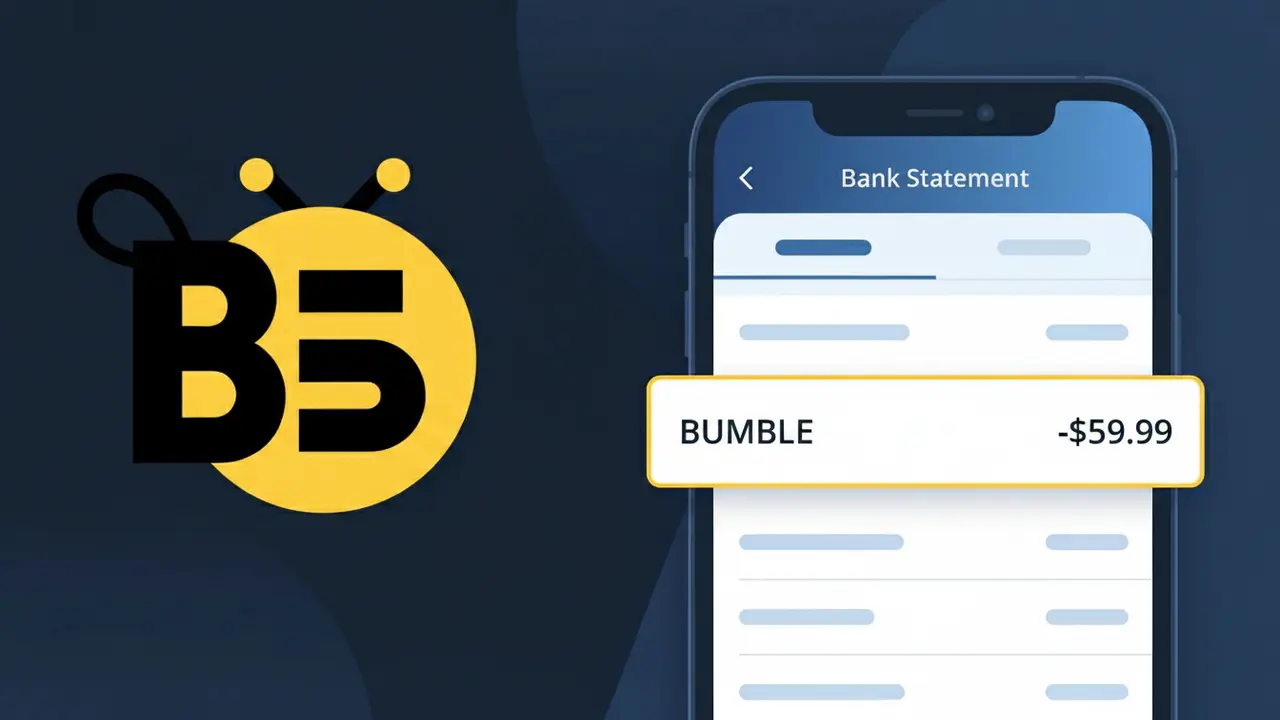
Is the BUMBLE Charge Legitimate or Fraud?
If you see a charge labeled BUMBLE on your bank or credit card statement, it most likely comes from Bumble, the popular dating app known for its women-first messaging model. Bumble offers paid subscription tiers — Bumble Boost and Bumble Premium — as well as in-app purchases like SuperSwipes and Spotlight, all of which can appear as 'BUMBLE' on your statement.
- You or someone in your household subscribed to Bumble Boost or Bumble Premium
- You purchased Bumble in-app coins, SuperSwipes, or Spotlight features
- Your Bumble free trial converted to a paid subscription automatically
- A previously cancelled Bumble subscription was reactivated
While most BUMBLE charges are legitimate, unauthorized charges should be investigated promptly, especially if you have never created a Bumble account.
How to Verify the BUMBLE Charge
- 1
Log into your Bumble account
Open the Bumble app or visit bumble.com and sign in. Navigate to your profile settings and check 'Subscriptions' to see any active Bumble Boost or Bumble Premium plans.
- 2
Search your email for Bumble receipts
Search your inbox for emails from 'noreply@bumble.com' or 'support@bumble.com'. Bumble sends confirmation emails for every purchase, including subscription renewals and coin purchases.
- 3
Check your app store purchase history
If Bumble was downloaded via iOS or Android, the charge may route through Apple or Google. Check your App Store or Google Play purchase history for Bumble transactions.
- 4
Ask household members about Bumble usage
Check whether a family member or partner created a Bumble account using a shared payment method, as Bumble subscriptions auto-renew without additional notification.
- 5
Contact your bank for transaction details
Ask your bank for the full merchant descriptor on the BUMBLE charge. The bank can provide the exact date and amount, helping you match it to a specific Bumble purchase.
How to Dispute a BUMBLE Charge
- 1
Act within 60 days of the charge
Most banks require disputes to be filed within 60 days of the statement date. Don't wait — gather your Bumble account details and the transaction amount before contacting anyone.
- 2
Contact Bumble support first
Visit bumble.com/en/help or use the in-app 'Contact Us' option. Bumble's support team can verify charges, issue refunds for accidental purchases, or confirm cancellation of your subscription.
- 3
File a chargeback with your bank
If Bumble support does not resolve the issue, contact your bank or credit card issuer to dispute the BUMBLE charge. Provide all correspondence with Bumble as supporting evidence.
- 4
Request a new card if fraud is suspected
If you have never used Bumble and the charge appears fraudulent, ask your bank to cancel and reissue your card to prevent any further unauthorized BUMBLE charges.
Tips for Managing BUMBLE Charges
Enable Bumble renewal alerts in your email to get notified before your Bumble Boost or Premium subscription auto-renews.
Keep a record of your Bumble purchase dates and amounts so you can quickly spot any unexpected BUMBLE charges on your statement.
Secure your Bumble account with a strong, unique password to prevent unauthorized access that could lead to fraudulent in-app purchases.
Note your Bumble subscription renewal date and set a personal calendar reminder a few days before to cancel if you no longer want to pay.
Use a virtual card number for Bumble purchases so you can easily block future charges without cancelling your main debit or credit card.
Use WhatIsThisCharge.net to identify related charges that may appear alongside or instead of the standard BUMBLE descriptor.
Frequently Asked Questions About the BUMBLE Charge
Was this article helpful?