Why You're Seeing "CALM" on Your Bank Statement
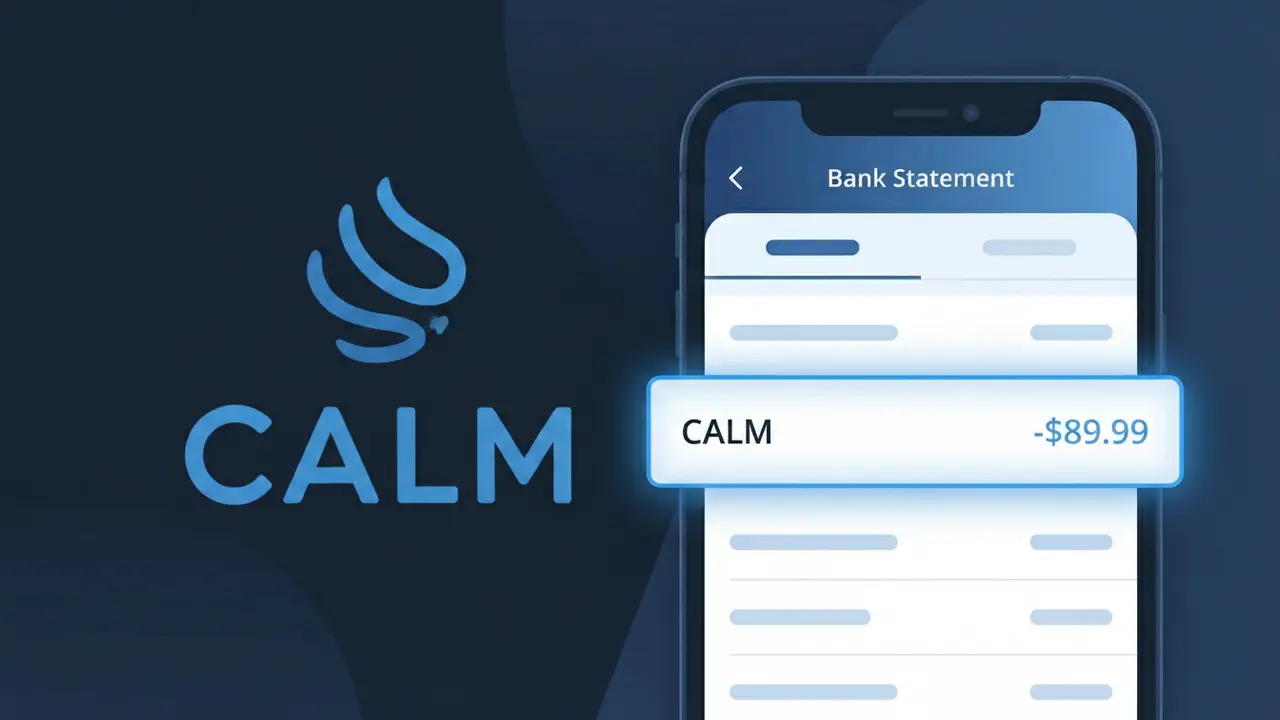
Is the CALM Charge Legitimate or Fraud?
If you see a charge labeled CALM on your bank or credit card statement, it most likely comes from CALM (the meditation and sleep app), which offers subscription-based access to guided meditations, sleep stories, and mindfulness content. This charge is generally legitimate if you or someone in your household signed up for a CALM Premium subscription.
- CALM charges annually or monthly depending on the plan you selected at signup
- CALM often appears as a short descriptor on statements, which can cause confusion
- Free trial periods on CALM automatically convert to paid subscriptions if not cancelled in time
- CALM gift subscriptions purchased by others may also trigger a charge tied to your payment method
How to Verify the CALM Charge
- 1
Log into your CALM account
Visit calm.com and sign in to check your subscription status and billing history. Your account dashboard will show the exact date and amount of recent CALM charges.
- 2
Search your email for CALM receipts
Look in your inbox for emails from calm.com or no-reply@calm.com confirming a subscription purchase or renewal. Check spam and promotions folders too.
- 3
Check household members
Ask family members or roommates if they signed up for CALM using your shared payment method, as CALM accounts are individual but billing can overlap.
- 4
Review app store subscriptions
If you downloaded CALM via the Apple App Store or Google Play, check your in-app subscriptions there, as charges may appear from Apple or Google rather than CALM directly.
- 5
Contact your bank
If you still cannot identify the CALM charge, call the number on the back of your card and ask the representative to provide the full merchant details for the transaction.
How to Dispute a CALM Charge
- 1
Act within 60 days
Most banks require you to dispute an unrecognized CALM charge within 60 days of the statement date, so act quickly to preserve your chargeback rights.
- 2
Contact CALM support first
Reach out to CALM's customer support at calm.com/support before filing a dispute. CALM may issue a refund directly, especially for accidental renewals or forgotten trials.
- 3
File a chargeback with your bank
If CALM does not resolve the issue, contact your bank or credit card issuer to initiate a formal chargeback, citing the unauthorized or unrecognized CALM transaction.
- 4
Request a new card
If you suspect the CALM charge is fraudulent and not tied to any account you recognize, ask your bank to issue a new card number to prevent further unauthorized charges.
Tips for Managing CALM Charges
Set a calendar reminder before your CALM free trial ends to avoid unwanted auto-renewal charges.
Save your CALM subscription confirmation email as proof of the billing date and plan cost.
Keep your CALM account login saved securely so you can quickly check billing details anytime.
CALM annual plans renew once per year — note your renewal date to budget accordingly.
Use a virtual card number for CALM subscriptions to limit exposure if your details are compromised.
Use WhatIsThisCharge.net to identify related charges that may appear alongside your CALM billing.
Frequently Asked Questions About CALM Charges
Was this article helpful?