Why You're Seeing "CANVA" on Your Bank Statement
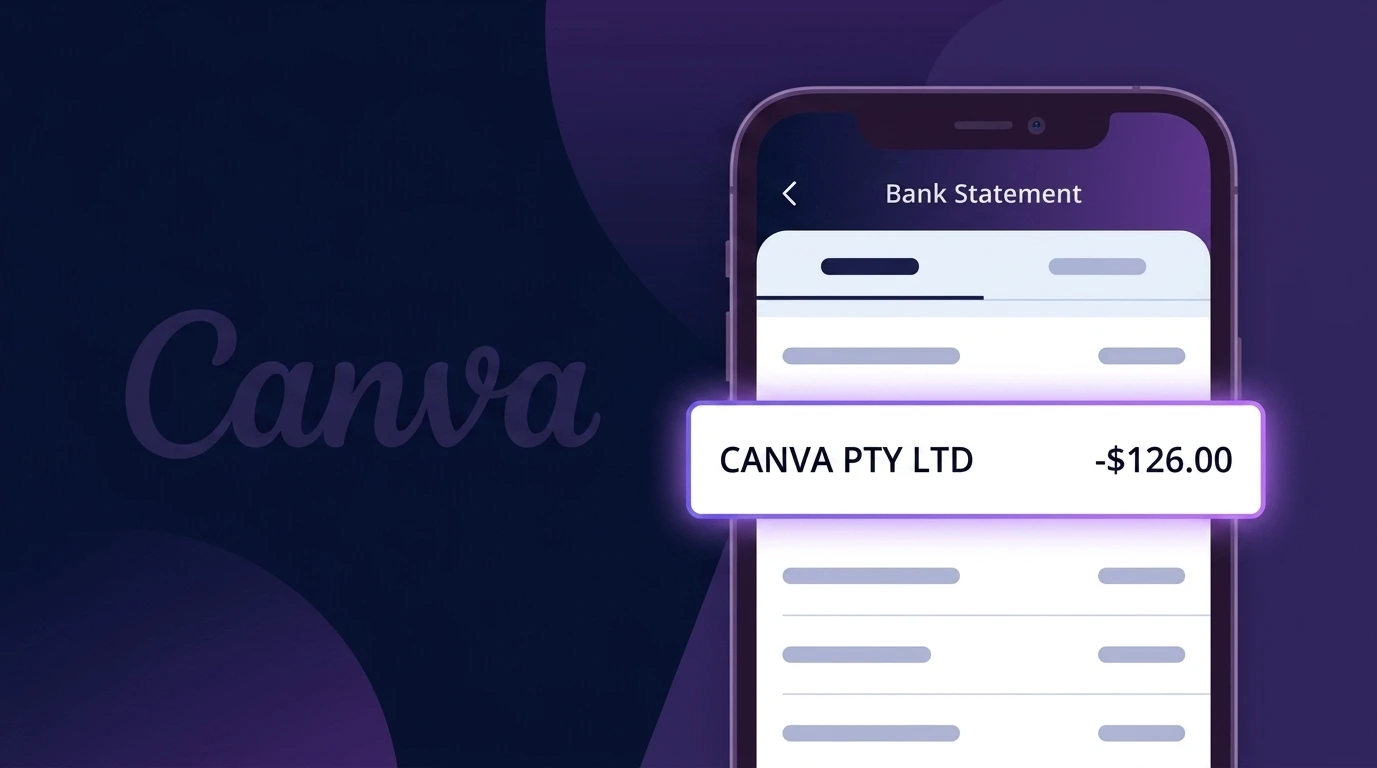
Is the CANVA Charge Legitimate or Fraud?
If you see a charge labeled CANVA on your bank or credit card statement, it is most likely a legitimate billing from Canva, the popular online graphic design platform used by millions worldwide. Canva offers both free and paid subscription plans, including Canva Pro and Canva Teams, which bill on a monthly or annual basis.
Common reasons you may see a CANVA charge include:
- You signed up for a Canva Pro free trial that has now converted to a paid subscription
- Your annual or monthly Canva Pro subscription has automatically renewed
- A family member or colleague signed up for Canva Teams using your payment details
- You purchased a one-time Canva design element, template, or print product
If you do not recognize the CANVA charge at all, it is worth verifying before assuming it is fraudulent, as the descriptor may appear slightly different depending on your bank's formatting.
How to Verify the CANVA Charge
- 1
Log into your Canva account
Visit canva.com and sign in. Navigate to Account Settings > Billing & Plans to review your active Canva subscription and recent payment history.
- 2
Search your email for Canva receipts
Search your inbox for emails from billing@canva.com or no-reply@canva.com. Canva sends receipts for every charge, which will match the amount on your statement.
- 3
Check if a household member used Canva
Ask family members or roommates if they signed up for Canva Pro or Canva Teams using a shared payment method or device linked to your account.
- 4
Review your active subscriptions
Check your bank or PayPal for recurring CANVA charges. Canva Pro bills monthly at around $14.99 or annually at $119.99, so look for these amounts.
- 5
Contact your bank for transaction details
If you still cannot verify the CANVA charge, call your bank and ask for the full merchant details, including the merchant ID, to confirm it originated from Canva.
How to Dispute a CANVA Charge
- 1
Act within 60 days
Most banks require you to dispute an unrecognized CANVA charge within 60 days of the statement date. Act quickly to preserve your right to a chargeback.
- 2
Contact Canva support first
Reach out to Canva directly at canva.com/help before filing a dispute. Canva's support team can issue refunds for accidental renewals or unauthorized charges faster than a bank chargeback.
- 3
File a chargeback with your bank
If Canva does not resolve the issue, contact your bank or credit card provider and formally dispute the CANVA charge. Provide any email receipts or communication with Canva as evidence.
- 4
Request a new card number
If you suspect the CANVA charge is fraudulent and not linked to your account, ask your bank to issue a new card number to prevent any future unauthorized charges from appearing.
Tips for Managing CANVA Charges
Enable billing notifications in Canva account settings to get alerted before each renewal charge.
Check your Canva Billing & Plans page regularly to confirm which plan tier you are currently subscribed to.
Use a unique email for your Canva account so receipts are easy to locate and not buried in a shared inbox.
Note your Canva renewal date and set a calendar reminder 7 days before to decide whether to cancel or keep your plan.
Use a virtual card number for your Canva subscription to limit exposure if your payment details are ever compromised.
Use WhatIsThisCharge.net to identify related charges that may appear alongside your CANVA billing.
Frequently Asked Questions About CANVA Charges
Was this article helpful?