Why You're Seeing "CAREEM PK*" on Your Bank Statement
Why You're Seeing "CAREEM PK*" on Your Bank Statement
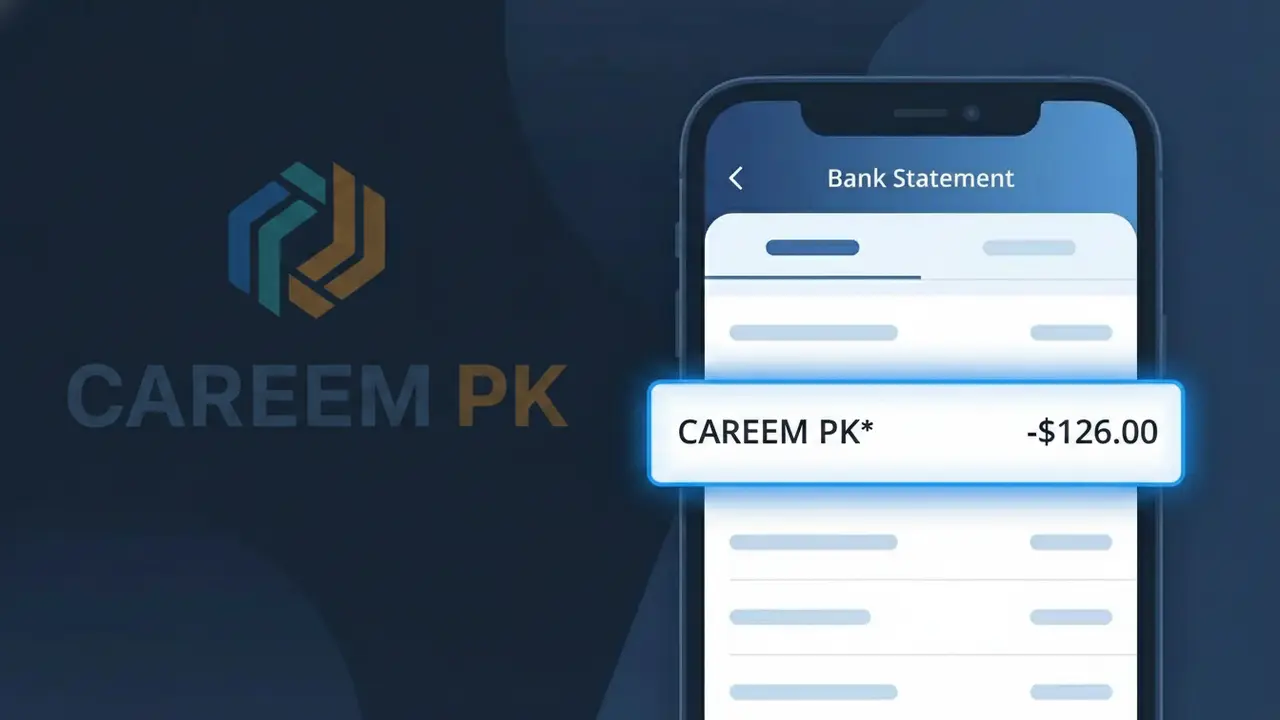
The CAREEM PK* charge on your bank statement comes from Careem Pakistan, the popular ride-hailing and delivery service operating across Pakistan. This charge appears whenever you book a ride, order food, or use any other service through the Careem app in Pakistan. The 'PK' in the descriptor indicates the Pakistan-based operation of Careem, which is a subsidiary of Uber and one of the most widely used transportation apps in the region. If you or someone with access to your payment method has recently used Careem in Pakistan, this charge is almost certainly legitimate.
The CAREEM PK* descriptor appears on your bank statement because Careem Pakistan uses a shortened merchant code when processing payments through their payment gateway, with 'PK' denoting the Pakistan country code. Many app-based services use abbreviated billing descriptors rather than their full brand name due to character limits imposed by payment processors and banking systems. This truncated format is standard practice for digital ride-hailing platforms operating internationally, which is why you may not immediately recognize the charge as being from Careem.
Is the CAREEM PK* Charge Legitimate or Fraud?
The CAREEM PK* charge on your bank or credit card statement is almost always a legitimate transaction from Careem Pakistan, the popular ride-hailing and delivery platform operating across Pakistani cities. This charge appears when you book a ride, order food, or use any other Careem Pakistan service billed through their payment system.
- You or a family member recently completed a Careem ride in Pakistan
- You placed a food or package delivery order through the Careem Pakistan app
- Careem Pakistan processed a pre-authorization hold before your trip was completed
- You subscribed to a Careem Pakistan subscription plan such as Careem Plus
How to Verify the CAREEM PK* Charge
- 1
Check your Careem Pakistan account
Log into your Careem Pakistan app or website and navigate to 'My Rides' or 'Activity' to find a trip or order matching the charge amount and date.
- 2
Search your email for receipts
Look for receipt emails from Careem Pakistan sent to your registered email address. Search for 'Careem' or 'CAREEM PK*' to locate the matching transaction confirmation.
- 3
Check household members
Ask family members or anyone who may have access to your payment method whether they used the Careem Pakistan app for a ride or delivery recently.
- 4
Review your Careem subscriptions
Check whether you are enrolled in Careem Plus or any other recurring Careem Pakistan subscription that may generate a periodic CAREEM PK* billing charge.
- 5
Contact your bank
If you still cannot identify the CAREEM PK* charge, call your bank and ask for the exact transaction date, amount, and any available merchant details to help pinpoint the source.
How to Dispute a CAREEM PK* Charge
- 1
Act within 60 days
Most banks require disputes to be filed within 60 days of the CAREEM PK* charge appearing on your statement. Act quickly to preserve your right to a chargeback.
- 2
Contact Careem Pakistan first
Reach out to Careem Pakistan customer support through the app's Help section or at their official website. Explain the unrecognized CAREEM PK* charge and request a refund or clarification directly.
- 3
File a chargeback with your bank
If Careem Pakistan does not resolve the issue, contact your bank or card issuer and formally dispute the CAREEM PK* charge, providing any email receipts or screenshots as supporting evidence.
- 4
Request a new card
If you suspect unauthorized use of your payment details for fraudulent CAREEM PK* charges, ask your bank to cancel your current card and issue a new one to prevent further unauthorized transactions.
Tips for Managing Careem Pakistan Charges
Enable real-time bank alerts to get notified immediately whenever a CAREEM PK* charge is processed.
Save your Careem Pakistan ride receipts to quickly match any CAREEM PK* entry on your statement.
Secure your Careem Pakistan account with a strong password and enable two-factor authentication to prevent unauthorized charges.
Note your Careem Plus renewal date so monthly CAREEM PK* subscription charges never catch you by surprise.
Use a dedicated card for Careem Pakistan payments to isolate and easily track all CAREEM PK* charges.
Use WhatIsThisCharge.net to identify any related or unfamiliar charges appearing alongside CAREEM PK* on your statement.
Frequently Asked Questions About the CAREEM PK* Charge
ℹ️ Note
Seeing a CAREEM PK* charge is typically nothing to worry about — it simply means Careem Pakistan processed a payment for one of your recent rides, deliveries, or subscription renewals. Review your Careem Pakistan app activity to confirm the match, and contact their support team if anything looks unfamiliar.
🔍 Decode this charge instantly
Search our database for CAREEM PK* and similar charges.
Decode CAREEM PK* →Was this article helpful?