Why You're Seeing "MONZO PLUS*" on Your Bank Statement
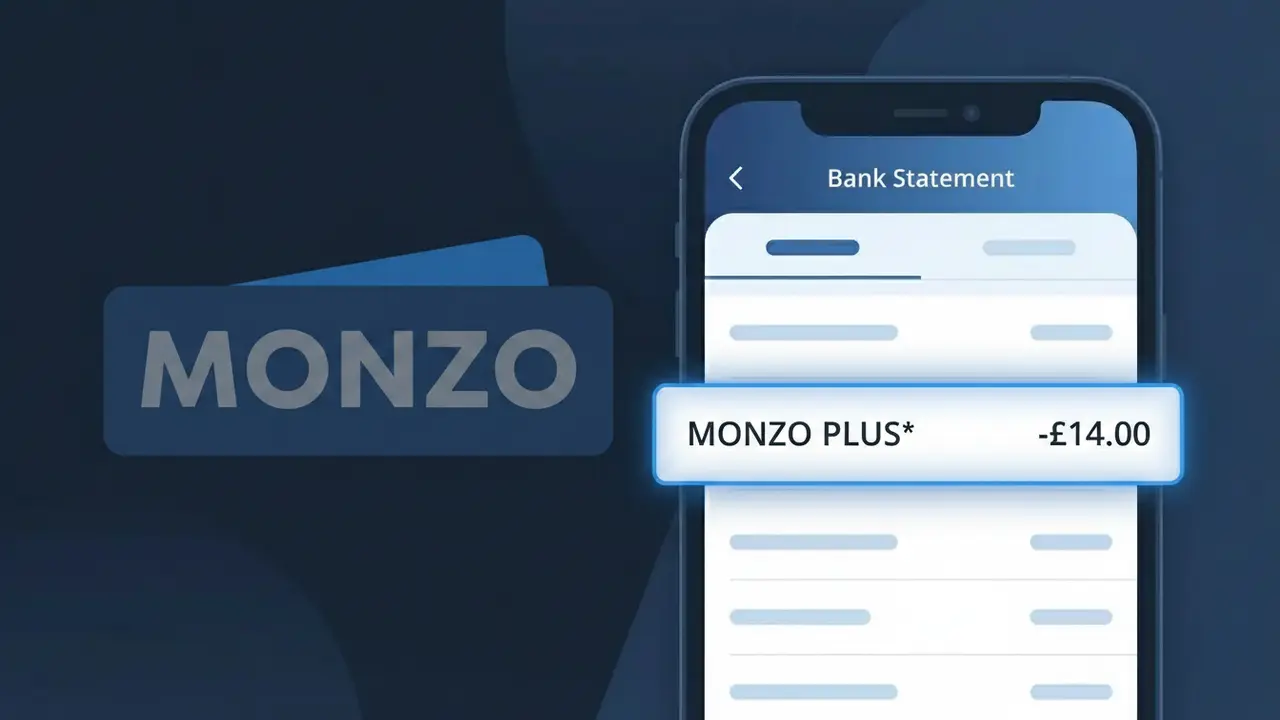
Why You're Seeing "MONZO PLUS*" on Your Bank Statement
The MONZO PLUS* charge on your bank statement is a recurring subscription fee for Monzo Plus, the premium tier of the Monzo digital bank account available in the UK. Monzo Plus offers upgraded features over the standard free account, including custom card colours, higher interest rates on savings pots, travel benefits, and credit tracking tools. This charge appears monthly and is billed directly by Monzo to cover the cost of your active Plus membership. If you see MONZO PLUS* and you have a Monzo account, this is almost certainly your monthly premium subscription being deducted.
The descriptor MONZO PLUS* appears on your bank statement because Monzo uses this shorthand billing label to identify payments specifically tied to their Plus subscription tier, distinguishing it from other Monzo services or transactions. The asterisk following the name is commonly used by payment processors to indicate a recurring or subscription-based charge. This format helps both card networks and customers identify the nature of the payment at a glance, though it can occasionally cause confusion if you have forgotten you signed up for the premium plan.
Is the MONZO PLUS* Charge Legitimate or Fraud?
If you see MONZO PLUS* on your bank statement, it is most likely a legitimate charge from Monzo Plus, the premium subscription tier offered by the UK-based digital bank Monzo. This charge appears when you or someone with access to your account has subscribed to Monzo Plus, which offers perks such as custom card colours, higher interest on pots, and credit tracking tools.
- Monzo Plus is a paid monthly subscription billed directly by Monzo, appearing as MONZO PLUS* on statements
- The charge is recurring — it will appear every month on the same date you originally subscribed
- A free trial or promotional period may have ended, triggering the first MONZO PLUS* billing
- A household member or partner may have signed up for Monzo Plus using a shared payment method
How to Verify the MONZO PLUS* Charge
- 1
Log into your Monzo app
Open the Monzo app and navigate to your account settings. Check whether your account is listed as Monzo Plus — a gold or holographic card design is a clear indicator.
- 2
Search your email for Monzo Plus receipts
Search your inbox for emails from Monzo confirming a Monzo Plus subscription. Look for subject lines mentioning 'Monzo Plus' or 'your subscription' around the date of the MONZO PLUS* charge.
- 3
Check if a household member subscribed
Ask family members or anyone who may have access to your payment details whether they signed up for Monzo Plus, as the MONZO PLUS* charge may have been authorised by someone else.
- 4
Review your active subscriptions
Go to your bank's app or statement and look at recurring charges. The MONZO PLUS* charge should appear monthly at a consistent amount, currently £5/month for Monzo Plus.
- 5
Contact Monzo support
If you cannot verify the MONZO PLUS* charge yourself, contact Monzo directly via in-app chat. They can confirm whether a Monzo Plus subscription is linked to your account.
How to Dispute a MONZO PLUS* Charge
- 1
Act within 60 days
If you believe the MONZO PLUS* charge is unauthorised, act quickly. Most banks and card networks require disputes to be raised within 60 days of the charge appearing on your statement.
- 2
Contact Monzo Plus directly first
Reach out to Monzo through the in-app chat and explain that you do not recognise or did not authorise the MONZO PLUS* charge. Monzo may issue a refund if the subscription was set up in error.
- 3
File a chargeback with your card issuer
If Monzo does not resolve the issue, contact the bank or card provider that was billed for the MONZO PLUS* charge and request a formal chargeback, citing an unauthorised recurring transaction.
- 4
Request a new card if fraud is suspected
If you believe someone fraudulently signed up for Monzo Plus using your payment details, ask your bank to cancel the compromised card and issue a new one to prevent further MONZO PLUS* charges.
Tips for Managing Monzo Plus Charges
Enable transaction alerts in your banking app so you're notified immediately whenever a MONZO PLUS* charge is processed.
Keep a record of your Monzo Plus subscription start date so you can anticipate and verify each monthly MONZO PLUS* charge.
Regularly review your Monzo Plus account settings to confirm your subscription status and the payment method on file.
Note your Monzo Plus billing date each month — charges recur on the same day, making it easy to spot unexpected MONZO PLUS* entries.
If you cancel Monzo Plus, screenshot the confirmation to protect yourself if a MONZO PLUS* charge appears after cancellation.
Use WhatIsThisCharge.net to identify any other unfamiliar charges that appear alongside MONZO PLUS* on your statement.
Frequently Asked Questions About the MONZO PLUS* Charge
ℹ️ Note
In most cases, a MONZO PLUS* charge is a completely legitimate monthly fee for an active Monzo Plus subscription — if you see it, simply log into your Monzo app to confirm your plan status and ensure you're making the most of your premium benefits.
🔍 Decode this charge instantly
Search our database for MONZO PLUS* and similar charges.
Decode MONZO PLUS* →Was this article helpful?