Why You're Seeing "TELADOC*" on Your Bank Statement
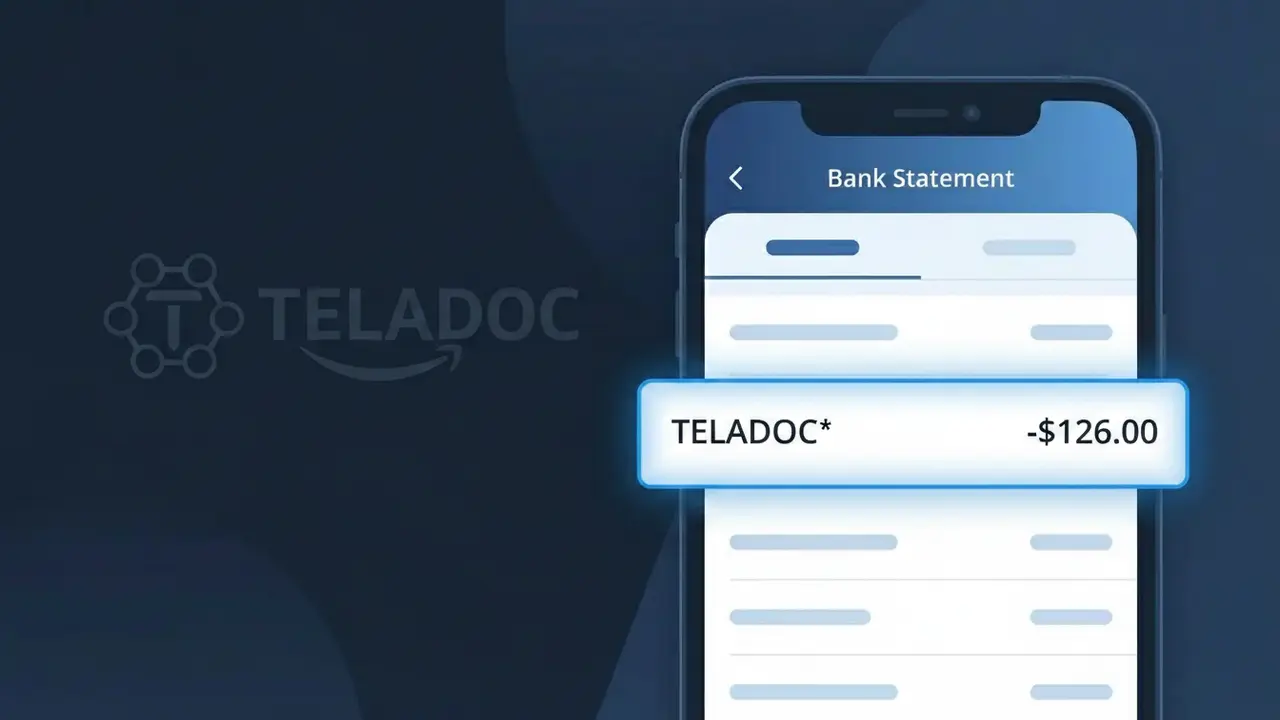
Why You're Seeing "TELADOC*" on Your Bank Statement
A TELADOC* charge on your bank statement comes from Teladoc Health, one of the largest telehealth providers in the United States. This charge typically appears after you've used Teladoc's platform to consult with a licensed doctor, therapist, or specialist remotely via phone or video. You may see this charge as a one-time consultation fee, a subscription plan payment, or as a co-pay billed through your employer's benefits program. If you recently sought medical advice online without visiting a clinic, this charge is almost certainly related to that virtual visit.
The descriptor TELADOC* appears on your bank statement because Teladoc Health uses a shortened version of their brand name for payment processing, which is standard practice among subscription and on-demand service companies. The asterisk following the name often indicates that additional details, such as a membership tier or service type, may follow depending on your bank's statement formatting. If you enrolled in Teladoc through your employer, insurance provider, or directly via their website or app, any associated fees will be billed under this recognizable descriptor.
Is the TELADOC* Charge Legitimate or Fraud?
A TELADOC* charge on your bank or credit card statement is most likely a legitimate transaction from Teladoc Health, one of the largest telehealth providers in the United States. This charge typically appears when you've used Teladoc Health's virtual doctor visits, mental health services, or enrolled in one of their subscription plans. Common reasons you may see this charge include:
- A per-visit fee for an on-demand virtual doctor or urgent care consultation through Teladoc Health
- A recurring monthly or annual membership subscription to a Teladoc Health plan
- Mental health or therapy session fees billed through Teladoc Health's BetterHelp or mental wellness services
- A Teladoc Health benefit activated through your employer's health insurance or benefits package
How to Verify the TELADOC* Charge
- 1
Check your Teladoc Health account
Log into your account at teladochealth.com and review your visit history and billing section to match the TELADOC* charge date and amount.
- 2
Search your email for receipts
Search your inbox for emails from Teladoc Health or 'teladoc.com' — they typically send confirmation emails after each visit or billing event.
- 3
Check household members
Ask family members if they used Teladoc Health services, as accounts can be shared and a spouse or dependent may have initiated the charge.
- 4
Review your employer benefits
Check with your HR department — many employers offer Teladoc Health as part of their benefits, which can trigger TELADOC* charges after employee-initiated visits.
- 5
Contact your bank
If you still can't place the TELADOC* charge, call your bank to get the full merchant details and transaction date before escalating further.
How to Dispute a TELADOC* Charge
- 1
Act within 60 days
Most banks require disputes to be filed within 60 days of the TELADOC* charge appearing on your statement, so act quickly once you identify an unauthorized transaction.
- 2
Contact Teladoc Health first
Reach out to Teladoc Health customer support at 1-800-835-2362 or through their website — billing errors or duplicate TELADOC* charges are often resolved directly and faster this way.
- 3
File a chargeback with your bank
If Teladoc Health does not resolve the issue, contact your bank or credit card issuer to initiate a formal chargeback dispute for the TELADOC* charge.
- 4
Request a new card
If the TELADOC* charge appears fraudulent and you did not authorize it, ask your bank to cancel your card and issue a new one to prevent further unauthorized charges.
Tips for Managing Teladoc Health Charges
Enable transaction alerts on your bank account to get notified instantly whenever a TELADOC* charge is processed.
Save all Teladoc Health visit confirmation emails — they serve as receipts if you ever need to dispute a TELADOC* charge.
Log into your Teladoc Health account regularly to review your active subscriptions and payment methods on file.
Note your Teladoc Health subscription renewal date so recurring TELADOC* charges never catch you off guard.
Check if your health insurance covers Teladoc Health visits — you may be overpaying out of pocket unnecessarily.
Use WhatIsThisCharge.net to identify related charges that may appear alongside TELADOC* on your statement.
Frequently Asked Questions About the TELADOC* Charge
ℹ️ Note
In most cases, a TELADOC* charge is a completely legitimate transaction from Teladoc Health — it simply means you or someone on your plan used their virtual care services or has an active membership. If the charge looks unfamiliar, a quick login to your Teladoc Health account will usually clear things up right away.
🔍 Decode this charge instantly
Search our database for TELADOC* and similar charges.
Decode TELADOC* →Was this article helpful?