Why You're Seeing "FUBO*" on Your Bank Statement
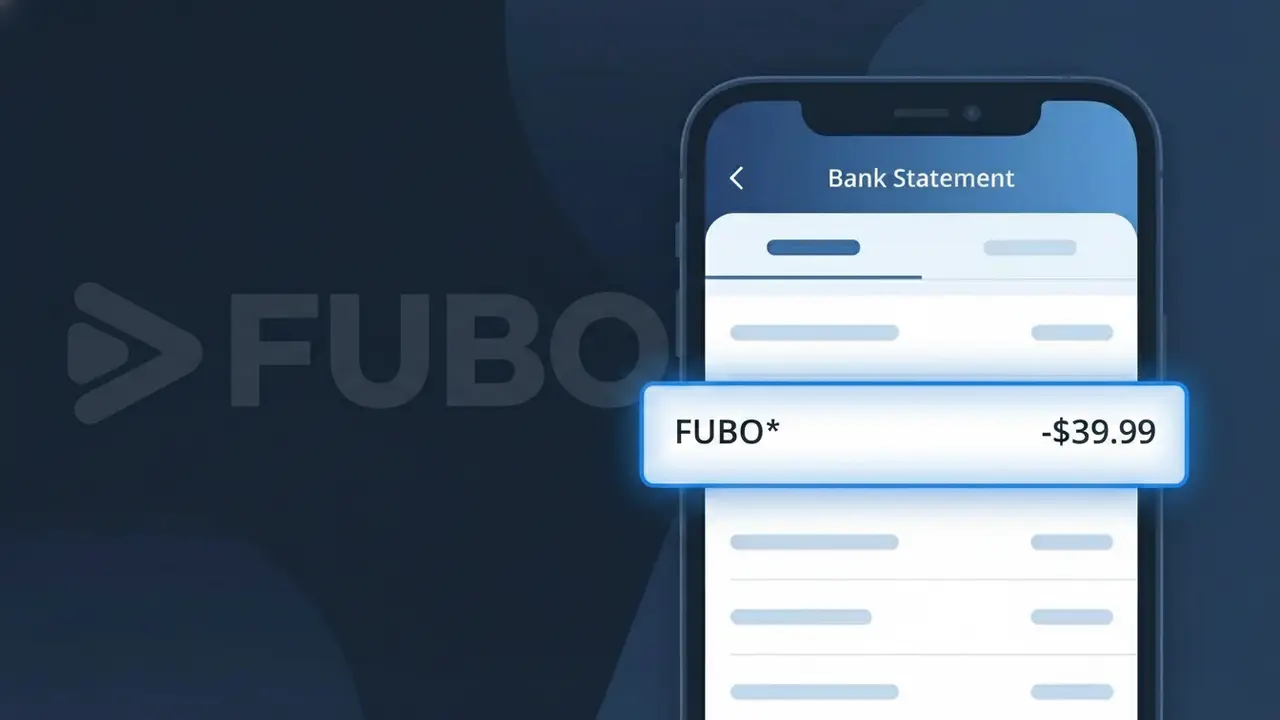
Why You're Seeing "FUBO*" on Your Bank Statement
A charge labeled FUBO* on your bank statement comes from FuboTV, a live sports streaming service that offers access to major sports leagues, live TV channels, and on-demand content. This subscription-based platform is particularly popular among sports fans who want to watch NFL, NBA, MLB, and international soccer without a traditional cable package. The FUBO* descriptor appears when FuboTV processes your monthly or annual subscription payment through their billing system. If you signed up for a free trial that recently ended or upgraded your plan, this charge may appear unexpectedly.
The FUBO* descriptor appears on your bank statement because FuboTV uses a shortened billing code to identify transactions processed through their payment system, which is a common practice among subscription-based services. The asterisk following FUBO typically indicates a subscription or recurring charge, helping payment processors categorize the transaction. This truncated format is often required by banking systems that have character limits for merchant descriptors, which is why you see FUBO* rather than the full FuboTV company name.
Is the FUBO* Charge Legitimate or Fraud?
If you see FUBO* on your bank or credit card statement, it is almost certainly a legitimate charge from FuboTV, the sports-focused live TV streaming service. FuboTV uses the shortened descriptor FUBO* — sometimes followed by a number or partial domain — when billing customers for subscriptions or add-on packages. Before assuming fraud, consider the following common reasons this charge appears:
- You or a household member signed up for a FuboTV subscription or free trial that has now converted to a paid plan
- You added a premium channel or sports add-on pack through your FuboTV account
- FuboTV automatically renewed your monthly or annual subscription on its billing date
- A family member used your payment method to register a separate FuboTV account
How to Verify the FUBO* Charge
- 1
Log into your FuboTV account
Visit fubo.tv and sign in. Navigate to 'Account' and then 'Billing & Payments' to view your invoices and confirm the FUBO* charge amount matches your plan.
- 2
Search your email for FuboTV receipts
Search your inbox for emails from 'noreply@fubo.tv' or the subject 'FuboTV receipt.' FuboTV sends a billing confirmation each time FUBO* charges are processed.
- 3
Check with household members
Ask family members or roommates if they signed up for FuboTV using your shared payment method, as FuboTV accounts can be created independently with any saved card.
- 4
Review your active subscriptions
Check your device's app subscription manager (Apple ID, Google Play, or Roku) to see if a FuboTV subscription is listed and billing through a third-party platform, which can alter the FUBO* descriptor.
- 5
Contact your bank for details
If you still cannot verify the FUBO* charge, call the number on your bank card and ask for the full merchant name and transaction ID associated with the charge for your records.
How to Dispute a FUBO* Charge
- 1
Act within 60 days
Most banks require dispute claims within 60 days of the FUBO* charge appearing on your statement. Do not delay — gather your statement and note the exact date and amount before proceeding.
- 2
Contact FuboTV support first
Reach FuboTV directly at fubo.tv/support or via live chat. Explain the unexpected FUBO* charge — FuboTV's support team can often issue refunds for accidental renewals or unrecognized add-on billing quickly.
- 3
File a chargeback with your bank
If FuboTV does not resolve the issue, contact your bank or credit card issuer and formally dispute the FUBO* charge as unauthorized. Provide any email receipts or account screenshots as supporting evidence.
- 4
Request a new card number
If the FUBO* charge appears to be genuinely fraudulent and your card details were compromised, ask your bank to issue a replacement card to prevent any future unauthorized FuboTV or other charges.
Tips for Managing FuboTV Charges
Set a calendar reminder before your FuboTV free trial ends to avoid an unexpected FUBO* renewal charge.
Save every FuboTV billing email so you can quickly match it to FUBO* charges on your statement.
Use a unique password for your FuboTV account to prevent unauthorized logins that could trigger unexpected FUBO* charges.
Note your FuboTV billing cycle date — FUBO* charges appear on the same day each month or year at renewal.
Use a virtual card number for FuboTV subscriptions to easily block FUBO* charges if needed.
Use WhatIsThisCharge.net to identify any other unfamiliar charges that appear alongside FUBO* on your statement.
Frequently Asked Questions About the FUBO* Charge
ℹ️ Note
In most cases, the FUBO* charge is a routine and expected billing from FuboTV for your active streaming subscription or a recent plan renewal — checking your FuboTV account's billing history will typically confirm the charge within minutes.
Was this article helpful?