Why You're Seeing "CASH APP*NAME" on Your Bank Statement
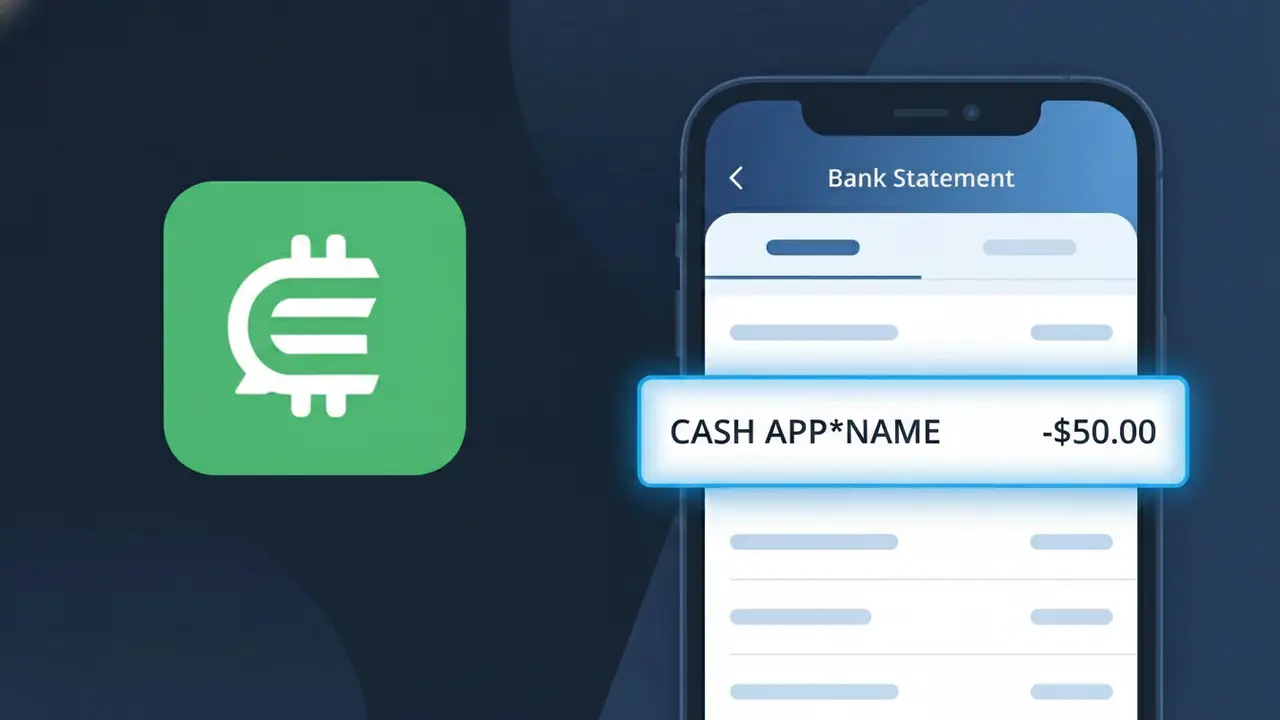
Why You're Seeing "CASH APP*NAME" on Your Bank Statement
A charge showing CASH APP*NAME on your bank statement is a person-to-person payment you sent through Cash App, Square's popular mobile payment platform. The name following the asterisk identifies the specific individual who received your money. Cash App processes millions of these peer-to-peer transfers daily, covering everything from splitting a restaurant bill to paying back a friend. If you don't recognize the recipient's name, it's worth checking your Cash App transaction history to confirm the payment details.
Cash App formats its transaction descriptors as CASH APP* followed by the recipient's name so that both the sender and their bank can identify exactly who received the funds. This standardized descriptor format is used by Square, Inc., the parent company behind Cash App, to distinguish individual person-to-person transfers from other Cash App services like business payments or Cash Card purchases. Because the charge is processed through Square's payment infrastructure rather than directly between individuals, it appears under the Cash App label rather than simply showing the recipient's name alone.
Is the CASH APP*NAME Charge Legitimate or Fraud?
A CASH APP*NAME charge on your bank or credit card statement is typically a legitimate transaction processed through Cash App (Person-to-Person), where the asterisk is followed by the name of the person who sent or received money. This descriptor appears when someone uses Cash App to transfer funds directly between individuals. However, if you don't recognize the name shown after the asterisk, it's worth investigating further.
- You or a household member sent a peer-to-peer payment via Cash App (Person-to-Person)
- Someone repaid you and Cash App reversed or adjusted the transaction
- A Cash App Pay purchase was made at a merchant using your linked card
- An unauthorized party gained access to your Cash App account and initiated a transfer
How to Verify the CASH APP*NAME Charge
- 1
Check your Cash App activity feed
Log into your Cash App (Person-to-Person) account and tap the clock icon to view your full transaction history. Look for a payment matching the date and dollar amount of the CASH APP*NAME charge on your statement.
- 2
Search your email for receipts
Look for confirmation emails from Cash App (Person-to-Person) sent to your registered email address. These receipts include the recipient's name, which should match the name shown after 'CASH APP*' on your statement.
- 3
Check with household members
Ask family members or anyone who shares your payment method whether they used Cash App (Person-to-Person) to send money. The name in 'CASH APP*NAME' identifies the recipient, which may be someone they know.
- 4
Review linked payment methods
In your Cash App (Person-to-Person) settings, check which bank accounts or cards are linked. If your card appears there without your knowledge, someone may have added it to their own Cash App account.
- 5
Contact your bank for details
Call the number on the back of your card and ask for the full merchant descriptor and transaction details for the CASH APP*NAME charge. Your bank may provide additional metadata that helps confirm or deny the charge's legitimacy.
How to Dispute a CASH APP*NAME Charge
- 1
Act within 60 days
For unauthorized CASH APP*NAME charges, dispute the transaction with your bank within 60 days of the statement date. Acting quickly preserves your rights under the Fair Credit Billing Act and improves your chance of a full refund.
- 2
Contact Cash App (Person-to-Person) first
Open Cash App, go to your transaction history, select the charge in question, and tap 'Need Help & Cash App Support' to report it. Cash App (Person-to-Person) may be able to reverse the payment directly, especially if it was unauthorized.
- 3
File a chargeback with your bank
If Cash App (Person-to-Person) does not resolve the issue, contact your bank or card issuer to file a formal chargeback for the CASH APP*NAME transaction. Provide your case number from Cash App support as supporting documentation.
- 4
Request a new card
If you suspect your card details were stolen and used to fund a Cash App (Person-to-Person) account without your permission, ask your bank to cancel your current card and issue a replacement to prevent further CASH APP*NAME charges.
Tips for Managing Cash App (Person-to-Person) Charges
Enable instant notifications in Cash App so every CASH APP*NAME transaction alerts you the moment it posts.
Always note the recipient's name when sending money — it appears verbatim as 'CASH APP*NAME' on your bank statement.
Secure your Cash App (Person-to-Person) account with a unique PIN and enable two-factor authentication to block unauthorized transfers.
Reconcile your bank statement monthly and cross-reference each CASH APP*NAME entry with your Cash App activity feed.
Never share your Cash App (Person-to-Person) sign-in code or $Cashtag with anyone to protect against fraudulent charges.
Use WhatIsThisCharge.net to identify related charges from Cash App or other peer-to-peer payment services.
Frequently Asked Questions About the CASH APP*NAME Charge
ℹ️ Note
In most cases, a <strong>CASH APP*NAME</strong> charge is simply a peer-to-peer payment you or someone in your household sent through <strong>Cash App (Person-to-Person)</strong> — the name after the asterisk identifies exactly who received the money, making it easy to verify in your app's activity feed.
🔍 Decode this charge instantly
Search our database for CASH APP*NAME and similar charges.
Decode CASH APP*NAME →Was this article helpful?