Why You're Seeing "WALMART*" on Your Bank Statement
Why You're Seeing "WALMART*" on Your Bank Statement
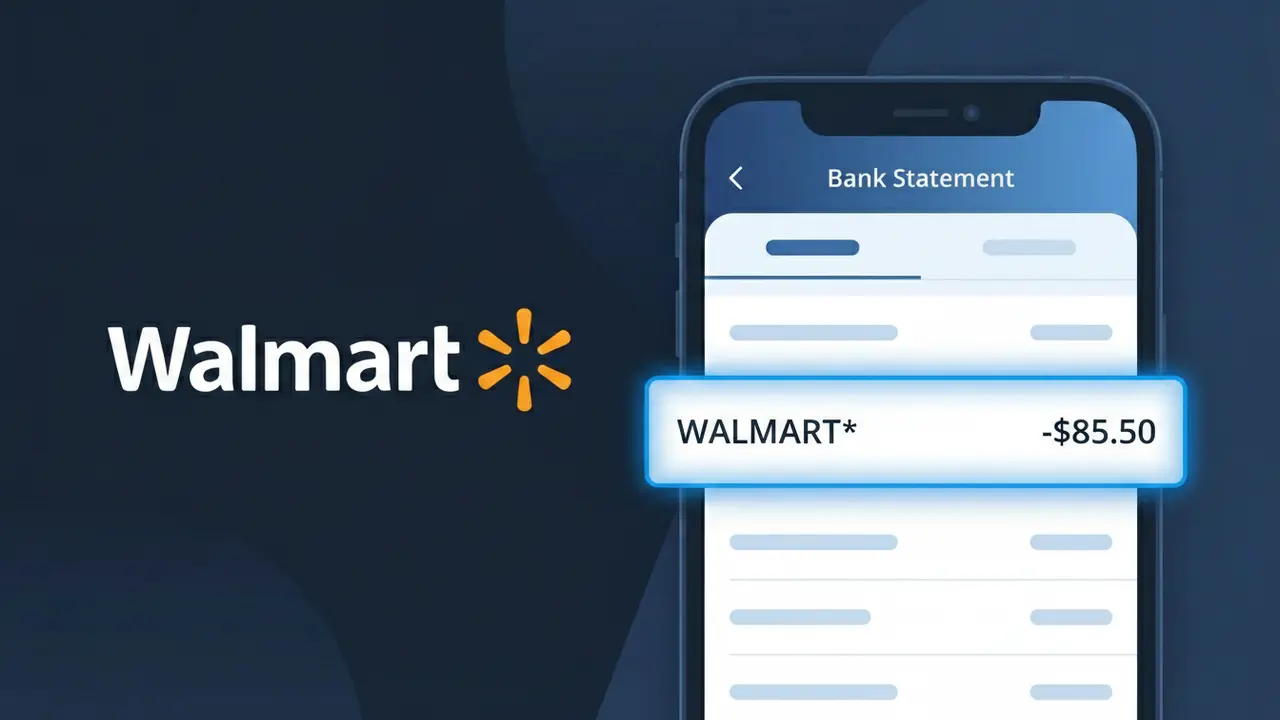
A charge showing WALMART* on your bank statement is a purchase made at Walmart, one of the largest retail chains in the United States. This descriptor appears for both in-store shopping trips and orders placed through Walmart's website or app. Whether you picked up groceries, electronics, or household essentials, this charge reflects a transaction processed through Walmart's payment system. If you see WALMART* followed by additional characters or numbers, those typically indicate a specific store location or order reference.
The WALMART* descriptor appears on your bank statement because Walmart's payment processing system uses this shorthand code to identify transactions at the point of sale or during online checkout. The asterisk following the name is a common formatting convention used by payment processors to separate the merchant name from any additional location or order details. In some cases, your bank may truncate or slightly alter the descriptor depending on how they display transaction data, which is why you might see variations like WALMART*COM or WALMART*GROCERY.
Is the WALMART* Charge Legitimate or Fraud?
A WALMART* charge on your bank or credit card statement is most commonly a legitimate transaction from Walmart — whether from an in-store purchase, Walmart.com order, Walmart Grocery pickup or delivery, or a Walmart+ subscription. The asterisk (*) in WALMART* is standard billing shorthand used by Walmart's payment processor and does not indicate anything suspicious.
Common reasons you may see a WALMART* charge include:
- An in-store purchase at a Walmart or Walmart Neighborhood Market location
- An online order placed at Walmart.com, including marketplace seller purchases
- A Walmart Grocery pickup or same-day delivery order through the Walmart app
- A recurring monthly or annual Walmart+ membership subscription fee
How to Verify the WALMART* Charge
- 1
Check your Walmart account order history
Log into your Walmart.com account and navigate to 'Purchase History' to match the charge amount and date to a recent order or grocery delivery.
- 2
Search your email for Walmart receipts
Search your inbox for emails from '@walmart.com' or subject lines like 'Your Walmart order' to find digital receipts that match the WALMART* charge amount.
- 3
Check if a household member made a purchase
Ask family members or anyone who may have access to your card whether they made an in-store or online Walmart purchase recently.
- 4
Review your Walmart+ subscription status
If you signed up for a Walmart+ free trial or membership, the WALMART* charge may be the monthly ($12.95) or annual ($98) subscription fee billing to your card.
- 5
Contact your bank for more details
Call the number on the back of your card and ask for the full merchant name and transaction details associated with the WALMART* charge to confirm its origin.
How to Dispute a WALMART* Charge
- 1
Act within 60 days of the charge
Most banks require you to dispute an unauthorized WALMART* charge within 60 days of the statement date, so don't delay once you spot a suspicious transaction.
- 2
Contact Walmart customer service first
Call Walmart at 1-800-925-6278 or use the online chat at Walmart.com to report an unrecognized WALMART* charge — they can often resolve billing issues quickly.
- 3
File a chargeback with your bank
If Walmart cannot resolve the issue, contact your bank or credit card issuer to file a formal chargeback dispute for the WALMART* transaction, citing it as unauthorized.
- 4
Request a new card number
If you suspect your card details were compromised and used for fraudulent WALMART* charges, ask your bank to cancel the card and issue a new one with a different number.
Tips for Managing Walmart Charges
Set up bank alerts for any WALMART* charge so you're notified instantly of every Walmart transaction on your card.
Save your Walmart.com order confirmation emails to easily cross-reference WALMART* charges on your statement.
Secure your Walmart account with a strong password and enable two-factor authentication to prevent unauthorized purchases.
Note your Walmart+ renewal date to anticipate the annual or monthly WALMART* subscription charge before it appears.
Use a virtual card number for Walmart.com purchases to limit fraud exposure on your primary card.
Use WhatIsThisCharge.net to identify related charges like WALMART.COM or WALMARTPLUS* on your statement.
Frequently Asked Questions About the WALMART* Charge
ℹ️ Note
In most cases, a WALMART* charge is a completely legitimate transaction from Walmart — such as a grocery pickup order, an online purchase, or a Walmart+ membership renewal. A quick check of your Walmart account order history or email receipts is usually all it takes to identify exactly what the charge was for.
🔍 Decode this charge instantly
Search our database for WALMART* and similar charges.
Decode WALMART* →Was this article helpful?