Why You're Seeing "GOOGLE*ONE" on Your Bank Statement
Why You're Seeing "GOOGLE*ONE" on Your Bank Statement
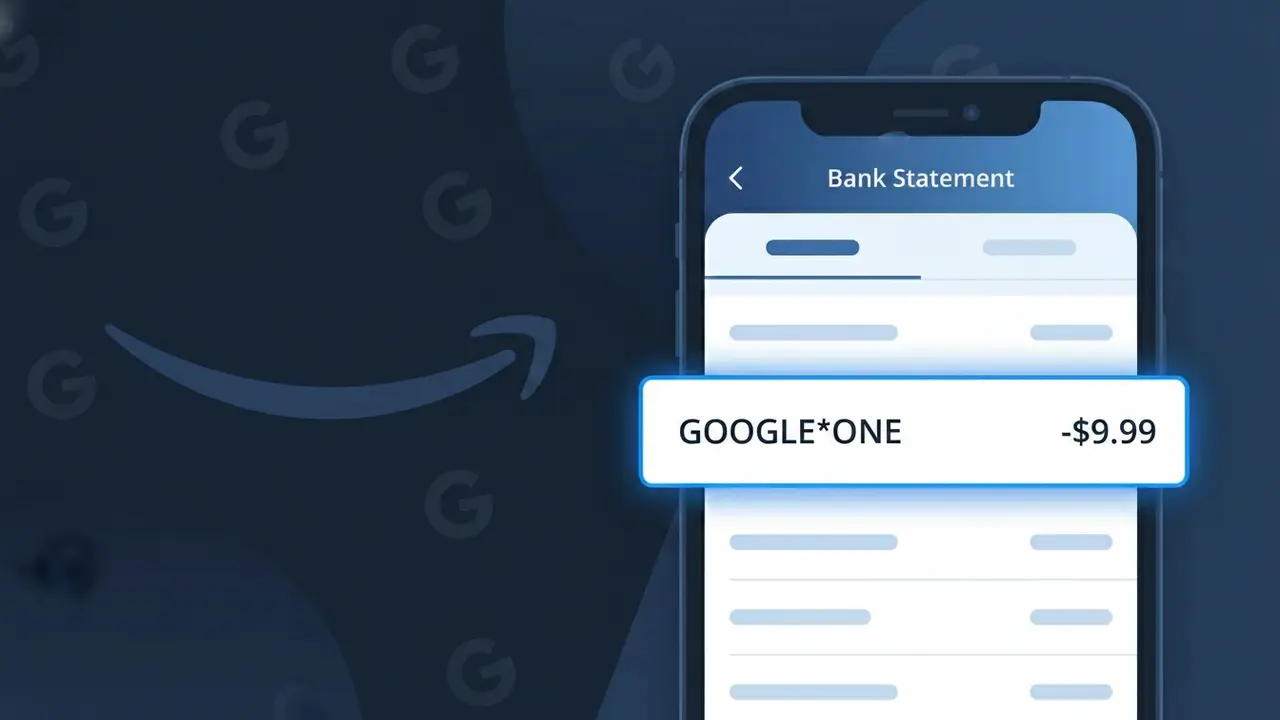
A GOOGLE*ONE charge on your bank statement is a subscription fee from Google One, Google's cloud storage and premium membership service. This charge appears when you have an active Google One plan, which provides expanded storage across Google Drive, Gmail, and Google Photos beyond the free 15GB limit. Google One plans are billed either monthly or annually and offer various storage tiers ranging from 100GB up to several terabytes. If you see this charge and don't recognize it, a family member sharing your payment method may have signed up, or you may have forgotten about a free trial that converted to a paid plan.
The descriptor GOOGLE*ONE appears on your bank statement because Google uses a formatted billing identifier that combines the parent company name 'GOOGLE' with an asterisk followed by the specific product or service name, in this case 'ONE' for Google One. This standardized format helps Google's payment processing system differentiate between its many products, such as Google Play, YouTube, and Google One, all of which use a similar GOOGLE* prefix. While the descriptor may look unfamiliar at first glance, it is the official and legitimate billing name used by Google for all Google One subscription charges.
Is the GOOGLE*ONE Charge Legitimate or Fraud?
In most cases, a GOOGLE*ONE charge on your bank or credit card statement is completely legitimate. It represents a recurring subscription payment to Google One, Google's premium storage and benefits service that provides expanded cloud storage across Gmail, Google Drive, and Google Photos. If you or someone in your household signed up for a Google One plan, this charge is expected and valid.
- Google One bills monthly or annually, so GOOGLE*ONE charges recur on a regular schedule
- Google One plans start at $1.99/month for 100GB and scale up to several terabytes of storage
- Family group members sharing a Google One plan may also trigger a GOOGLE*ONE charge on the account holder's card
- Upgrading or changing your Google One storage tier can cause a one-time or adjusted GOOGLE*ONE charge to appear
How to Verify the GOOGLE*ONE Charge
- 1
Log into your Google One account
Visit one.google.com and sign in to review your active subscription plan, billing amount, and next renewal date. Your current plan tier will confirm whether the GOOGLE*ONE charge amount matches what you subscribed to.
- 2
Search your email for Google One receipts
Search your Gmail or inbox for emails from 'Google One' or 'noreply@google.com' with subject lines referencing payment confirmations. These receipts will show the exact charge amount and date matching the GOOGLE*ONE transaction.
- 3
Check household and family group members
If you are the Google One plan owner, family members you invited to share your plan could have triggered storage upgrades or add-ons resulting in the GOOGLE*ONE charge. Review your Google One family group settings at one.google.com.
- 4
Review subscriptions in Google Play
Open the Google Play app or visit play.google.com/store/account/subscriptions to see if Google One is listed as an active subscription. Some users sign up for Google One through Google Play, which still shows as GOOGLE*ONE on statements.
- 5
Contact your bank for transaction details
If you still cannot identify the GOOGLE*ONE charge, call the number on the back of your card and ask for the full merchant details, transaction ID, and billing descriptor. This can help confirm whether the charge originated from Google One.
How to Dispute a GOOGLE*ONE Charge
- 1
Act within 60 days of the charge
Most banks require you to dispute an unrecognized GOOGLE*ONE charge within 60 days of the statement date. Acting quickly improves your chances of a successful chargeback or refund from Google One.
- 2
Contact Google One support first
Visit support.google.com/googleone and use the 'Contact Us' option to report an unauthorized or incorrect GOOGLE*ONE charge. Google One support can often issue a refund faster than a bank dispute, especially for accidental renewals.
- 3
File a chargeback with your bank or card issuer
If Google One support does not resolve the issue, call your bank or credit card issuer to file a formal dispute for the GOOGLE*ONE charge. Provide the transaction date, amount, and any correspondence with Google One support to strengthen your case.
- 4
Request a new card if fraud is suspected
If you believe the GOOGLE*ONE charge is part of unauthorized account activity or identity theft, ask your bank to cancel your current card and issue a new one. Also change your Google account password and enable two-factor authentication immediately.
Tips for Managing Google One Charges
Set a billing alert for your GOOGLE*ONE renewal date so you're never surprised by the charge.
Keep your Google One plan receipts in a dedicated email folder for easy reference during disputes.
Secure your Google account with two-factor authentication to prevent unauthorized Google One upgrades.
Switch to an annual Google One plan to reduce the frequency of GOOGLE*ONE charges and save up to 16%.
Only one payment method should be linked to Google One — remove old cards to avoid duplicate GOOGLE*ONE charges.
Use WhatIsThisCharge.net to identify related charges like GOOGLE*STORAGE or GOOGLE*PLAY on your statement.
Frequently Asked Questions About the GOOGLE*ONE Charge
ℹ️ Note
Most people who see a GOOGLE*ONE charge simply have an active Google One subscription for extra cloud storage across Gmail, Drive, or Photos — it's one of Google's most common recurring charges. If the amount matches your plan price, there is nothing to worry about.
🔍 Decode this charge instantly
Search our database for GOOGLE*ONE and similar charges.
Decode GOOGLE*ONE →Was this article helpful?