Why You're Seeing "PARAMOUNTPLUS" on Your Bank Statement
Why You're Seeing "PARAMOUNTPLUS" on Your Bank Statement
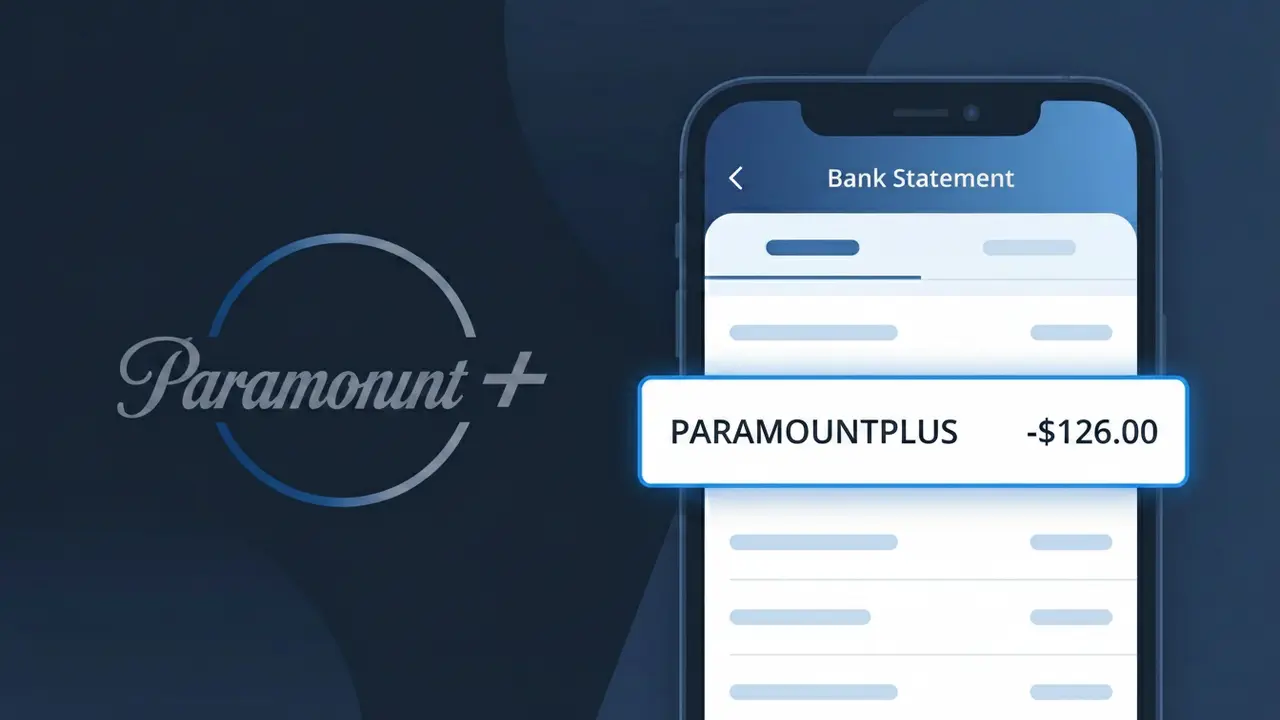
A PARAMOUNTPLUS charge on your bank statement is a subscription fee from Paramount+, the popular streaming service owned by Paramount Global. This charge appears when you have an active Paramount+ membership, which gives you access to thousands of movies, TV shows, live sports, and news content. Paramount+ offers several subscription tiers, including ad-supported and ad-free plans, as well as bundles with other services like Showtime. If you see PARAMOUNTPLUS on your statement, it is almost certainly your recurring monthly or annual streaming subscription being billed.
The descriptor PARAMOUNTPLUS appears on your bank statement because payment processors typically use a condensed, alphanumeric version of the company name that fits within the character limits imposed by banking systems. Spaces and special characters are often removed, which is why 'Paramount+' becomes 'PARAMOUNTPLUS' — with the plus sign converted to the word itself. This is a standard billing practice across the streaming industry and is not a cause for concern if you are an active Paramount+ subscriber.
Is the PARAMOUNTPLUS Charge Legitimate or Fraud?
If you see PARAMOUNTPLUS on your bank or credit card statement, this is almost always a legitimate charge from Paramount+, the streaming service offering CBS, MTV, Nickelodeon, and Paramount Network content. Most people who see this charge have an active subscription or recently signed up for a free trial that converted to a paid plan. Common reasons this charge appears include:
- An active Paramount+ monthly or annual subscription billed automatically
- A free trial that ended and converted to a paid Paramount+ plan
- A family member or roommate signed up using your payment method
- A Paramount+ bundle purchased through a third-party like Apple TV or Amazon
How to Verify the PARAMOUNTPLUS Charge
- 1
Log into your Paramount+ account
Visit paramountplus.com and sign in. Navigate to Settings > Billing to see your active plan, billing date, and recent payment history matching the PARAMOUNTPLUS charge.
- 2
Search your email for Paramount+ receipts
Search your inbox for emails from 'Paramount+' or 'noreply@paramountplus.com'. Paramount+ sends billing confirmation emails that will match the charge date and amount.
- 3
Check household members
Ask family members or roommates if they signed up for Paramount+ using a shared payment method. The PARAMOUNTPLUS charge can appear if anyone in your household created an account.
- 4
Review third-party subscription portals
If you subscribed through Apple, Amazon, or Roku, check billing within those platforms. A Paramount+ subscription bundled there may still appear as PARAMOUNTPLUS on your bank statement.
- 5
Contact your bank for details
If you still can't verify the PARAMOUNTPLUS charge, call your bank and request the full merchant details. They can confirm the transaction originated from Paramount+'s billing processor.
How to Dispute a PARAMOUNTPLUS Charge
- 1
Act within 60 days
Most banks require disputes to be filed within 60 days of the PARAMOUNTPLUS charge appearing on your statement. Acting quickly improves your chances of a successful chargeback.
- 2
Contact Paramount+ support first
Reach out to Paramount+ customer support at paramountplus.com/help before disputing with your bank. Paramount+ may issue a refund directly, which is faster than a formal bank dispute.
- 3
File a chargeback with your bank
If Paramount+ does not resolve the issue, contact your bank or card issuer to dispute the PARAMOUNTPLUS charge. Provide your correspondence with Paramount+ as supporting evidence.
- 4
Request a new card number
If you suspect the PARAMOUNTPLUS charge is fraudulent and not tied to your account, ask your bank for a new card number to prevent any future unauthorized charges.
Tips for Managing Paramount+ Charges
Set a calendar alert before your Paramount+ free trial ends to avoid unexpected PARAMOUNTPLUS charges.
Keep a record of your Paramount+ sign-up date and plan type so any PARAMOUNTPLUS charge is easy to verify.
Use a unique email for your Paramount+ account so billing emails are easy to find and not missed.
Note your Paramount+ billing cycle date — charges recur monthly or annually and will consistently appear as PARAMOUNTPLUS.
Enable transaction alerts on your bank account to get notified the moment any PARAMOUNTPLUS charge posts.
Use WhatIsThisCharge.net to identify related charges that may appear alongside PARAMOUNTPLUS on your statement.
Frequently Asked Questions About the PARAMOUNTPLUS Charge
ℹ️ Note
The PARAMOUNTPLUS charge is typically a routine, expected billing from Paramount+ for an active streaming subscription — in most cases, it simply means your plan renewed as scheduled. If you recognize having a Paramount+ account, there is very likely nothing to worry about.
🔍 Decode this charge instantly
Search our database for PARAMOUNTPLUS and similar charges.
Decode PARAMOUNTPLUS →Was this article helpful?