Why You're Seeing "POS PURCHASE*" on Your Bank Statement
Why You're Seeing "POS PURCHASE*" on Your Bank Statement
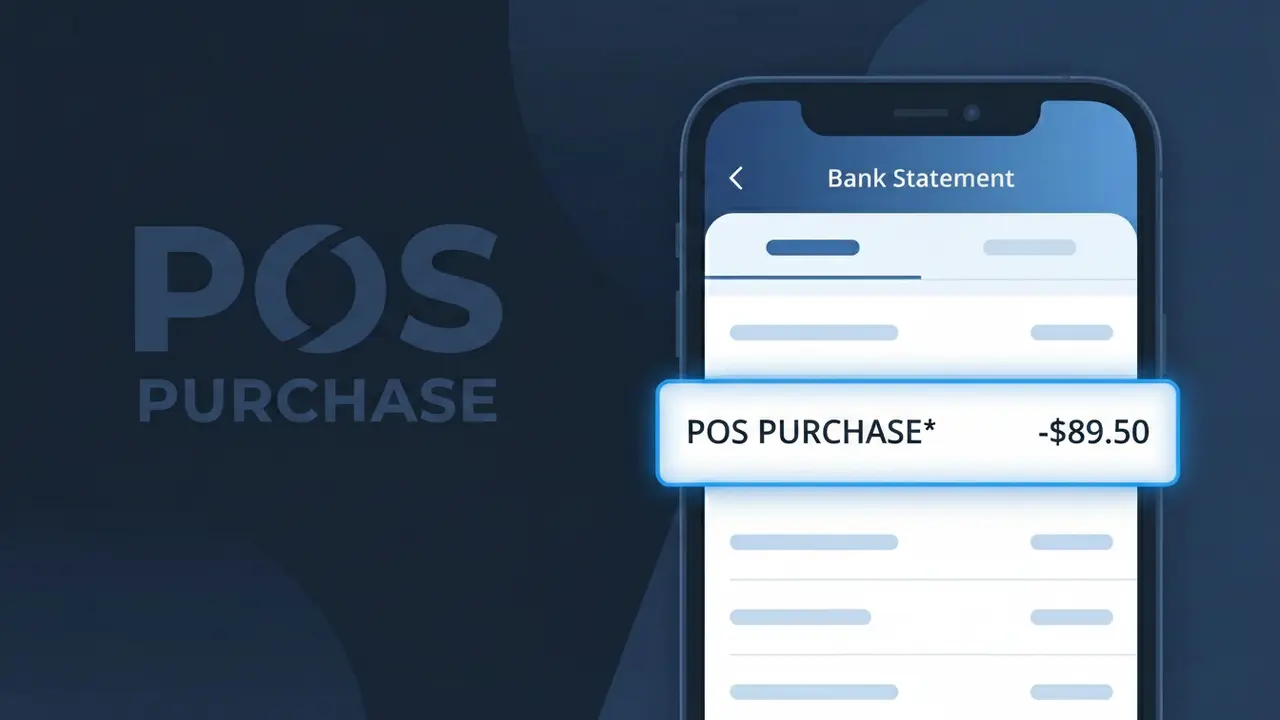
A charge labeled POS PURCHASE* on your bank statement refers to an in-store card transaction processed at a physical point of sale terminal. This descriptor is generated by the Point of Sale Purchase system when you swipe, tap, or insert your debit or credit card at a retail checkout. Rather than displaying the merchant's brand name, your bank records the raw transaction type as it was transmitted through the payment network. If you recently made an in-person purchase at a store, this is almost certainly the charge you're seeing.
The POS PURCHASE* descriptor appears on your statement because some payment processors and banking systems log the transaction type rather than the merchant name during the authorization process. This can happen when a retailer's point of sale system transmits incomplete or generic merchant data to your bank, causing the raw terminal identifier to show up instead of the store name. Checking the transaction amount and date against your recent receipts is usually the quickest way to match this charge to a specific purchase.
Is the POS PURCHASE* Charge Legitimate or Fraud?
A POS PURCHASE* charge on your bank or credit card statement typically indicates a transaction processed through a Point of Sale Purchase terminal, most commonly at a physical retail location or in-store checkout. This label is a generic descriptor used by many card processors when a card is swiped, tapped, or inserted at a merchant's payment terminal. In most cases, this charge is completely legitimate — but it's worth verifying if you don't recognize the specific amount or accompanying merchant name.
- The POS PURCHASE* prefix is automatically assigned by card networks when a transaction is completed at a physical point-of-sale device
- The merchant name following the asterisk in POS PURCHASE* usually identifies the retailer or store where you shopped
- Point of Sale Purchase charges can appear for grocery stores, gas stations, pharmacies, restaurants, and other retail outlets
- If the amount matches a recent in-store purchase, the POS PURCHASE* entry is almost certainly a valid transaction
How to Verify the POS PURCHASE* Charge
- 1
Check your recent receipts
Gather any paper or digital receipts from recent in-store shopping trips. Compare the dollar amount on your statement to your receipts — a matching figure strongly confirms the POS PURCHASE* charge is from a legitimate Point of Sale Purchase transaction you made.
- 2
Search your email for confirmations
Look in your inbox for any order confirmations or e-receipts that match the POS PURCHASE* charge date and amount. Many Point of Sale Purchase merchants now send digital receipts automatically to the email on file.
- 3
Check with household members
If you share a bank account or card, ask other authorized users whether they made a Point of Sale Purchase recently. A family member's shopping trip often explains an unfamiliar POS PURCHASE* entry on a shared statement.
- 4
Review your shopping history
Think back to any stores, gas stations, or restaurants you visited around the charge date. Point of Sale Purchase transactions post within 1–3 business days, so match the POS PURCHASE* date to your recent outings.
- 5
Contact your bank for merchant details
If you still can't identify the POS PURCHASE* charge, call the number on the back of your card. Your bank can often provide expanded merchant information, including the full business name and location tied to the Point of Sale Purchase transaction.
How to Dispute a POS PURCHASE* Charge
- 1
Act within 60 days
Most banks require you to dispute a POS PURCHASE* charge within 60 days of the statement date it appears on. Acting quickly gives you the strongest protection under the Fair Credit Billing Act for any unauthorized Point of Sale Purchase transaction.
- 2
Contact the merchant directly first
If you recognize the Point of Sale Purchase merchant but believe the amount is wrong, reach out to the store directly with your receipt. Many billing errors from a POS PURCHASE* transaction can be resolved faster through the merchant than through a formal bank dispute.
- 3
File a chargeback with your bank
If the merchant is unresponsive or the POS PURCHASE* charge is completely unrecognized, contact your bank or card issuer to initiate a chargeback. Provide any receipts, photos, or correspondence that confirm you did not authorize the Point of Sale Purchase.
- 4
Request a new card number
If the POS PURCHASE* charge appears fraudulent and you suspect your card details were compromised at a Point of Sale Purchase terminal, ask your bank to cancel the current card and issue a new one with a different number to prevent further unauthorized charges.
Tips for Managing Point of Sale Purchase Charges
Enable real-time bank alerts to get notified instantly whenever a POS PURCHASE* charge posts to your account.
Save all in-store receipts for at least 30 days so you can quickly match any POS PURCHASE* entry on your statement.
Use a dedicated card for in-store shopping so Point of Sale Purchase charges are easy to isolate and review each month.
Review your statement weekly rather than monthly to catch any suspicious POS PURCHASE* charges before the dispute window narrows.
Use a credit card instead of a debit card at Point of Sale Purchase terminals for stronger fraud liability protection.
Use WhatIsThisCharge.net to identify any related or unfamiliar charges that appear alongside POS PURCHASE* on your statement.
Frequently Asked Questions About the POS PURCHASE* Charge
ℹ️ Note
In most cases, a <strong>POS PURCHASE*</strong> charge is simply a routine Point of Sale Purchase transaction from a store, restaurant, or gas station you visited recently — seeing this label on your statement is completely normal and typically nothing to worry about.
🔍 Decode this charge instantly
Search our database for POS PURCHASE* and similar charges.
Decode POS PURCHASE* →Was this article helpful?