Why You're Seeing "MSFT*" on Your Bank Statement
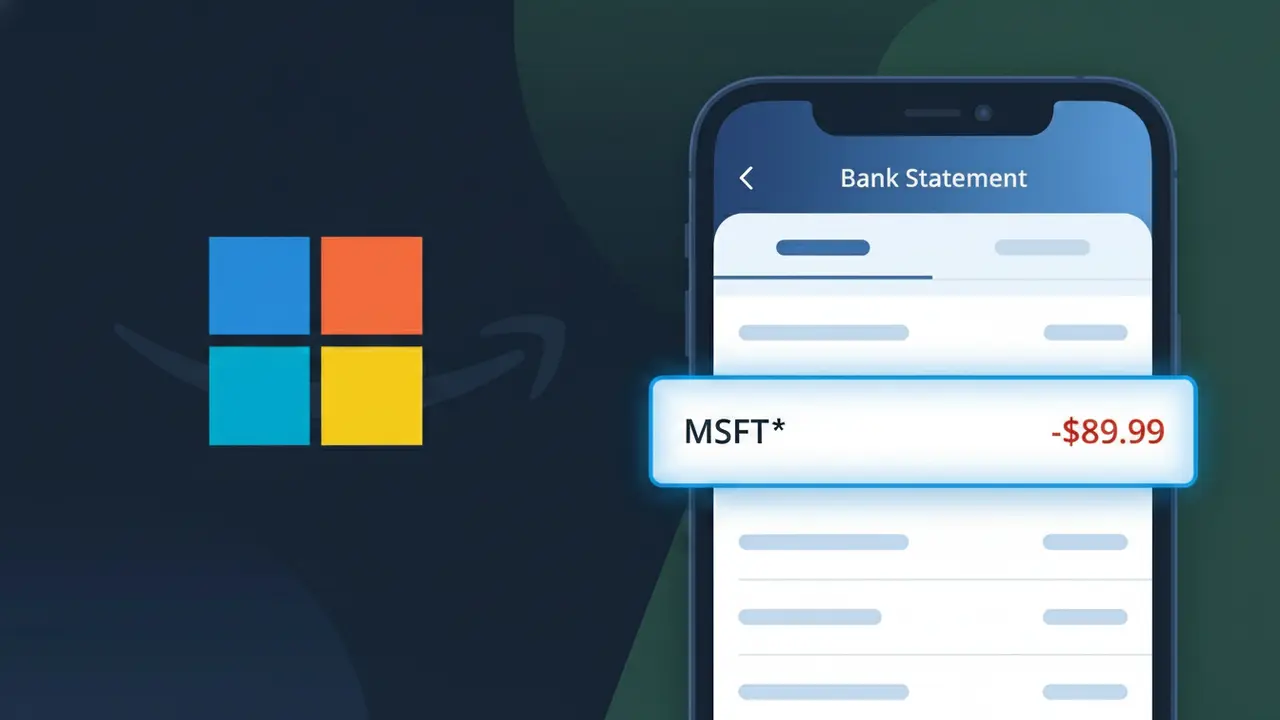
Why You're Seeing "MSFT*" on Your Bank Statement
The MSFT* charge on your bank statement comes from Microsoft, one of the world's largest technology companies. This descriptor typically indicates a payment for a Microsoft service or subscription, such as Microsoft 365, Xbox Game Pass, OneDrive storage, or another product from their ecosystem. The asterisk following MSFT is commonly used by Microsoft's billing systems to separate the company code from additional purchase details. If you see this charge and don't immediately recognize it, it's worth checking whether anyone in your household uses a Microsoft product or has a free trial that recently converted to a paid plan.
Microsoft uses the abbreviated billing descriptor MSFT* rather than its full company name due to character limitations imposed by payment processors and card networks, which often restrict descriptors to a fixed number of characters. The asterisk acts as a separator, and additional text following it may indicate the specific product or service purchased, such as MSFT*MICROSOFT 365 or MSFT*XBOX. This abbreviated format is a standard practice among large tech companies to ensure their charges are consistently recognized across global banking systems.
Is the MSFT* Charge Legitimate or Fraud?
An MSFT* charge on your bank or credit card statement is almost always a legitimate billing from Microsoft. Microsoft uses the "MSFT*" prefix for a wide range of its products and services, so it can appear unexpectedly if you've signed up for a trial or have an active subscription. Common reasons you might see this charge include:
- An active Microsoft 365 (formerly Office 365) subscription renewal
- A Xbox Game Pass or Xbox Live Gold membership billing cycle
- A purchase from the Microsoft Store for apps, games, or software
- A OneDrive cloud storage plan or Azure service subscription
How to Verify the MSFT* Charge
- 1
Log into your Microsoft account
Visit account.microsoft.com and sign in. Navigate to 'Payment & billing' then 'Order history' to find a transaction matching the MSFT* charge amount and date.
- 2
Search your email for Microsoft receipts
Search your inbox for emails from 'microsoft.com' or subject lines like 'Your Microsoft order.' Microsoft sends a receipt email for every MSFT* charge processed.
- 3
Check household or family members
If you share a Microsoft Family subscription or an Xbox account, another family member may have made a purchase that triggered the MSFT* charge on your card.
- 4
Review active Microsoft subscriptions
At account.microsoft.com under 'Services & subscriptions,' you can see every active Microsoft product tied to your account, including Microsoft 365, Game Pass, and OneDrive plans.
- 5
Contact your bank for details
If you still can't match the MSFT* charge, call the number on the back of your card. Your bank can provide the full merchant descriptor, transaction date, and the last four digits used.
How to Dispute a MSFT* Charge
- 1
Act within 60 days
Most banks require you to dispute an unrecognized MSFT* charge within 60 days of the statement date. Acting quickly improves your chances of a full refund and protects your rights under federal law.
- 2
Contact Microsoft support first
Visit support.microsoft.com and use the virtual agent or chat to explain the unauthorized MSFT* charge. Microsoft can often issue a refund directly, which is faster than a bank chargeback.
- 3
File a chargeback with your bank
If Microsoft does not resolve the issue, call your bank or credit card issuer and formally dispute the MSFT* charge. Provide your order history screenshots and any email correspondence as evidence.
- 4
Request a new card number
If the MSFT* charge is confirmed fraudulent, ask your bank to issue a replacement card. This prevents Microsoft or any fraudulent actor from making further charges to the compromised card number.
Tips for Managing Microsoft Charges
Enable billing alerts in your Microsoft account so you get an email before any MSFT* renewal charge hits your card.
Keep a list of all active Microsoft subscriptions — 365, Game Pass, OneDrive — so no MSFT* charge surprises you.
Secure your Microsoft account with two-factor authentication to prevent unauthorized purchases that show up as MSFT* charges.
Note your Microsoft subscription renewal dates in your calendar to anticipate MSFT* charges and avoid accidental overdrafts.
Use a virtual card number for Microsoft purchases so you can freeze it instantly if an unexpected MSFT* charge appears.
Use WhatIsThisCharge.net to identify MSFT* and other related Microsoft charges on your statement.
Frequently Asked Questions About the MSFT* Charge
ℹ️ Note
Most MSFT* charges are routine, legitimate billings from Microsoft for services like Microsoft 365 or Xbox Game Pass — a quick check of your Microsoft account order history will almost always explain the charge within minutes.
Was this article helpful?