Why You're Seeing "CHASE*" on Your Bank Statement
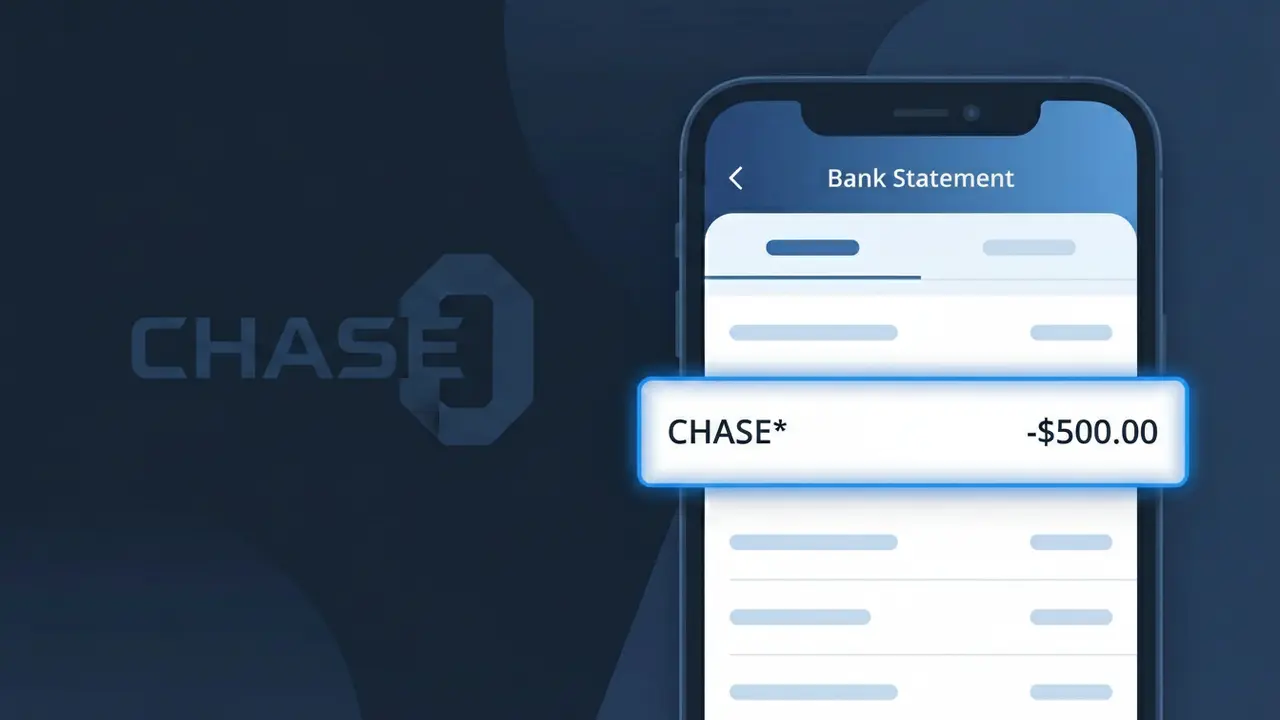
Why You're Seeing "CHASE*" on Your Bank Statement
A charge showing CHASE* on your bank statement comes from Chase Bank, one of the largest financial institutions in the United States. This descriptor typically indicates a fee, transaction, or service charge processed directly through Chase Bank's systems. You might see CHASE* followed by additional characters or numbers that help identify the specific type of transaction, such as a monthly maintenance fee, overdraft charge, or wire transfer fee. If you hold a Chase checking account, savings account, or credit card, this charge is almost certainly related to one of those products.
The CHASE* descriptor appears on bank statements because Chase Bank uses this abbreviated format when processing internal fees and transactions through electronic payment systems. The asterisk following CHASE is a common formatting convention used by payment processors to separate the merchant or institution name from additional transaction details. Rather than spelling out the full service or fee name, Chase's billing systems condense the information into this short identifier, which is why it can sometimes look unfamiliar even to existing Chase customers.
Is the CHASE* Charge Legitimate or Fraud?
A CHASE* charge on your bank or credit card statement is almost always a legitimate transaction originating directly from Chase Bank. This prefix appears when Chase processes fees, payments, or service charges tied to your Chase account. However, if you don't recognize the specific charge, it's worth investigating to rule out unauthorized account activity.
- Chase Bank uses the CHASE* descriptor for account fees, wire transfers, and service charges
- Monthly Chase checking or savings account maintenance fees often appear as CHASE*
- Chase credit card annual fees or interest charges may also show this prefix
- Unauthorized CHASE* entries could indicate identity theft or account compromise and should be reported immediately
How to Verify the CHASE* Charge
- 1
Log into your Chase Bank account
Visit chase.com or open the Chase Mobile app and compare the CHASE* charge amount and date against your transaction history to find an exact match.
- 2
Search your email for Chase Bank notices
Look in your inbox for emails from Chase Bank around the charge date — fee notices, statement alerts, or service change emails often explain a CHASE* charge.
- 3
Check household or authorized users
Ask family members or authorized users on your Chase account whether they initiated a transaction, transfer, or payment that would generate a CHASE* charge.
- 4
Review your Chase account features
Check whether you have a Chase account with a monthly maintenance fee, or recently triggered a fee for falling below a minimum balance, which often appears as CHASE*.
- 5
Contact Chase Bank directly
Call the number on the back of your Chase card or dial 1-800-935-9935 to ask a Chase representative to identify the specific CHASE* charge on your statement.
How to Dispute a CHASE* Charge
- 1
Act within 60 days
Federal regulations generally require you to dispute unauthorized CHASE* charges within 60 days of your Chase Bank statement date — don't delay if something looks wrong.
- 2
Contact Chase Bank first
Call Chase Bank at 1-800-935-9935 or use the secure message center in the Chase Mobile app to report the unrecognized CHASE* charge directly before escalating.
- 3
File a formal dispute
If Chase Bank cannot resolve the issue, file a formal dispute through chase.com under 'Account Services' > 'Dispute a Transaction' and document all correspondence about the CHASE* charge.
- 4
Request a new card or account number
If the CHASE* charge appears fraudulent and suggests your account was compromised, ask Chase Bank to issue a new account number to prevent further unauthorized activity.
Tips for Managing Chase Bank Charges
Enable Chase Bank account alerts to get notified instantly whenever a CHASE* charge posts to your account.
Review your Chase statement monthly — CHASE* fee charges can sometimes be waived if you meet qualifying criteria.
Keep your Chase Bank login credentials secure and enable two-factor authentication to prevent unauthorized CHASE* charges.
Know your Chase billing cycle — monthly maintenance fees appear as CHASE* on the same date each month, making them easier to anticipate.
Enroll in Chase's account protection services to add a layer of security against fraudulent CHASE* transactions.
Use WhatIsThisCharge.net to identify other related charges that may appear alongside CHASE* on your statement.
Frequently Asked Questions About the CHASE* Charge
ℹ️ Note
In most cases, a CHASE* charge is a routine, legitimate fee from Chase Bank — such as a monthly maintenance or service fee tied directly to your existing Chase account. If the amount matches your account terms, there's typically nothing to worry about.
Was this article helpful?