Why You're Seeing "CHEGG*" on Your Bank Statement
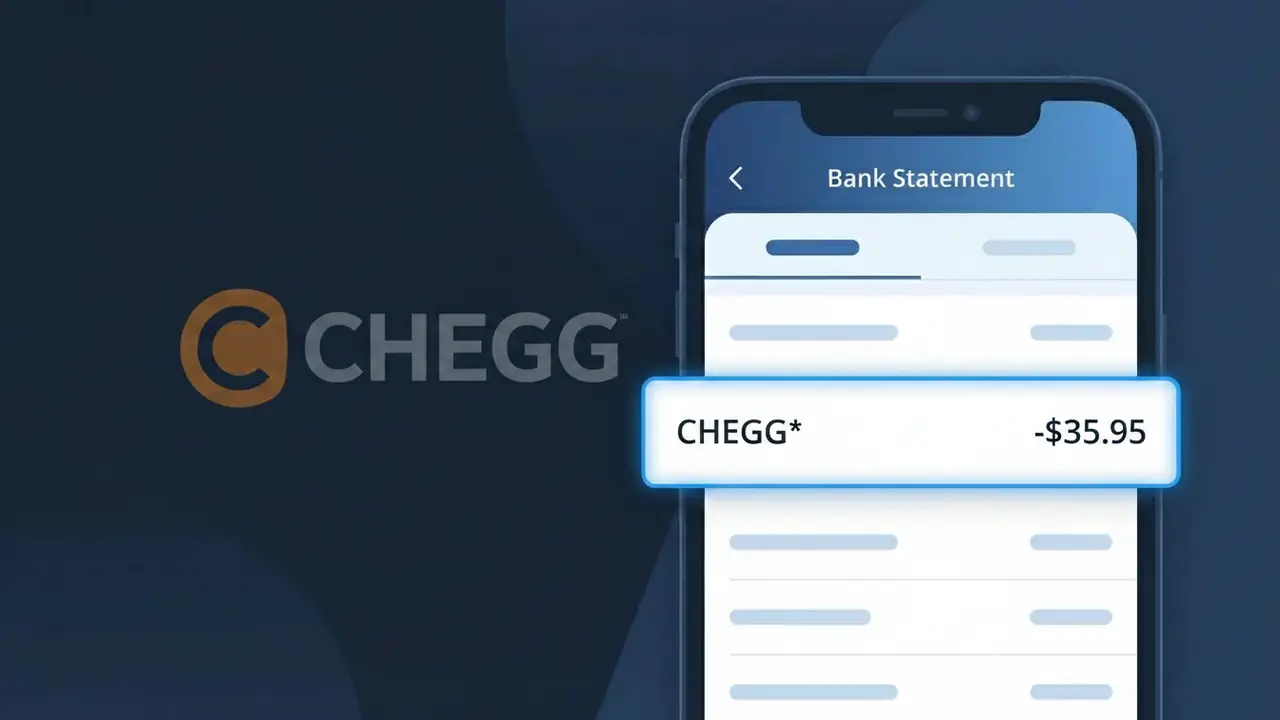
Why You're Seeing "CHEGG*" on Your Bank Statement
A CHEGG* charge on your bank statement comes from Chegg, a popular online learning platform widely used by students for homework help, textbook rentals, and academic support. This charge typically represents a subscription to Chegg's Study Pack or one of its other learning services, which provide access to step-by-step textbook solutions, expert Q&A, and writing assistance. The CHEGG* descriptor is Chegg's standard billing identifier that appears whenever a payment is processed for one of their subscription plans. If you or a student in your household recently signed up for a Chegg service or free trial, this is most likely the source of the charge.
The CHEGG* descriptor appears on your bank statement because Chegg uses a shortened version of their brand name followed by an asterisk, which is a common practice among subscription-based companies to identify digital billing transactions. The asterisk typically indicates a recurring subscription charge and helps payment processors categorize the transaction. You may see slight variations such as CHEGG*STUDY or CHEGG*CHEGG.COM depending on the specific service or subscription tier you are enrolled in.
Is the CHEGG* Charge Legitimate or Fraud?
A CHEGG* charge on your bank or credit card statement is most commonly a legitimate billing from Chegg, a popular online education platform offering textbook rentals, homework help, tutoring, and subscription study tools. If you or someone in your household is a student, this charge is very likely tied to an active Chegg subscription or a one-time service purchase. However, if the charge is unexpected, it's worth investigating before assuming it's fraudulent.
- Chegg Study subscription billed monthly or annually under the descriptor CHEGG*
- Chegg textbook rental charges or digital textbook access fees
- A free trial that automatically converted to a paid Chegg subscription
- A family member or student in your household signed up for Chegg services using your payment method
How to Verify the CHEGG* Charge
- 1
Log into your Chegg account
Visit chegg.com and sign in to check your subscription status and billing history. The amount on your statement should match a recent Chegg invoice shown in your account settings.
- 2
Search your email for Chegg receipts
Search your inbox for emails from 'chegg.com' or 'noreply@chegg.com'. Chegg sends confirmation emails for every subscription charge and purchase, so a matching receipt is a strong sign the CHEGG* charge is legitimate.
- 3
Check with household members
Ask students or family members if they signed up for Chegg Study, Chegg Tutors, or a textbook rental using your card. CHEGG* charges often appear unexpectedly when a student uses a shared payment method.
- 4
Review your active subscriptions
Check your bank or card's subscription tracker for recurring CHEGG* charges. A consistent monthly or annual amount typically indicates an ongoing Chegg Study or Chegg Writing subscription.
- 5
Contact your bank for details
If you still can't identify the CHEGG* charge, ask your bank for the full merchant descriptor and transaction date. This can help you pinpoint which Chegg service was billed and when.
How to Dispute a CHEGG* Charge
- 1
Act within 60 days
Most banks require you to dispute an unrecognized CHEGG* charge within 60 days of the statement date. Gather your Chegg account details and the exact charge amount before contacting anyone.
- 2
Contact Chegg customer support first
Reach out to Chegg directly at chegg.com/support or via their live chat. Chegg's support team can clarify what the CHEGG* charge was for and may issue a refund if it was a billing error or unauthorized charge.
- 3
File a chargeback with your bank
If Chegg cannot resolve the issue, contact your bank or card issuer to dispute the CHEGG* charge as unauthorized. Provide any email correspondence with Chegg to strengthen your chargeback claim.
- 4
Request a new card number
If you believe your card details were used fraudulently to sign up for Chegg, ask your bank to issue a new card number. This prevents any further unauthorized CHEGG* charges from recurring.
Tips for Managing Chegg Charges
Enable email alerts from Chegg so you're notified before each CHEGG* renewal charge hits your card.
Save all Chegg receipts and subscription confirmation emails to easily match future CHEGG* charges.
Secure your Chegg account with a strong password to prevent unauthorized subscriptions billed as CHEGG*.
Note your Chegg billing cycle date so you expect the CHEGG* charge and aren't caught off guard each month.
Use a virtual card number for Chegg subscriptions to limit exposure if your payment details are compromised.
Use WhatIsThisCharge.net to identify related charges that may appear alongside CHEGG* on your statement.
Frequently Asked Questions About the CHEGG* Charge
ℹ️ Note
In most cases, a CHEGG* charge is a legitimate and expected billing from Chegg for an active student subscription or textbook service — often placed by a student who simply forgot they signed up. A quick check of your Chegg account or household members' activity is usually all it takes to explain the charge.
Was this article helpful?