Why You're Seeing "CIGNA*" on Your Bank Statement
Why You're Seeing "CIGNA*" on Your Bank Statement
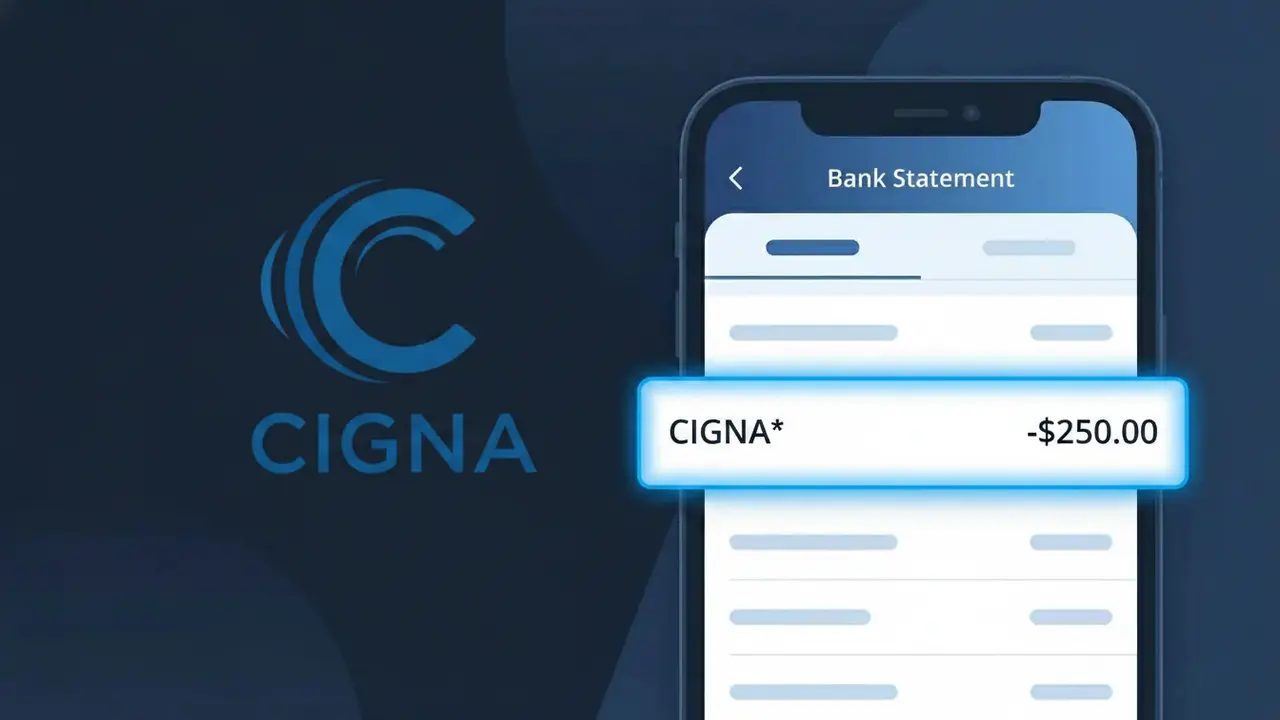
A charge showing CIGNA* on your bank statement is a health insurance premium payment to Cigna, one of the largest health insurance providers in the United States. This charge typically appears when Cigna automatically debits your account for your monthly health, dental, or vision insurance coverage. If you enrolled in a Cigna health plan through your employer, the marketplace, or directly through Cigna, this recurring charge represents your share of the insurance premium. The asterisk following CIGNA* is a common billing system character that often precedes additional transaction details.
The CIGNA* descriptor appears on your bank statement because Cigna's payment processing system uses a shortened version of the company name to identify transactions, which is standard practice among large insurance providers. When you set up automatic payments or authorize a premium deduction, Cigna submits the charge to your bank using this abbreviated billing descriptor. Depending on your bank and the specific plan, you may also see additional characters after the asterisk, such as a policy number or plan type.
Is the CIGNA* Charge Legitimate or Fraud?
A CIGNA* charge on your bank or credit card statement is almost always a legitimate billing from Cigna Health Insurance, one of the largest health insurance providers in the United States. This descriptor appears when Cigna processes premium payments, co-pay charges, or other health plan fees directly to your payment method. Here are common reasons you may see the CIGNA* charge:
- Monthly or quarterly health insurance premium auto-payment from Cigna Health Insurance
- Dental, vision, or supplemental plan premium billed separately under the CIGNA* descriptor
- A family member enrolled in a Cigna plan with billing tied to your payment account
- A one-time out-of-pocket payment for a claim, co-insurance, or deductible processed by Cigna
How to Verify the CIGNA* Charge
- 1
Log into your Cigna account
Visit myCigna.com and sign in to review your billing history. The payment amount and date should match the CIGNA* charge on your statement exactly.
- 2
Search your email for Cigna receipts
Search your inbox for emails from Cigna Health Insurance using keywords like 'Cigna premium' or 'payment confirmation' to find a matching billing notice.
- 3
Check household members' coverage
If a spouse, dependent, or family member is covered under a Cigna Health Insurance plan linked to your card, the CIGNA* charge may reflect their premium or cost-share payment.
- 4
Review your Cigna plan documents
Check your Cigna Health Insurance Explanation of Benefits (EOB) or plan summary to confirm your expected premium amount and billing frequency.
- 5
Contact your bank
If you still cannot place the CIGNA* charge, ask your bank for the full merchant details including transaction ID, which can help Cigna's billing team locate the exact payment.
How to Dispute a CIGNA* Charge
- 1
Act within 60 days
Most banks require disputes to be filed within 60 days of the CIGNA* charge appearing on your statement, so act quickly to preserve your right to a chargeback.
- 2
Contact Cigna Health Insurance first
Call Cigna Health Insurance directly at 1-800-244-6224 or message through myCigna.com. Billing errors are often resolved faster by Cigna than through a bank dispute.
- 3
File a chargeback with your bank
If Cigna Health Insurance cannot resolve the issue, contact your bank or card issuer and cite the unauthorized or incorrect CIGNA* charge as your reason for disputing.
- 4
Request a new card if fraud is suspected
If you believe the CIGNA* charge is fraudulent and not related to any Cigna Health Insurance plan you hold, request a new card number immediately to prevent further unauthorized charges.
Tips for Managing Cigna Health Insurance Charges
Enable payment alerts on myCigna.com so you're notified each time a CIGNA* charge is processed.
Save your Cigna Health Insurance premium schedule so you can anticipate the CIGNA* charge each billing cycle.
Keep your myCigna.com login updated and secure to quickly access billing records if a CIGNA* charge looks unfamiliar.
Note your Cigna Health Insurance billing date each month — CIGNA* charges typically post on the same day each cycle.
Review your Cigna plan annually during open enrollment to avoid unexpected CIGNA* charge increases.
Use WhatIsThisCharge.net to identify related charges that may appear alongside CIGNA* on your statement.
Frequently Asked Questions About the CIGNA* Charge
ℹ️ Note
In most cases, a CIGNA* charge is a routine and expected premium payment from Cigna Health Insurance — if the amount matches your plan cost, there is likely nothing to worry about. Double-check your myCigna.com billing history for instant confirmation.
Was this article helpful?