Why You're Seeing "CLAUDE*" on Your Bank Statement
Why You're Seeing "CLAUDE*" on Your Bank Statement
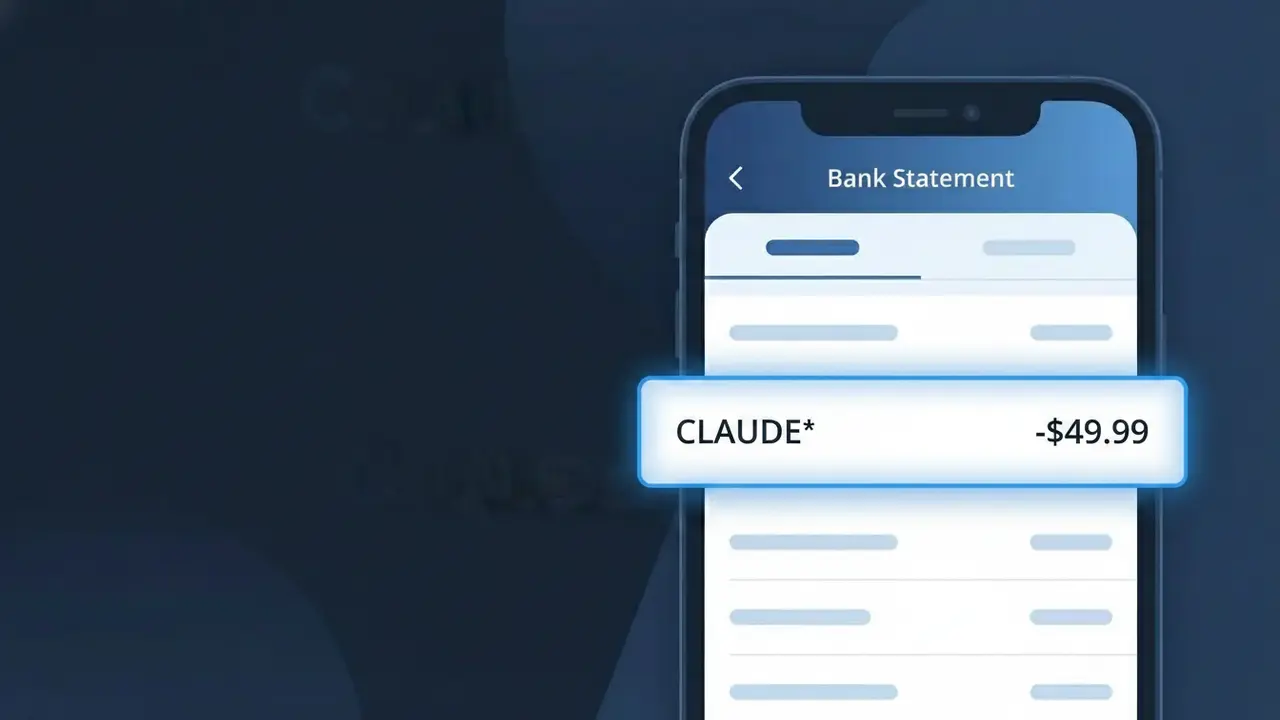
A charge appearing as CLAUDE* on your bank statement comes from Anthropic, the AI safety company behind the Claude AI assistant. This charge represents a subscription or usage fee for accessing Claude's conversational AI services, which are available through Anthropic's website or API. If you've signed up for Claude Pro or any paid tier of Claude's AI assistant, this is the billing descriptor you'll see on your statement. The asterisk following CLAUDE* is a common formatting convention used by payment processors to separate the brand name from additional billing details.
The CLAUDE* descriptor appears on your bank statement because Anthropic uses a shortened version of their product name when processing payments through their payment provider. Payment systems often truncate or simplify merchant names due to character limits imposed by card networks and banking institutions. This means you may see CLAUDE* rather than the full company name 'Anthropic' or a more descriptive label like 'Claude AI Subscription.'
Is the CLAUDE* Charge Legitimate or Fraud?
In most cases, a CLAUDE* charge on your bank or credit card statement is a legitimate billing from Claude by Anthropic, the AI assistant platform. This charge typically appears when you subscribe to Claude Pro or use Anthropic's API services. Common reasons you may see this charge include:
- An active Claude Pro subscription billed monthly or annually by Anthropic
- API usage fees charged to your Anthropic developer account
- A free trial that converted to a paid Claude by Anthropic subscription
- A family member or colleague who signed up for Claude using your payment method
How to Verify the CLAUDE* Charge
- 1
Log into your Claude by Anthropic account
Visit claude.ai and sign in. Navigate to Settings > Billing to review your active plan and recent payment history to confirm the CLAUDE* charge.
- 2
Search your email for Anthropic receipts
Search your inbox for emails from 'Anthropic' or 'claude.ai'. Claude by Anthropic sends a receipt or invoice email each time a billing cycle processes.
- 3
Check if a household member signed up
Ask family members or roommates if they created a Claude Pro account using your shared payment method, as the CLAUDE* charge would reflect their subscription.
- 4
Review your subscription managers
Check Apple Subscriptions, Google Play, or your browser's saved subscriptions to see if a Claude by Anthropic plan is listed and active.
- 5
Contact your bank for transaction details
Ask your bank for the full merchant descriptor on the CLAUDE* charge. They can provide the merchant ID and location, helping confirm it originated from Anthropic.
How to Dispute a CLAUDE* Charge
- 1
Act within 60 days of the charge
Most banks require disputes to be filed within 60 days of the CLAUDE* charge appearing on your statement. Don't delay — start the process as soon as you spot an unrecognized charge.
- 2
Contact Claude by Anthropic support first
Reach out to Anthropic's support team at support.anthropic.com before filing a chargeback. They can often resolve billing errors or unauthorized CLAUDE* charges faster than a bank dispute.
- 3
File a chargeback with your bank
If Anthropic is unresponsive or cannot resolve the issue, contact your bank or card issuer to formally dispute the CLAUDE* charge and request a chargeback.
- 4
Request a new card number
If you suspect fraud and did not authorize the CLAUDE* charge, ask your bank to issue a new card number to prevent any further unauthorized Anthropic billing attempts.
Tips for Managing Claude by Anthropic Charges
Set a billing alert for the CLAUDE* charge date so you're never surprised by your Claude Pro renewal.
Save Anthropic's invoice emails in a dedicated folder to easily track all CLAUDE* charges over time.
Secure your Claude by Anthropic account with a strong password and two-factor authentication to prevent unauthorized charges.
Note your Claude by Anthropic billing cycle date so you can cancel before renewal if you no longer need the service.
Use a virtual card number for your Claude by Anthropic subscription to limit exposure if your payment details are compromised.
Use WhatIsThisCharge.net to identify any other unfamiliar charges that appear alongside CLAUDE* on your statement.
Frequently Asked Questions About the CLAUDE* Charge
ℹ️ Note
Seeing CLAUDE* on your statement is most commonly a routine, legitimate charge from Claude by Anthropic for your active Claude Pro subscription or API usage — not fraud. A quick login to claude.ai will confirm your billing details and put your mind at ease.
Was this article helpful?