Why You're Seeing "DANA*" on Your Bank Statement
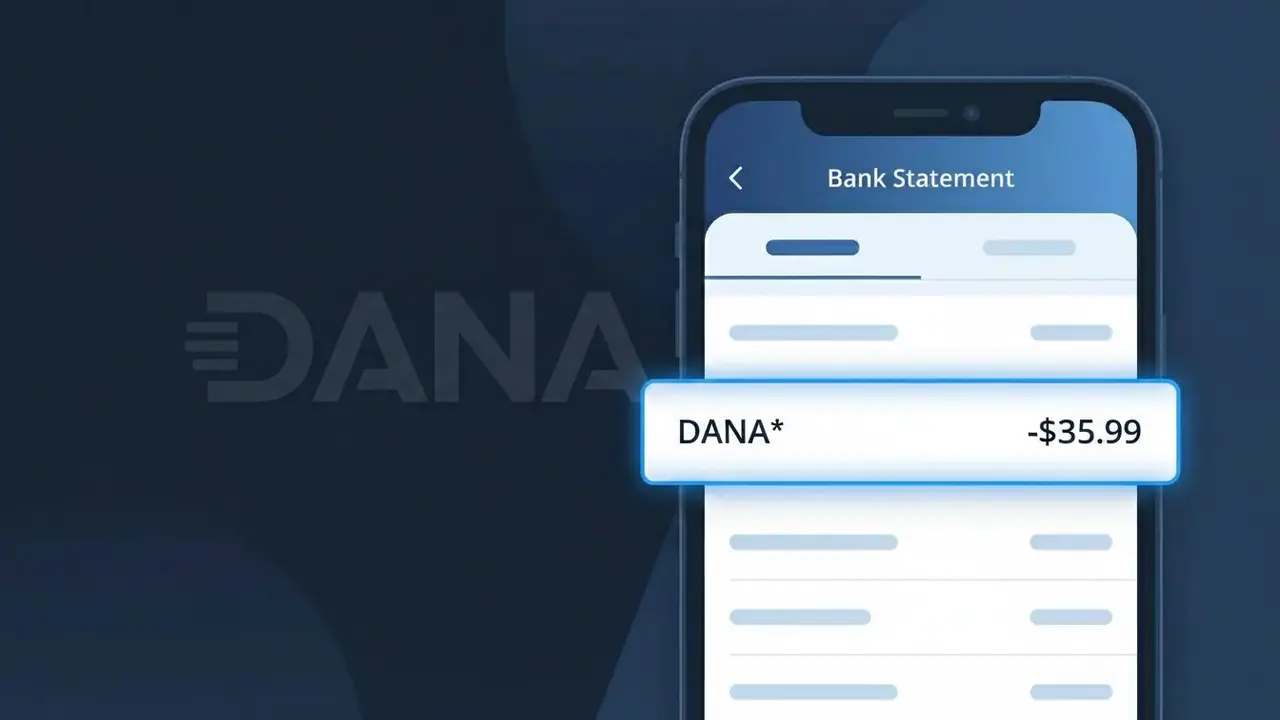
Why You're Seeing "DANA*" on Your Bank Statement
The DANA* charge on your bank statement comes from DANA Indonesia, one of the country's most widely used digital wallet platforms. This descriptor appears when you make a payment, top up your DANA balance, or complete a transaction through the DANA app. DANA is licensed by Bank Indonesia and is commonly used for everyday purchases, bill payments, and money transfers across Indonesia. If you see DANA* followed by additional characters or numbers, it typically reflects a specific transaction or merchant processed through the DANA ecosystem.
The DANA* descriptor appears on your bank statement because payment processors often use a shortened or coded version of the company name to identify digital wallet transactions. DANA Indonesia uses this prefix to tag charges originating from their platform, which may include top-ups, in-app purchases, or merchant payments made via the wallet. The asterisk following DANA is a common convention used by payment systems to separate the platform name from additional transaction details such as a merchant name or reference code.
Is the DANA* Charge Legitimate or Fraud?
The DANA* charge on your bank or credit card statement is most commonly a legitimate transaction processed by DANA Indonesia, one of Indonesia's leading digital wallet and fintech platforms. This charge appears when you add funds (top-up), make a purchase, or pay for a service through the DANA app. However, if you don't recognize the charge, it's worth investigating further using the steps below.
- You or a family member topped up a DANA Indonesia digital wallet balance
- A merchant payment was processed through the DANA Indonesia payment gateway
- A linked subscription or recurring service was billed via your DANA account
- An unauthorized party may have accessed your DANA Indonesia account if the charge is unexpected
How to Verify the DANA* Charge
- 1
Check your DANA Indonesia app
Log into your DANA Indonesia account via the app and review your transaction history. The charge amount and date should match the DANA* entry on your bank statement.
- 2
Search your email for receipts
Look for confirmation emails from DANA Indonesia (noreply@dana.id or similar). These receipts will detail exactly what the DANA* charge was for.
- 3
Check household members
Ask family members or anyone who may have access to your payment method whether they initiated a DANA Indonesia top-up or payment that could explain the DANA* charge.
- 4
Review linked subscriptions
Check if any recurring services or merchant subscriptions are linked to your DANA Indonesia wallet, as these can generate automatic DANA* charges each billing cycle.
- 5
Contact your bank
If you still can't identify the DANA* charge, call your bank and ask for the full merchant descriptor details — this can help confirm whether the charge originates from DANA Indonesia.
How to Dispute a DANA* Charge
- 1
Act within 60 days
Most banks require you to dispute an unrecognized DANA* charge within 60 days of your statement date. Acting quickly improves your chances of a successful resolution.
- 2
Contact DANA Indonesia first
Reach out to DANA Indonesia customer support via the app's Help Center or at dana.id/contact before filing a bank dispute — many DANA* billing issues can be resolved directly and faster this way.
- 3
File a chargeback with your bank
If DANA Indonesia cannot resolve the issue, contact your bank or card issuer to formally dispute the DANA* charge and initiate a chargeback process for unauthorized or incorrect transactions.
- 4
Request a new card
If you suspect your card details were compromised and used to fund a DANA Indonesia account fraudulently, ask your bank to cancel your current card and issue a replacement to prevent further DANA* charges.
Tips for Managing DANA Indonesia Charges
Enable push notifications in the DANA Indonesia app so you're alerted instantly whenever a DANA* charge is processed.
Regularly review your DANA Indonesia transaction history monthly to catch any unexpected DANA* charges early.
Secure your DANA Indonesia account with a strong PIN and enable biometric login to prevent unauthorized DANA* charges.
Note recurring DANA* billing dates so you can anticipate charges and avoid confusing them with fraudulent activity.
Link only one trusted payment method to your DANA Indonesia wallet to minimize exposure if your card details are compromised.
Use WhatIsThisCharge.net to identify related charges that may appear alongside DANA* on your statement.
Frequently Asked Questions About the DANA* Charge
ℹ️ Note
Most DANA* charges are completely legitimate transactions from DANA Indonesia, Indonesia's trusted digital wallet — often a simple top-up or merchant payment you may have forgotten about. A quick check of your DANA Indonesia app transaction history is usually all it takes to confirm the charge.
Was this article helpful?